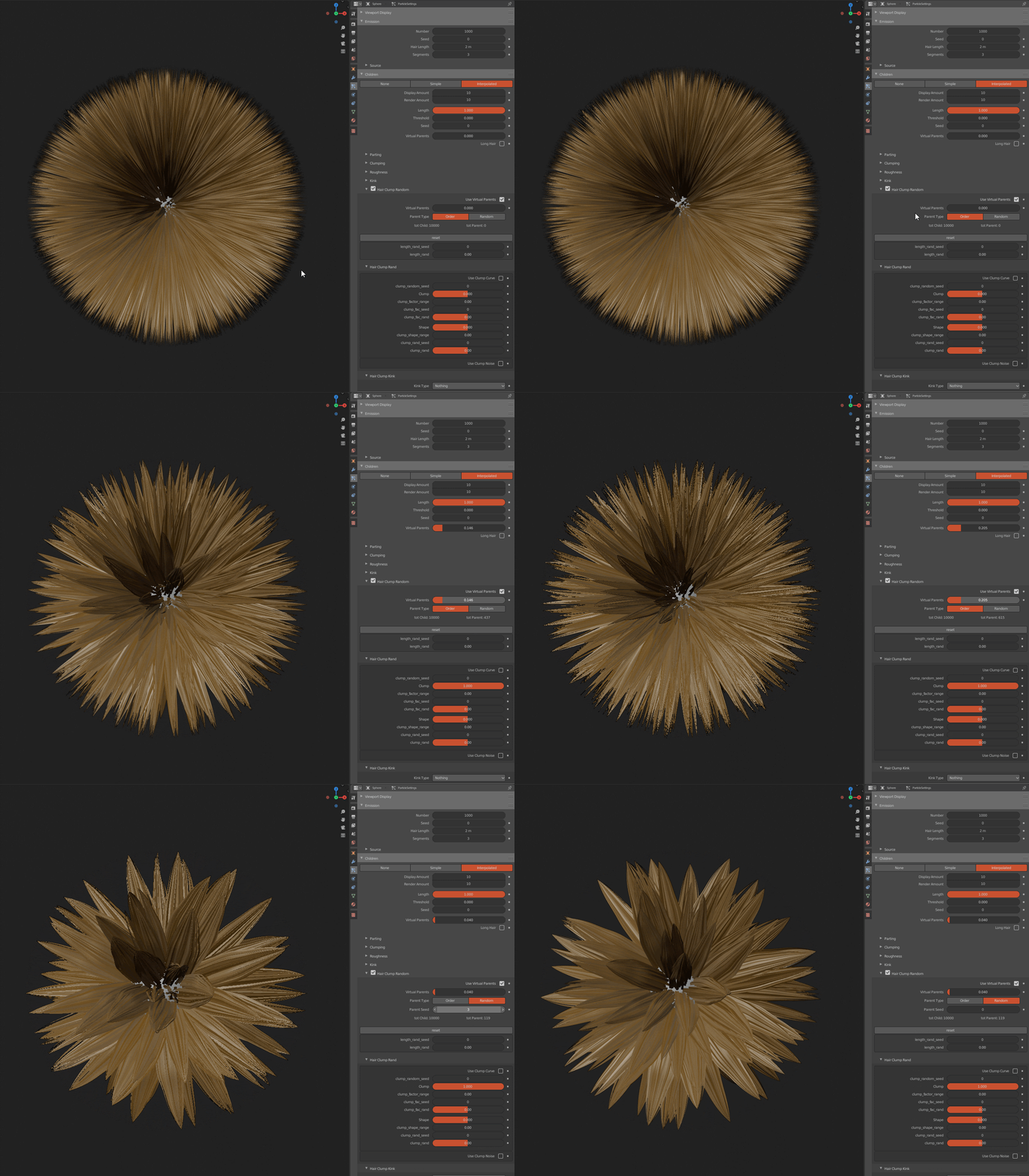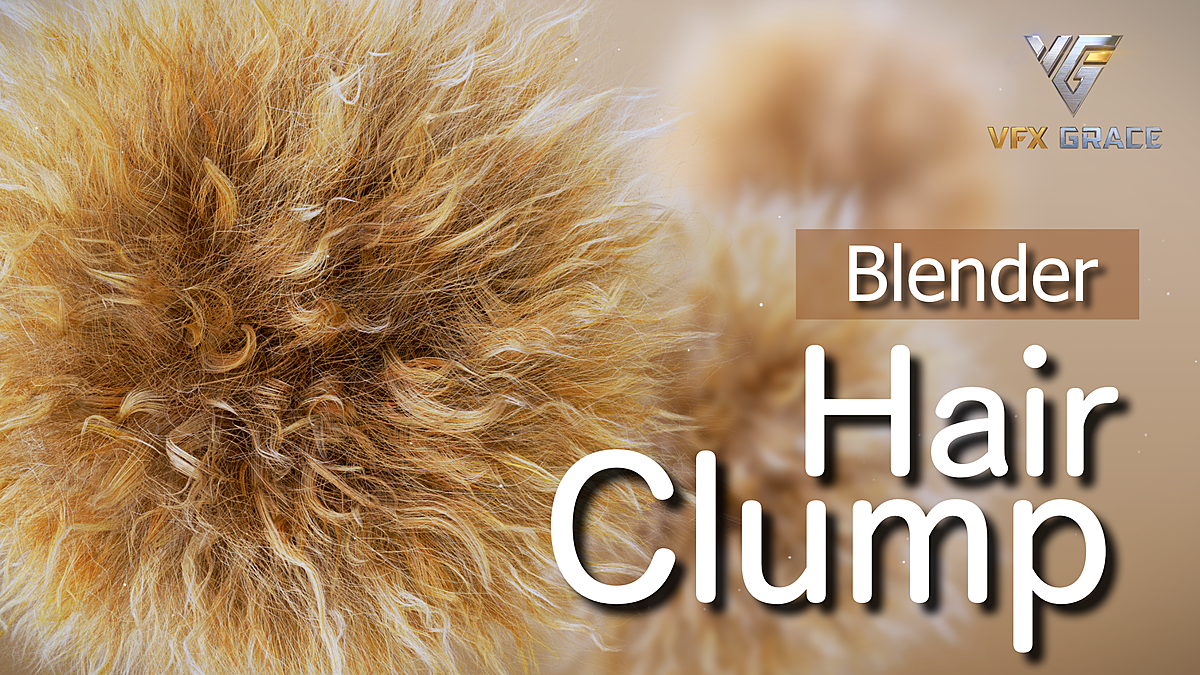
HairClump is a Blender add-on by VFX Grace for shaping hair with adjustable clump randomness. Its guides expose controls for clump length and kink, along with curve, shape and noise variation. It can also export hair clumps, particles and instances to Alembic format.
Clump and kink controls
Virtual Parents lets you set the number of clumps and change the random seed. Separate Length Random, Curve Random, Shape Random and Noise Random controls add variation to the clumps.
Kink Random has curl, radial, wave and braid modes. Each mode has parameters for kink, amplitude, clump, flatness, frequency and shape, giving artists several ways to adjust the hair pattern through the guides.
Virtual Parents setup
Virtual Parents works only when Interpolated is used. The product instructions specify Blender 2.82a or 2.83 for Virtual Parents, while the product listing shows an overall Blender range of 3.0–5.2. The listing does not state whether Virtual Parents works with later releases. Check the HairClump product page before relying on Virtual Parents.
Blender and operating system compatibility
The product listing’s Blender version field shows 3.0–5.2. Its requirements text separately lists Windows 10 or 11 with Blender 2.81a or newer, Ubuntu 18.04 or 20.04 with Blender 2.93 or newer, and macOS 10.14 or newer with Blender 3.3 or newer. The documentation changelog says version 1.9.14 added Blender 5.2 support on July 22, 2026. Check the product page and documentation for the current combination of operating system, Blender version and features.
Prepare an Alembic export
HairClump exports particles and instances as an Alembic file. Before exporting, select the objects you want included and set the tile size to a power of two, such as 2, 4, 8 or 16.
- If a particle system uses instances, leave Hair Clump Random disabled on that system. The product notes warn that enabling it can crash Blender during ABC export.
- Avoid adding an instance-based particle system to an object that already has one; the notes warn Blender may become stuck.
- When using Virtual Parents, keep the display amount consistent with the render amount. Otherwise, the exported shape can differ from the displayed shape.
Install the add-on
In Blender, open Preferences, choose Add-ons, select Install and choose the HairClump add-on file. Review the linked documentation before setting up a particle system or exporting, especially if you plan to use Virtual Parents.