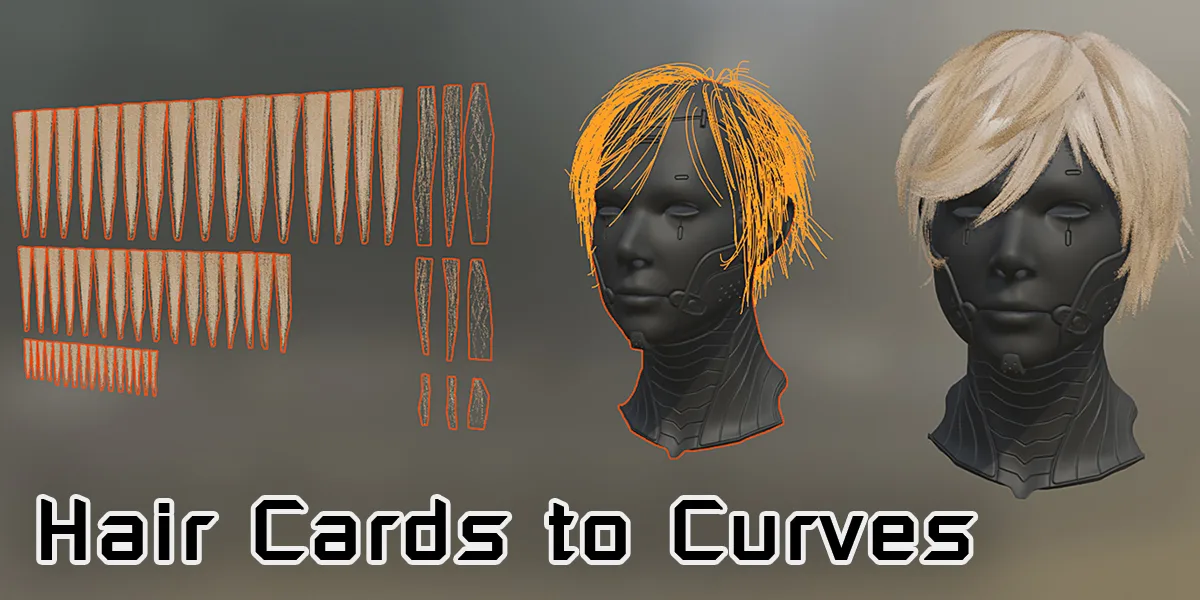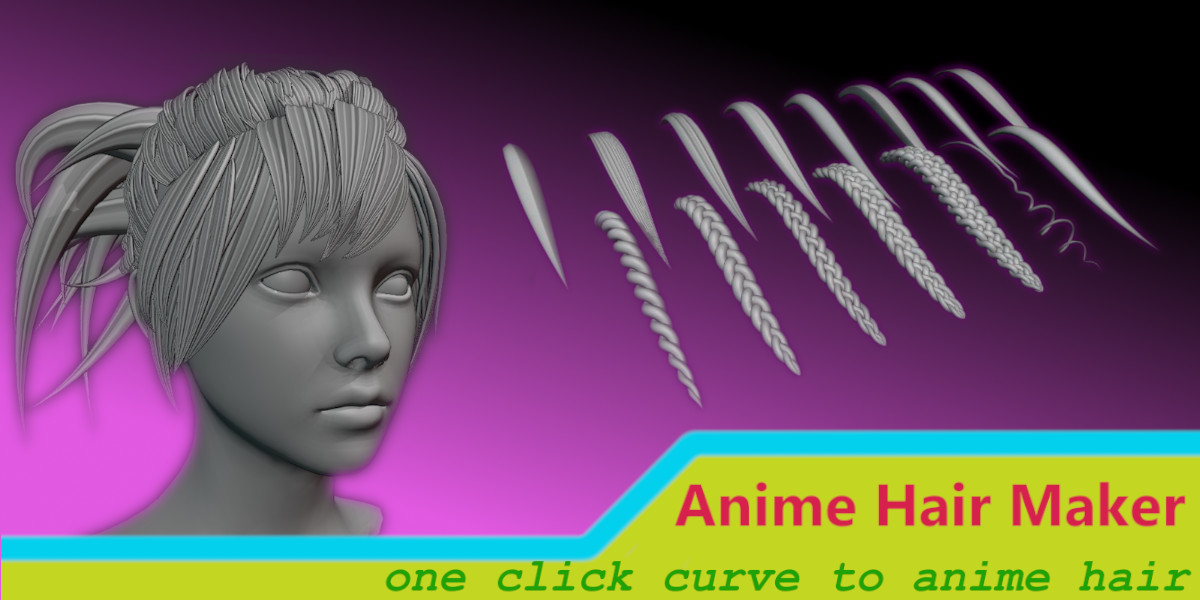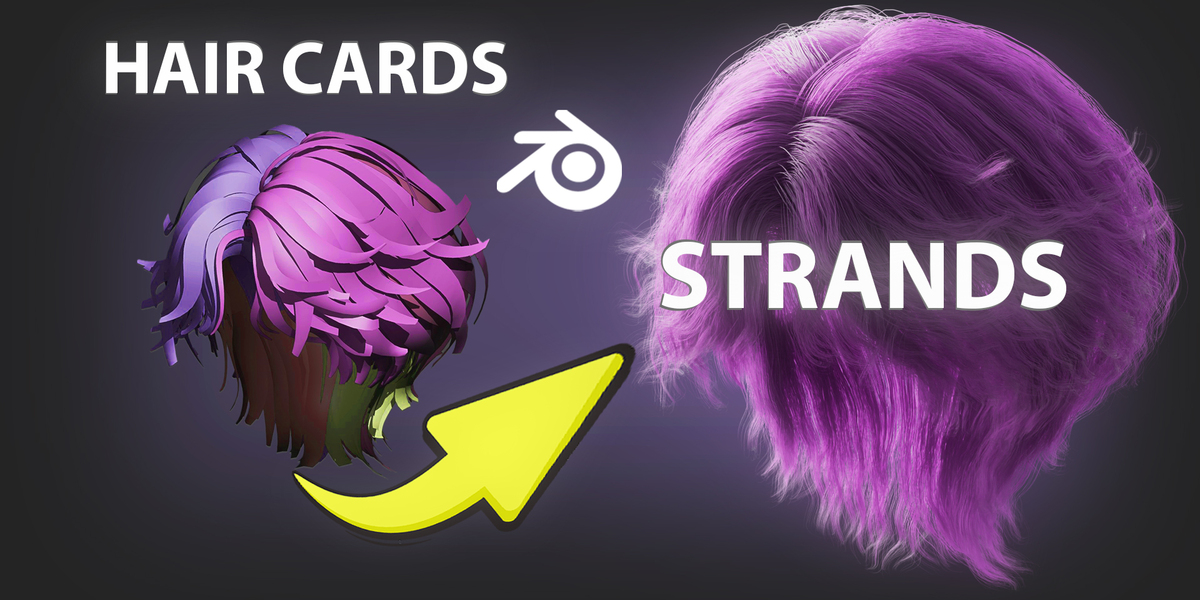
Blender Pro Hair Suite Addon by baddor converts existing hair-card meshes into editable Blender Hair Curves. It is aimed at artists working with game, VFX, and cinematic assets who want to groom, style, or render converted hair in Blender. The product listing also describes mesh-to-curve tools for other curve-based tasks.
Convert existing hair cards into editable curves
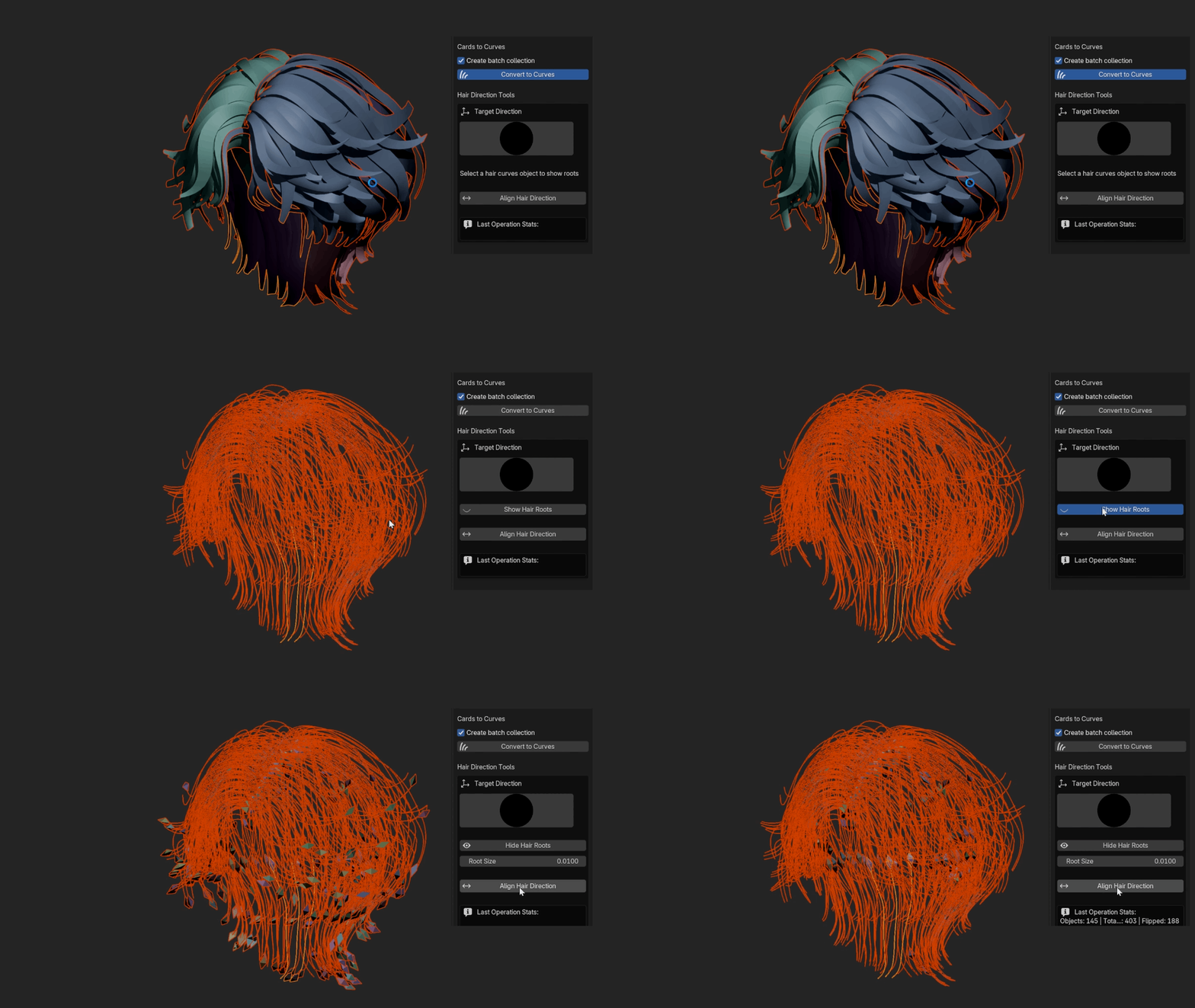
The main workflow reads card geometry and UV or mesh direction, groups strands from the source shape, and creates curves that follow the hairstyle layout. A vector-targeting alignment step normalizes root-to-tip orientation across the hairstyle. The product listing says it can process cards with overlapping UVs, broken topology, and unconventional layouts. The documentation recommends clean or semi-clean cards, rectangular UV layouts, consistent card direction, and non-overlapping or lightly overlapping geometry for best results.
Convert meshes and continue grooming
Mesh-to-curves mode works on existing mesh structure for guide generation, stylized grooming setups, or rebuilding broken hair assets. It interprets the geometry; it does not create missing hair detail. The addon also includes presets, physics simulations, and wind effects. The documentation describes simulation as non-destructive and says wind influence can be layered with simulation settings.
Typical conversion workflow
- Install the add-on ZIP through Blender's Edit, Preferences, Add-ons panel, then enable it.
- Enable Blender's Hair Curves system and apply object scale with Ctrl+A, then Scale.
- Select one or more hair-card objects and open the Pro Hair Suite tab in Blender's N-panel.
- Choose Convert to Curves, then run Auto Root Alignment.
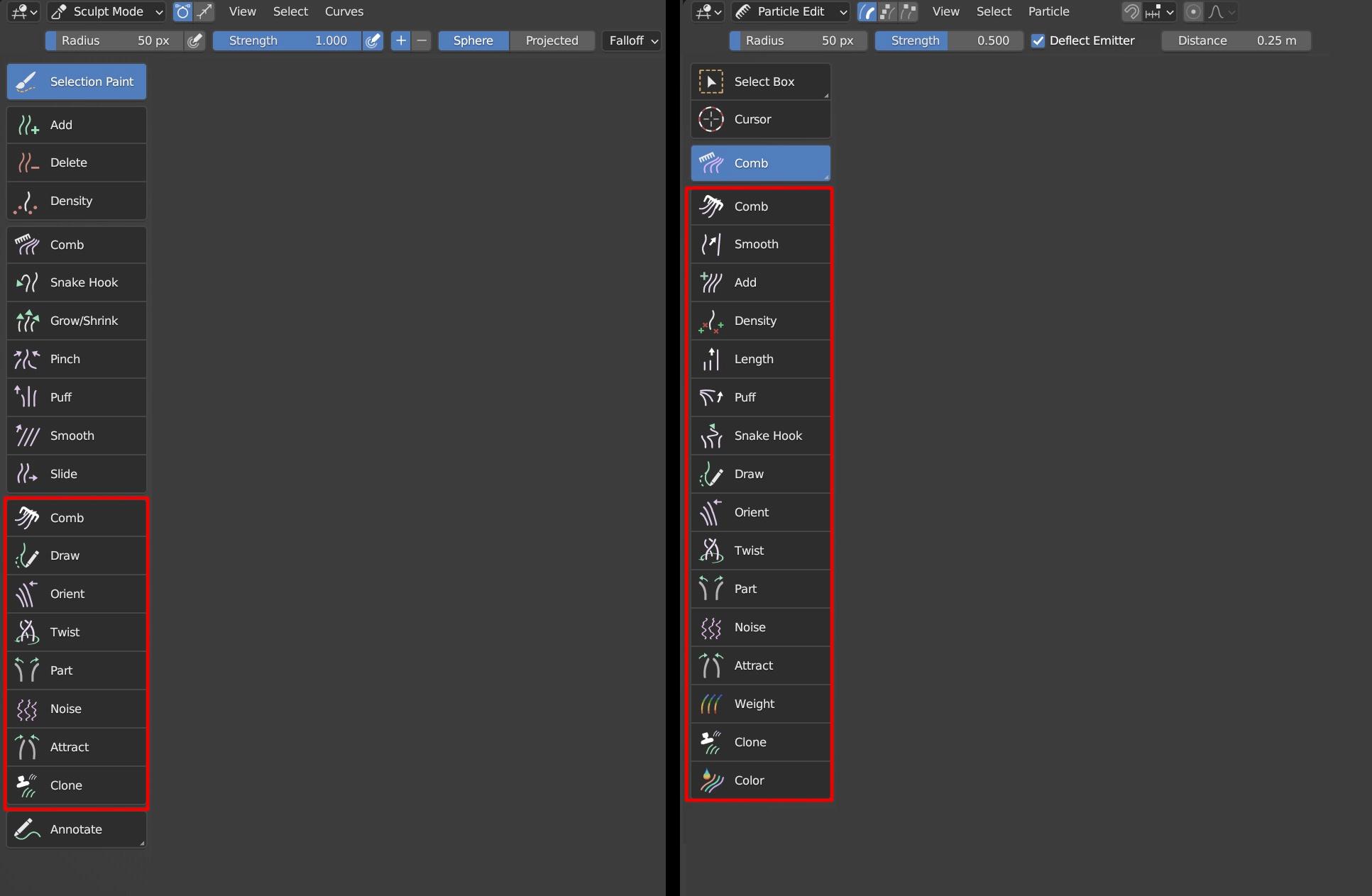
- Groom the curves with Blender's Hair Curves tools, then add simulation or wind if needed.
The documentation warns that unapplied scale can affect strand direction, curve density, and simulation behavior.
What affects the result
Pro Hair Suite uses UV direction when available, then mesh edge flow, with geometric orientation as a fallback. Inconsistent UVs or card direction can make strands flip or split into clumps. Overlapping or welded cards may produce shared curves and reduce strand separation. Very low-density source meshes yield fewer curves, and simulation behavior depends on Blender version, scene scale, and curve resolution.
Compatibility and license
The product details and documentation list Blender 4.5 through 5.1, with the documentation identifying those versions as tested. The listing's introduction also says Blender 5.0+, so check the current product page and documentation for your exact build before installing. The listing marks it as Blender Extension Compatible and names Cycles and Eevee; the documentation specifies GPL v3, while the product details show GPL.