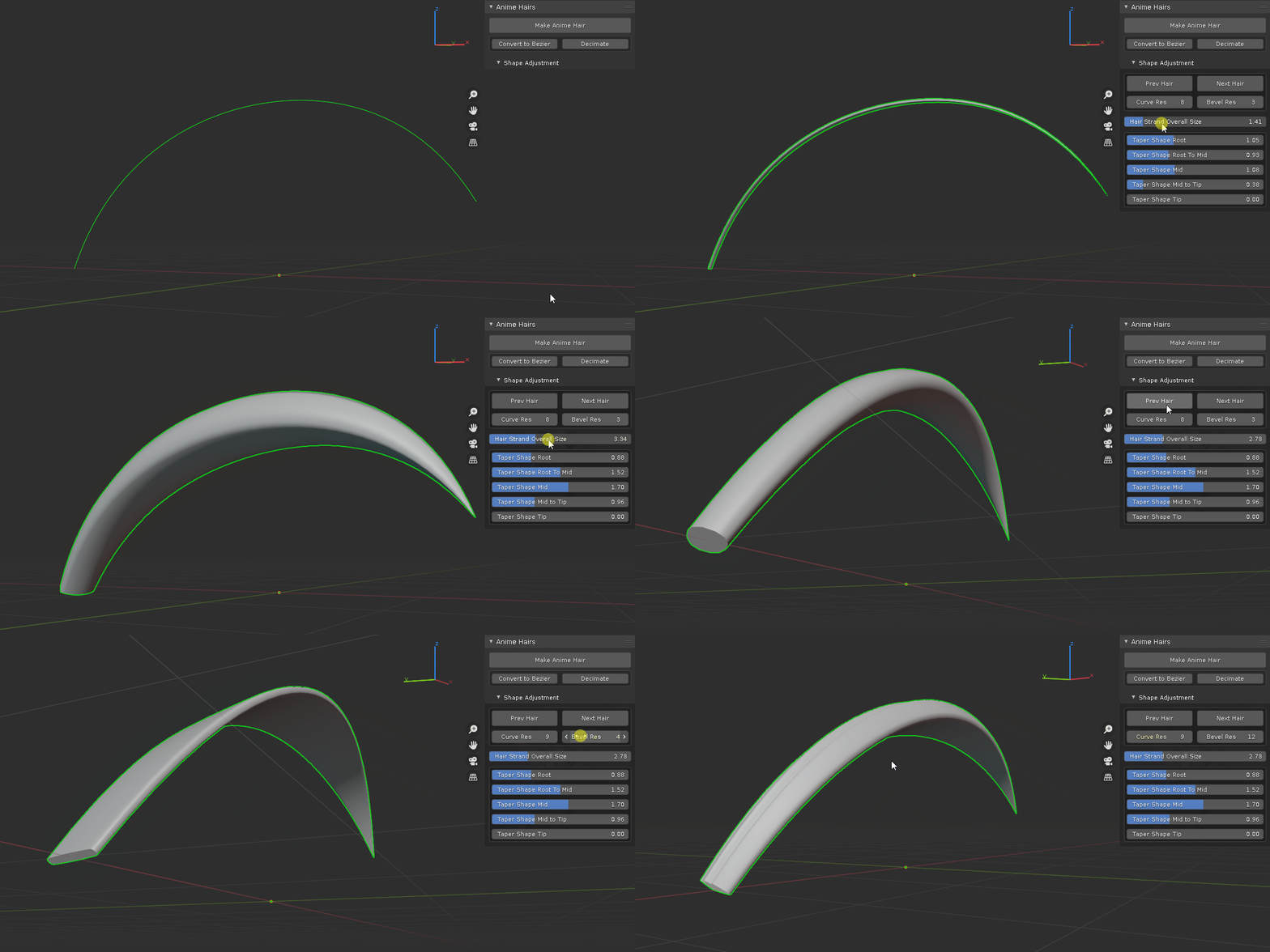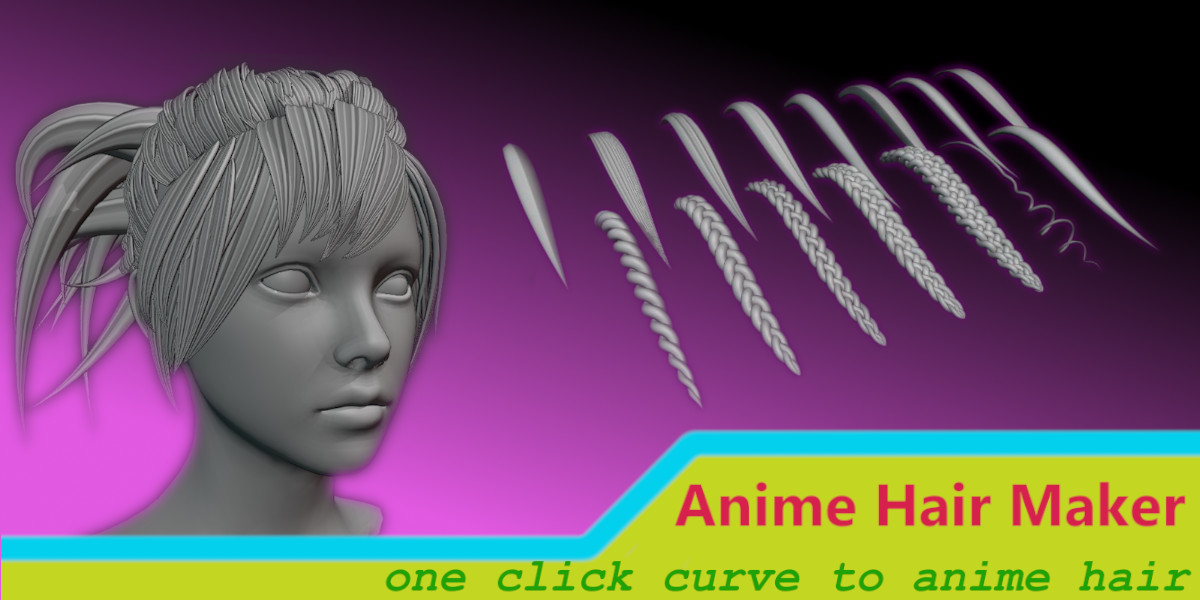
Anime Hair Maker is a Blender add-on for building stylized character hair with curves. It supports several approaches, including Blender's newer hair system, planting strands on a mesh, drawing Bezier hair, and converting legacy particle hair to curves. You can adjust strand shapes before converting them to meshes when needed.
Choose a way to create hair
- Use Blender's newer hair system. Create and sculpt hair, then convert it to curves for further adjustment. The developer's setup notes recommend using a properly UV-mapped head mesh for this workflow.
- Plant curves on a surface. A modal operator places Bezier or NURBS curves on a mesh, which you can then shape with Blender's modeling tools.
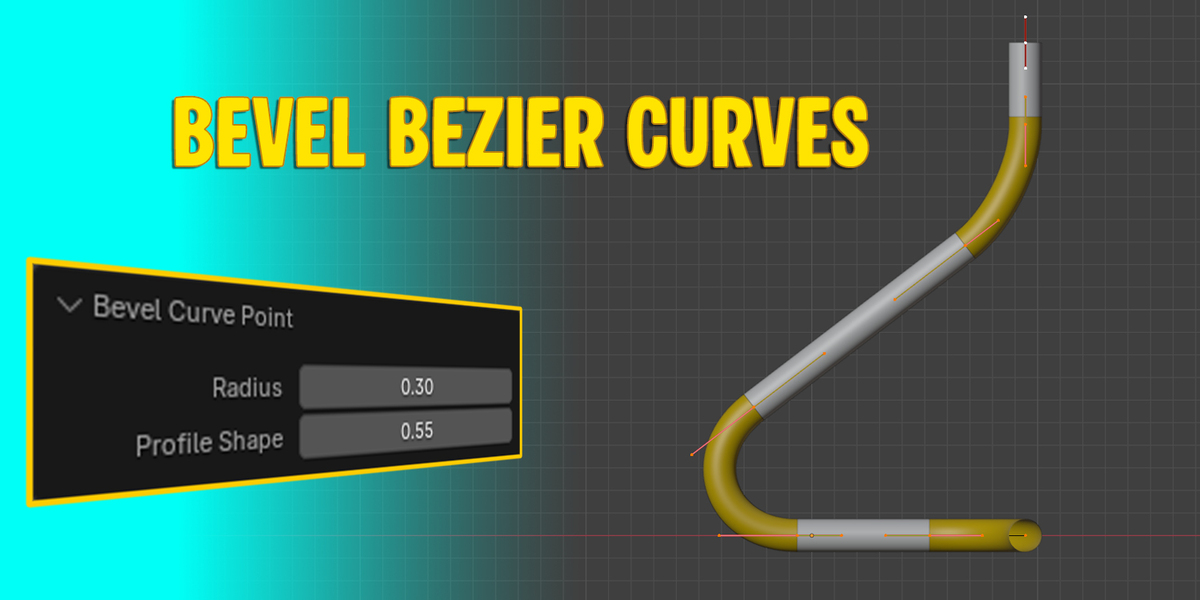
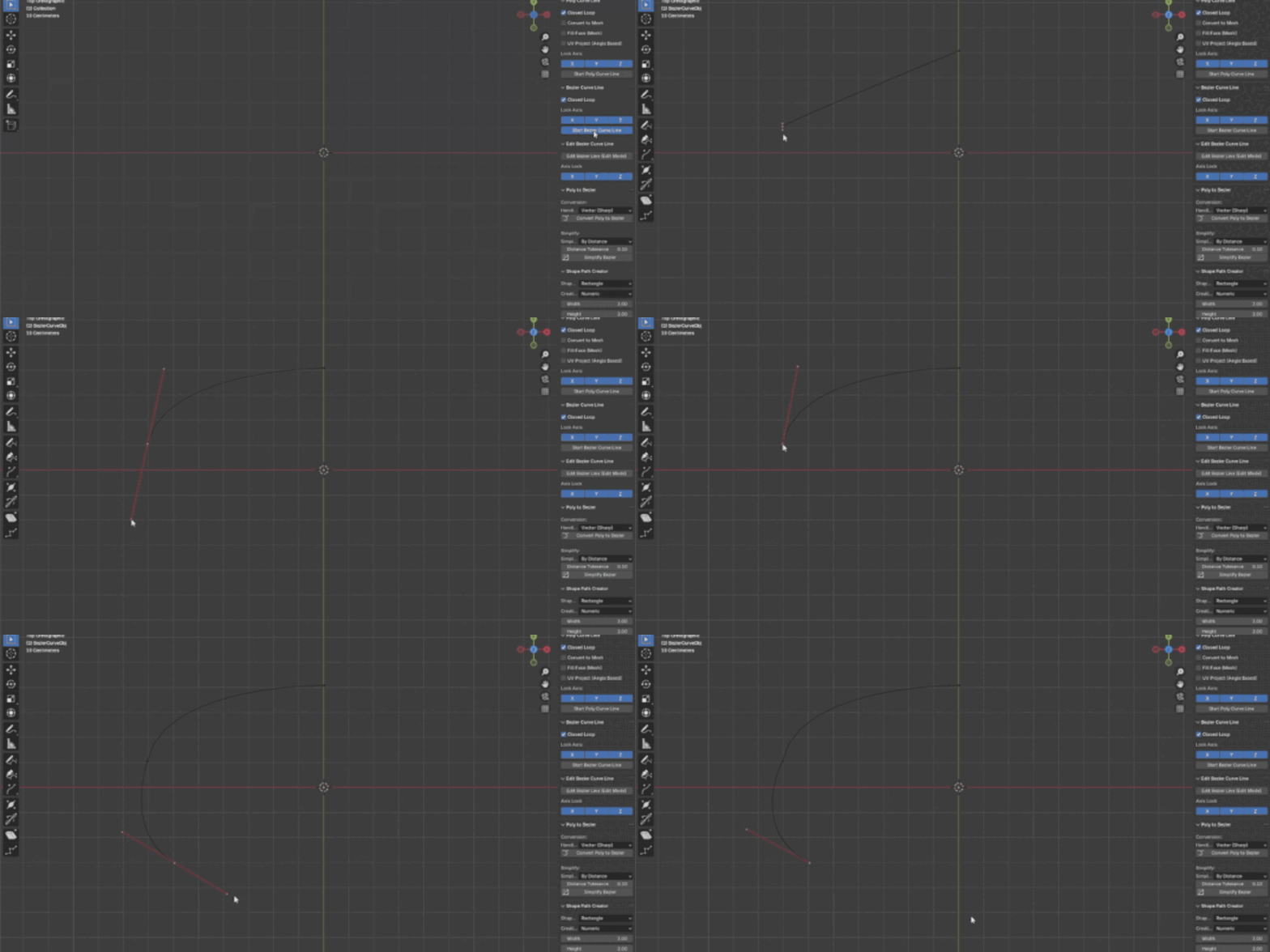
- Draw Bezier hair. Drawing depends on the 3D view angle. If a curve does not follow the direction you expect, rotate the view and try again.
- Convert particle hair. Visible legacy particle hairs can be converted to regular curves and given a bevel profile.
Adjust strand shapes and styles
The add-on includes nine bevel shapes. You can change curve and bevel resolution, adjust overall size, and use taper controls to vary a strand from root to tip. It also generates curls and braids with two to six strands. Convert generated curls or braids to Simple Hair to edit their strands individually. Custom curve shapes can be added to the profile collection for reuse.
Convert curves for other uses
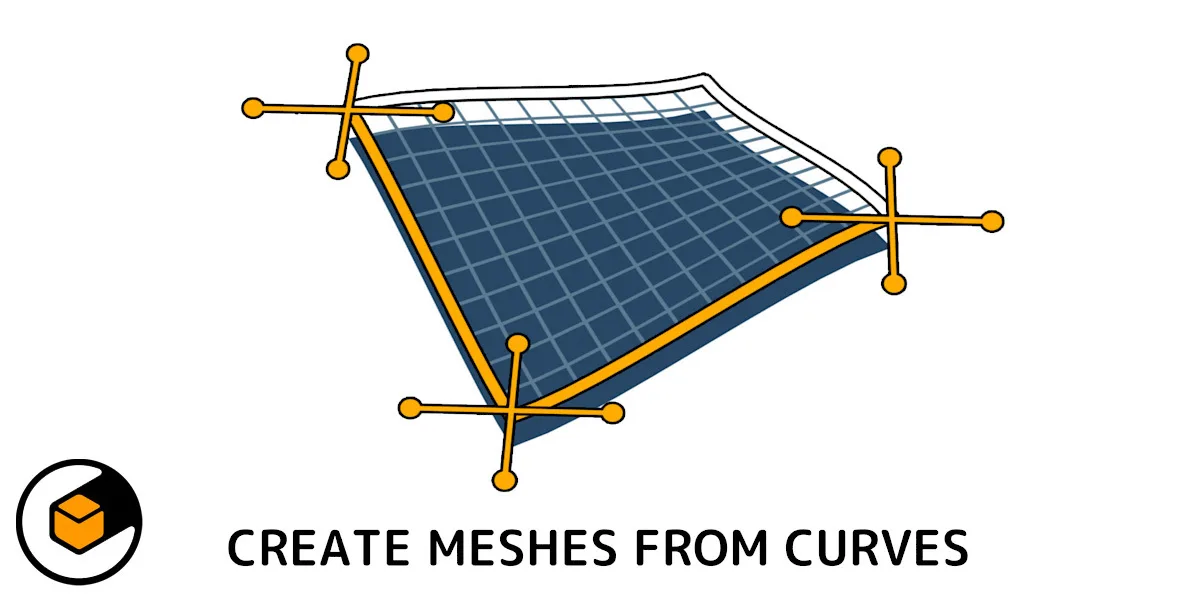
Hair curves can be converted to mesh objects. Options include merging pointy ends, filling open caps, and creating a root vertex group for simulation. The developer's version history also describes square UVs for texturing converted hair meshes. Curve points can be used to create bones, though additional rigging or mesh preparation may be needed for a particular project.
Conversions create hidden backups, organized into collections by hair type, so the original hair can be restored for further adjustments. For game-engine work, the documentation recommends considering retopology and baking high-detail shapes into a normal map.
Check scale and custom profiles
Hair strand size depends on Blender scene scale. The setup notes use a monkey head about two meters tall as an example, so scale the character mesh with that reference in mind. If you have saved custom bevel profiles in Curves_Presets.blend, make a copy before updating the add-on. You can also set a custom profile folder in the add-on preferences.
See the developer's installation and workflow documentation for setup details and controls. The product page lists Blender compatibility and its version history.