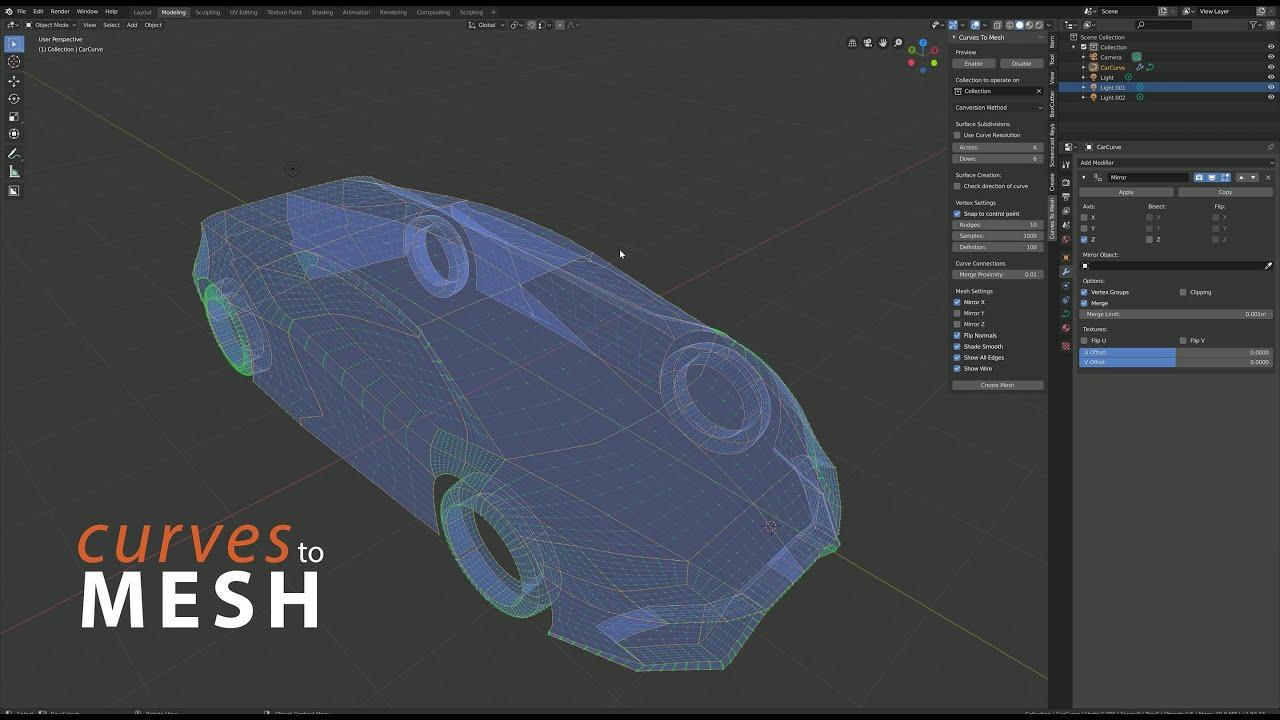
Curves To Mesh is a Blender add-on for creating mesh geometry from Bezier curves. It can build quad-based patches, loft cross-sections, or sweep them along a guide curve. A live preview lets you check the result while editing the curves before converting it to a standard Blender mesh.
Create mesh surfaces from Bezier curves
The add-on has three modes for different curve arrangements:
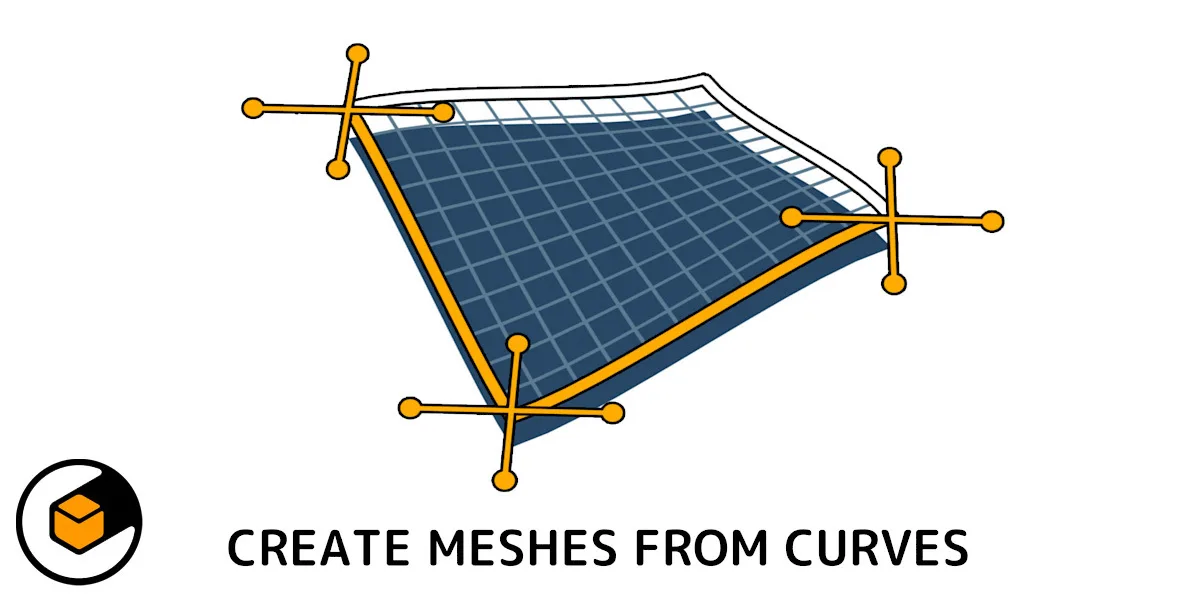
Surface to Mesh
Connect four separate curve segments at their endpoints to define a quad-based surface. You can connect patches to build a larger surface network. A single closed curve, such as a rectangle or polygon, is not recognized as a surface. Split it into four curves and snap their endpoints together first.
Profiles to Mesh
Use a set of curve cross-sections to loft a three-dimensional shape. In version 2.5.x, the Bridge Ordering option can order curves by proximity, which is the default, or by curve name. A Reversed option flips the name-based order if the result looks incorrect.
Sweep to Mesh
Arrange multiple curve cross-sections along a guide curve to create a swept form, such as a ring or pipe.
Preview and refine the mesh
The preview updates as you edit the source curves. When the shape is ready, convert it to a regular Blender mesh and continue with Blender's mesh modeling tools for further editing, export, or rendering. Additional controls include mirroring, smoothing, and control-point snapping. The add-on supports Vector, Aligned, and Free Bezier handle types.
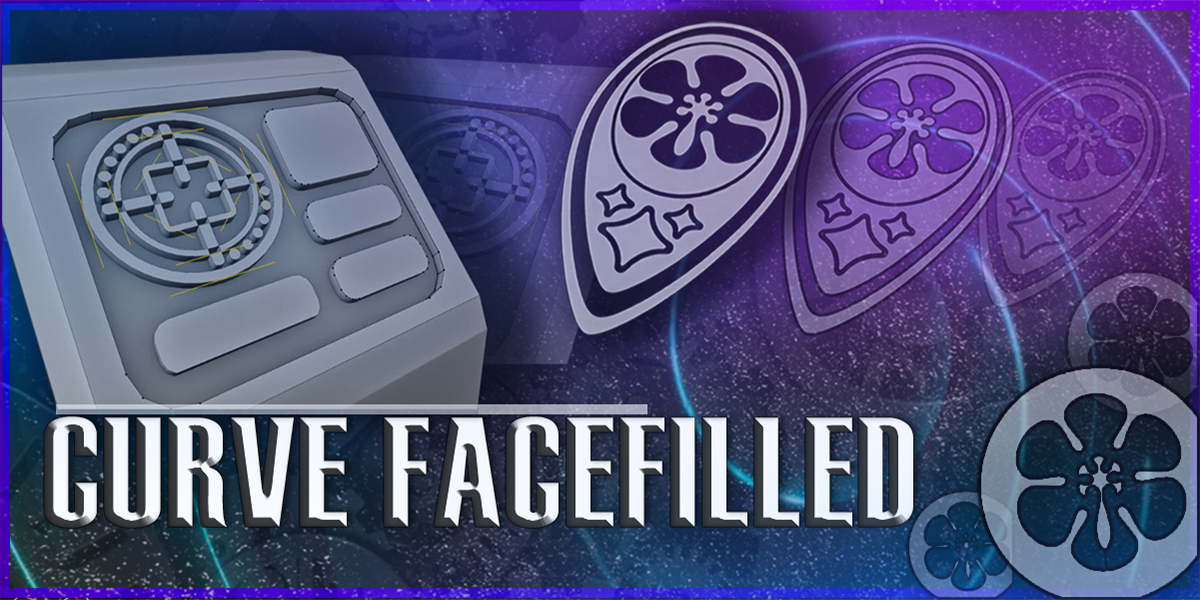
A single curve can also produce an unfilled edge-loop mesh. This works with cyclic curves that form a loop and non-cyclic curves that remain open.
Fit and limitations
Curves To Mesh is intended for Blender modelers who already understand Bezier curves and subdivision-surface modeling. It works with Bezier curves; NURBS curves use different control points and do not interlock in the same way. The add-on is a modeling tool to use alongside Blender's existing toolkit, not a full CAD tool. Managing curves can also become complex when a shape has many parts.
For operating details, see the creator's Curves To Mesh documentation. Check the product listing for current release and compatibility information.