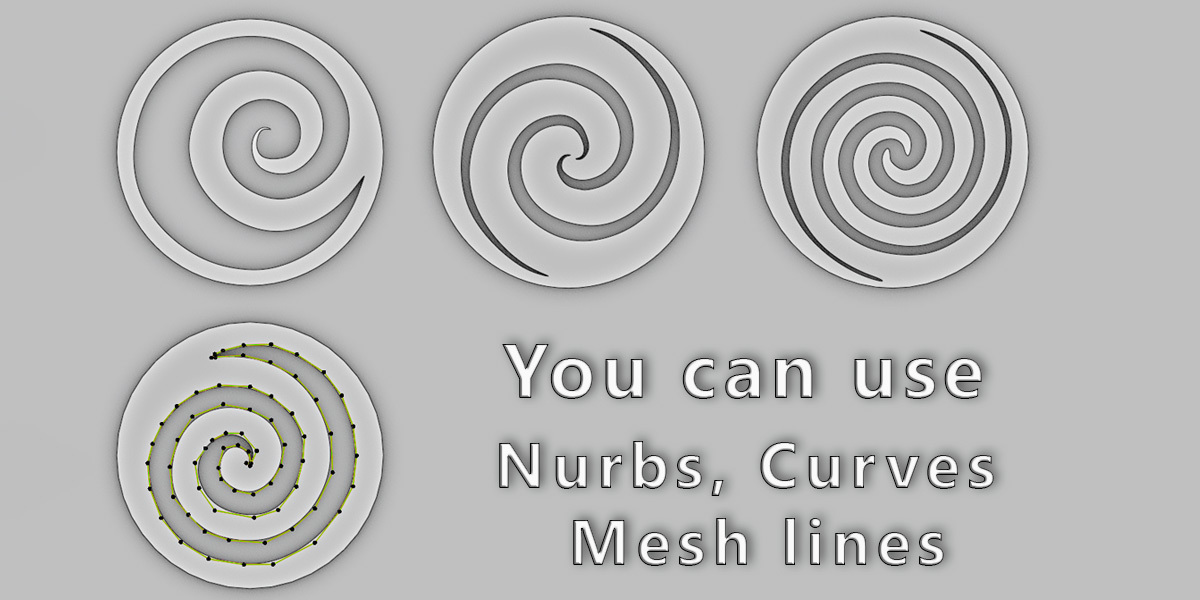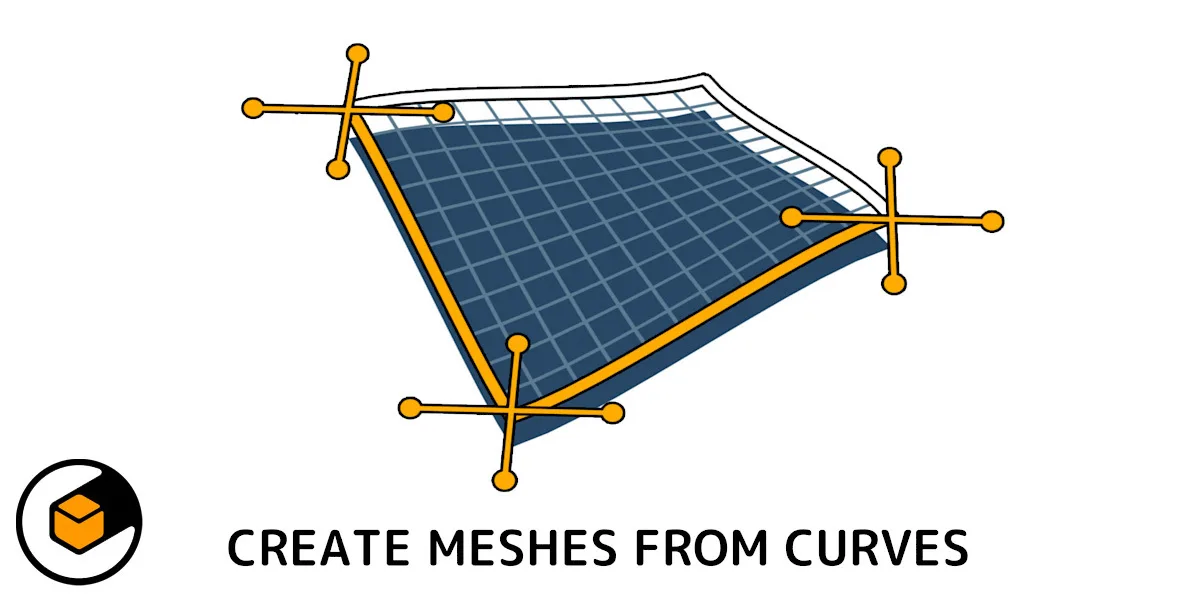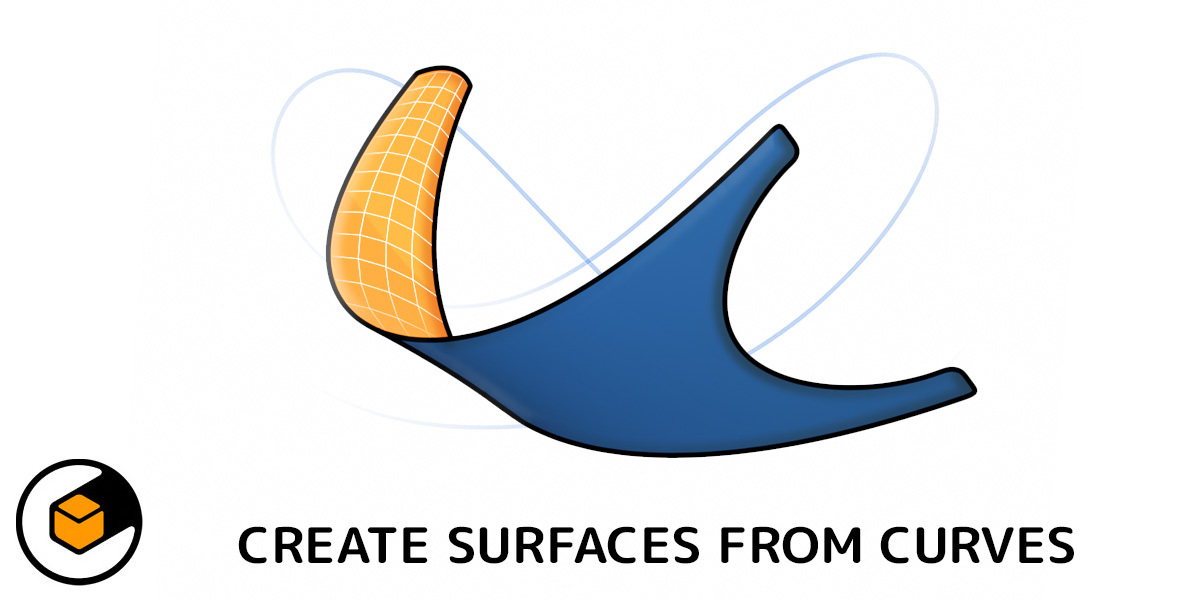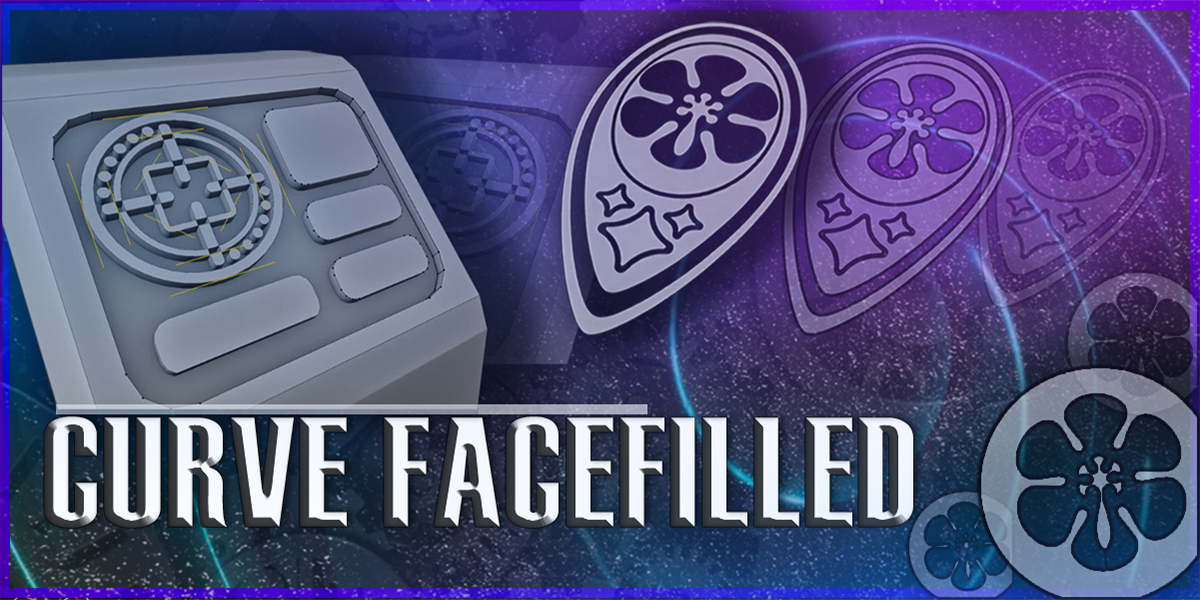
Curve Facefilled is a Blender add-on by Vovrzull for filling complex shapes made from curves, mesh lines, and grid lines with editable faces in real time. The Superhive listing uses the name Curve Facefilled Pro and describes a curve-drawing workflow that projects strokes onto a defined area to keep them straight.
Sketch, fill, and refine
The workflow starts with a concept sketch and a curve outline. You can fill and correct the shape as you work, then use it to make 2D patterns or solid surface shapes for later extrusion. In object editing mode, the Facefilled button separates the selection and creates an editable surface.
The extension panel adds a Bevel modifier on the curve and a Solidify modifier. Update 1.1.3 added a Bevel Edge modifier; the latest update listed on Superhive, version 1.1.4, is described as a small bug fix. The listing also links to documentation, a curve-drawing tutorial, and tutorials about how Vovrzull’s add-ons work together.
Compatibility and licensing
The listed Blender version ranges differ: Superhive states 4.5-5.2, while the AnyPlugins catalog page states 3.6-5.1. Check the listing you plan to use before installing. AnyPlugins marks Curve Facefilled as free. Superhive identifies the add-on as GPL and shows a $75 Vovrzull Curve Tools Bundle; that price is for the bundle.
The add-on is listed in English and Japanese. It may suit Blender users who want to shape faces from curve-based sketches and keep those surfaces editable for further modeling.