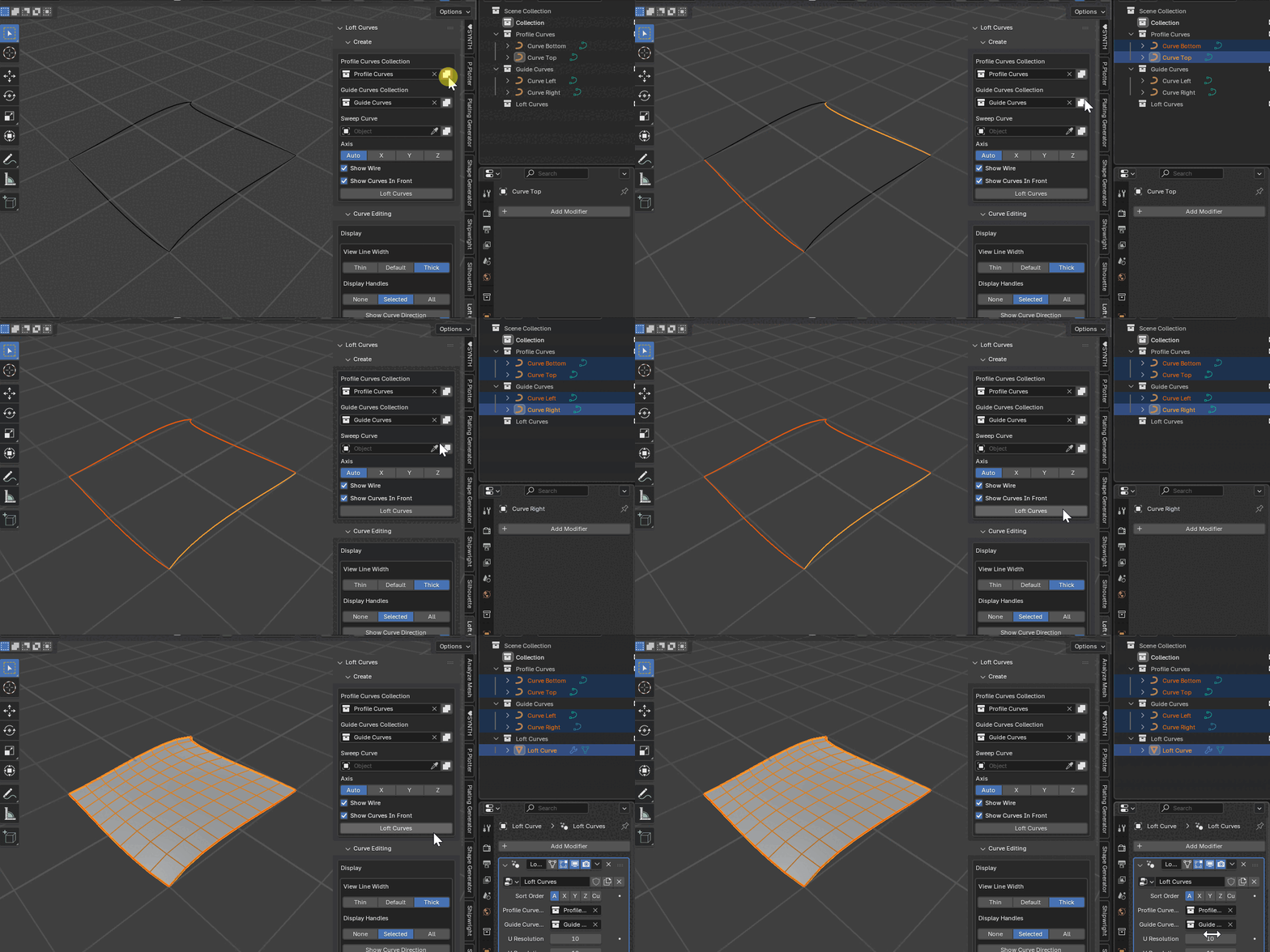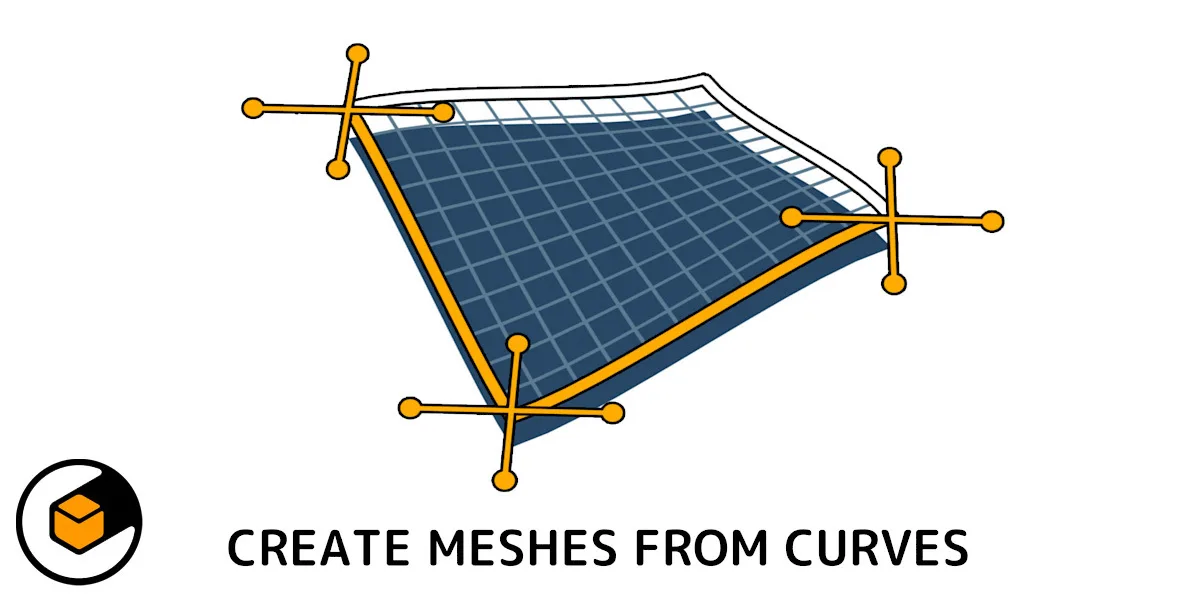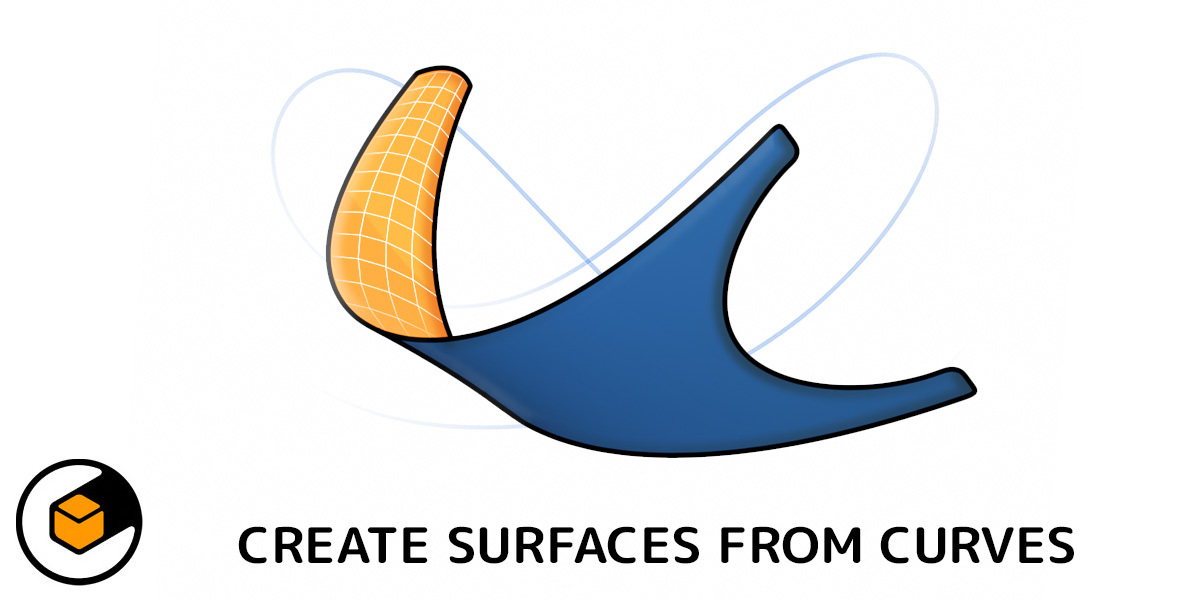
Loft Curves is a Blender add-on for creating a surface from two or more profile curves. Guide curves shape how the surface flows between profiles, and a separate sweep curve can deform the result. Its modifier wraps a Geometry Nodes setup, letting you edit the curves and see the loft update in Edit Mode.
Build a surface from curves
Start with profiles that describe the cross-sections of the form. Add guide curves snapped to those profiles when you need more control over the surface, or use a sweep curve for another layer of shaping. Loft Curves supports open and closed curves. Presets such as Loft Patch, Loft Circular and Loft Sweep provide starting points for common setups.
The add-on organizes profiles, guides and sweep curves into collections. Built-in tooltips explain controls in the interface, and the product documentation includes a quick start guide.
Edit the loft and use the result
Because the loft stays tied to its curves while the modifier is active, you can revise profiles and guides without rebuilding the surface from scratch. Loft Curves generates a Blender-native object with an automatically generated UV map. You can add other modifiers, including Solidify or Subdivision, and continue modeling or sculpting.
Applying the modifier converts the live result into a mesh you can edit like other mesh objects. Keep a copy of the live version if you expect to make further curve-based changes. For setup details and current instructions, see the Loft Curves documentation.
Curve support and smoothing limits
Loft Curves is designed around Blender Bezier curves, which are recommended for the best results. NURBS and Poly curves can work in simple cases. The add-on does not provide G0, G1 or G2 continuity controls; it uses Blender's Catmull-Rom-based smoothing and linear interpolation. Check those limits against your surface requirements before building a detailed model.
When to choose Loft Curves
The workflow suits curve-driven forms such as product shells, hulls, wings, footwear lasts, architectural pieces and hard-surface panels. It is a fit when you want to shape a surface between profiles and refine its flow with guides or a sweep curve.
Curves to Mesh has a different focus: it generates mesh surfaces from split curve patches and lists more advanced smoothing options. Loft Curves centers on a live modifier, multiple profiles and guide-curve control. Choose according to whether your task calls for patch-based surfaces or a flexible loft between curves.
Compatibility and documentation
The product documentation requires Blender 4.5 or higher; the product listing's Blender Version field lists 4.5 through 5.3, and its license is GPL. Compatibility details can change, so check the current product listing before installing. The documentation covers setup and use.