Edit Bezier curves in the viewport
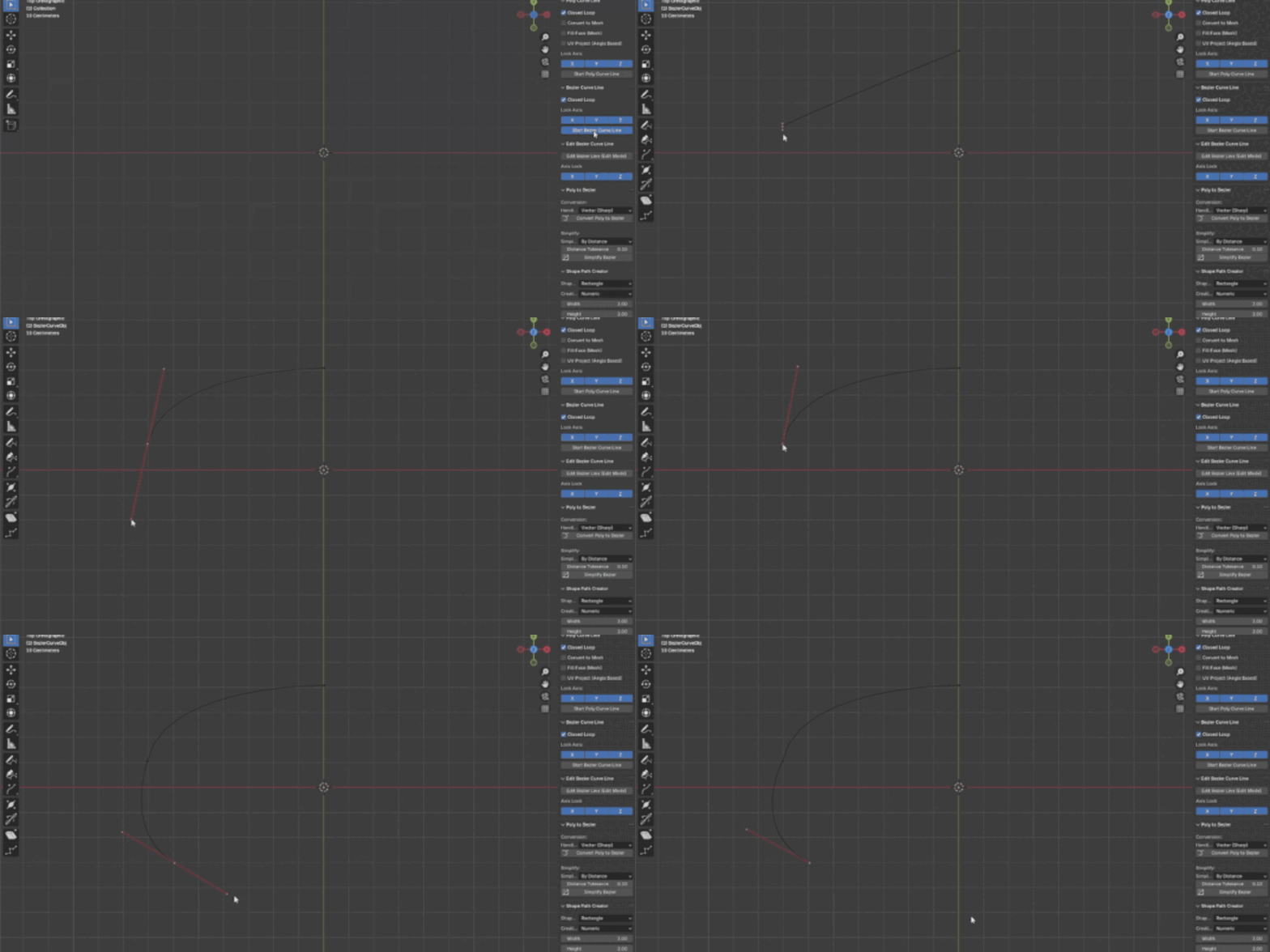
Curve Revolution is a Blender add-on for editing Bezier curves, combining curve outlines, and exchanging vector artwork through SVG. Its modal editor lets users edit curves interactively in the 3D Viewport with shortcuts. It supports Aligned, Free, Auto and Vector handle types, plus symmetric point movement.
Curve Revolution is aimed at graphic designers, 3D artists and motion graphics creators who work with vector-style shapes in Blender.
Combine and convert curve shapes
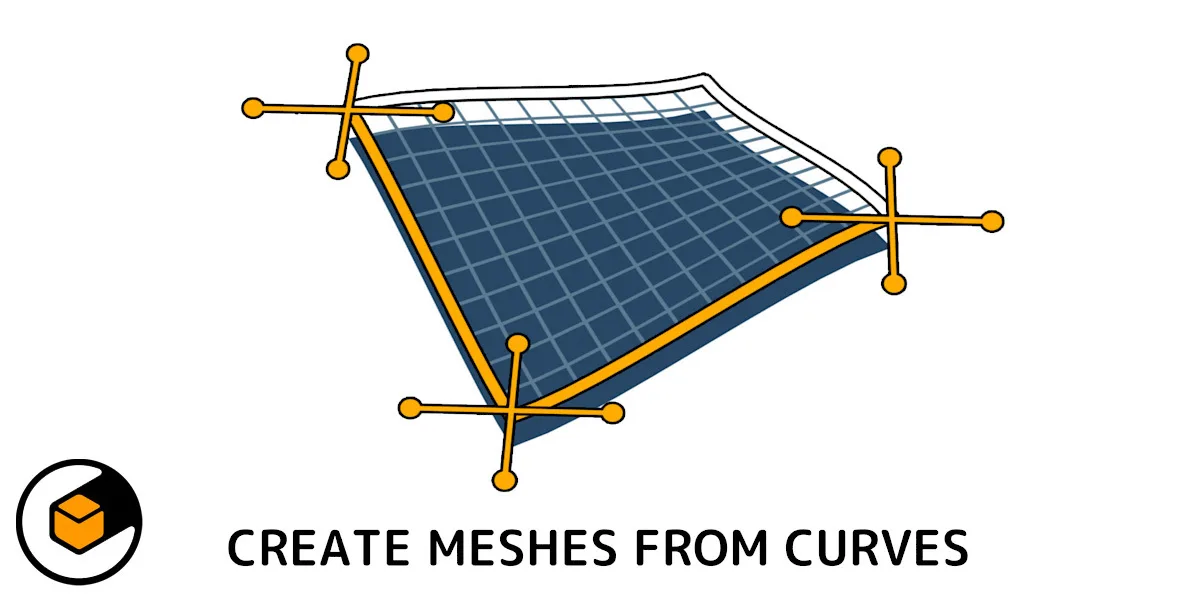
The add-on performs Union, Difference and Intersection operations between Bezier curves. Its product description names logo creation, 2D shapes and technical modeling as uses for these operations. Curve Revolution can also convert curves to n-gon meshes and turn polygonal lines into smooth Bezier curves, supporting work that moves between curve outlines and mesh geometry.
Bring vector artwork into Blender
SVG import brings vector designs into Blender, and SVG export writes curve shapes back to the format. The listing says the exchange maintains clean geometry, though it does not detail supported SVG features or options. The add-on also includes tools for creating straight-line curves, snapping shapes and building paths. These utilities are accessible from the N-panel.
Check compatibility and license
Superhive marks the add-on as Blender Extension compatible, lists its license as GPL, and names Cycles and Eevee as render engines used. Its product page lists Blender 4.3 to 5.2, while the supplied AnyPlugins entry names Blender 4.3 and 4.4. The available sources disagree on the supported range, so confirm compatibility on the Curve Revolution product listing on Superhive before installing.