3D Hair Brush by VFX Grace is a Blender add-on for grooming hairstyles and animal fur. The product listing describes 3D brushes for both Blender's older particle system and the new hair system. It also lists child-hair modifiers, a preset library, hair-card conversion, CyclesHair Render, and tools for converting curves, adjusting hair length, and exporting ABC files. The product listing describes a separate Free Viewer and full version, so check their features and Blender requirements separately.
Groom with brushes and modifiers
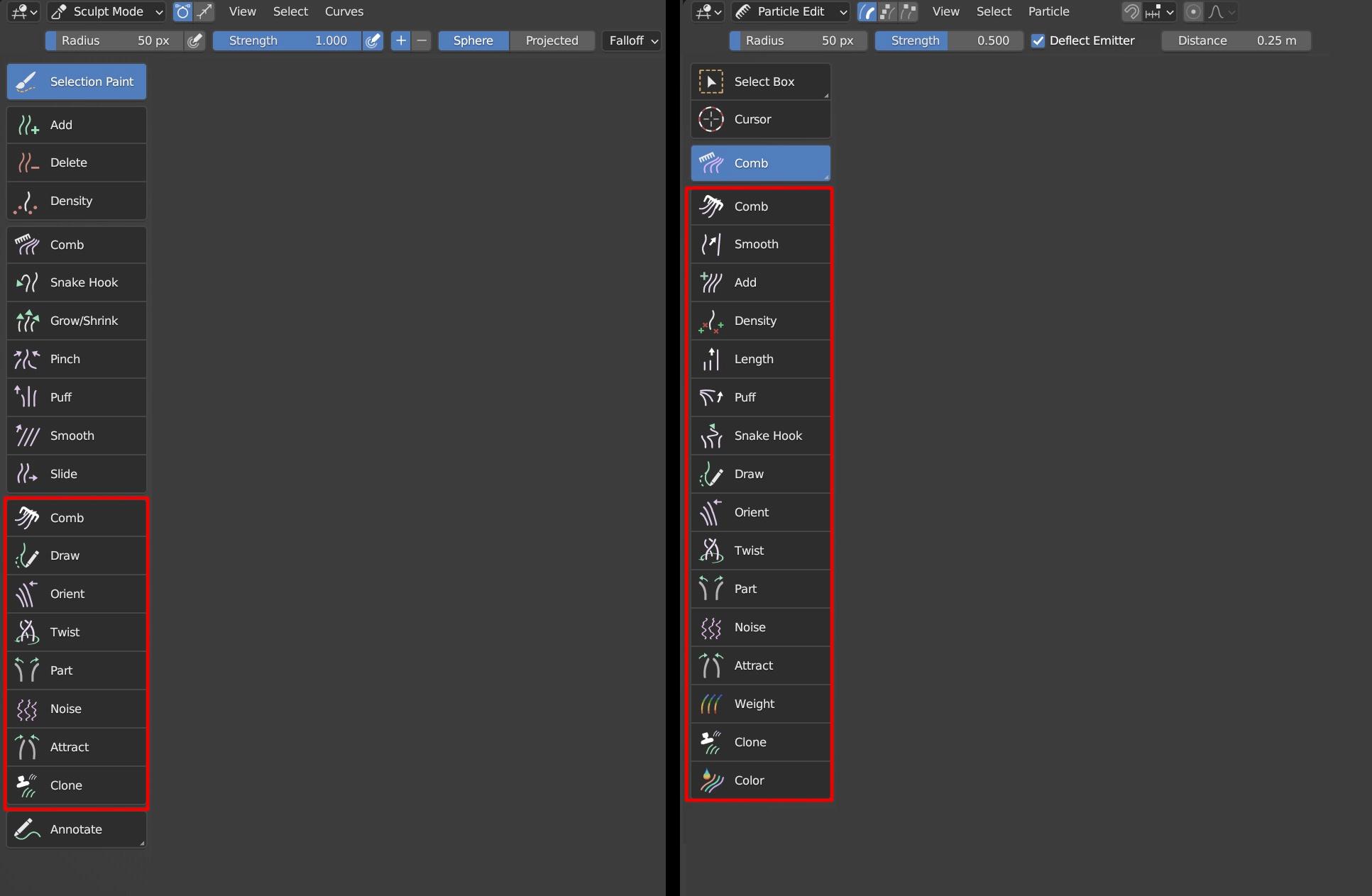
The brushes work with both hair systems. Radius Curve helps control hair shape, while Diameter Random varies hair thickness in a particle system. For child hair, Length, Noise, and Clump modifiers can be arranged in a hierarchy. VFX Grace describes these modifiers as non-destructive and reversible, so you can adjust their settings while preserving the hair shape created earlier.
Presets, cards, and rendering
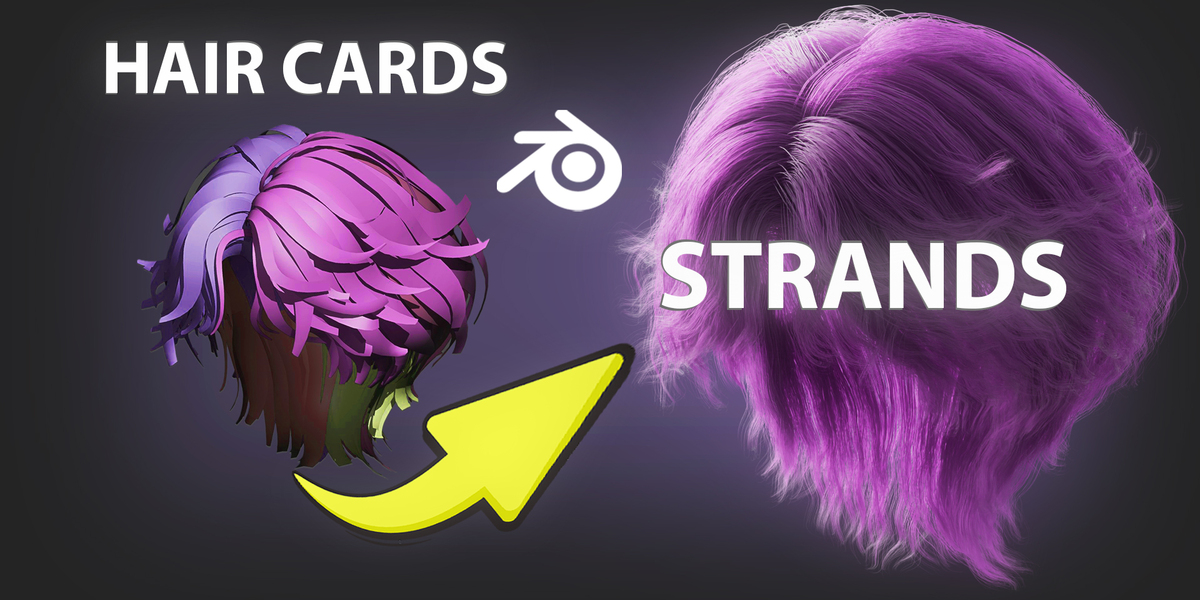
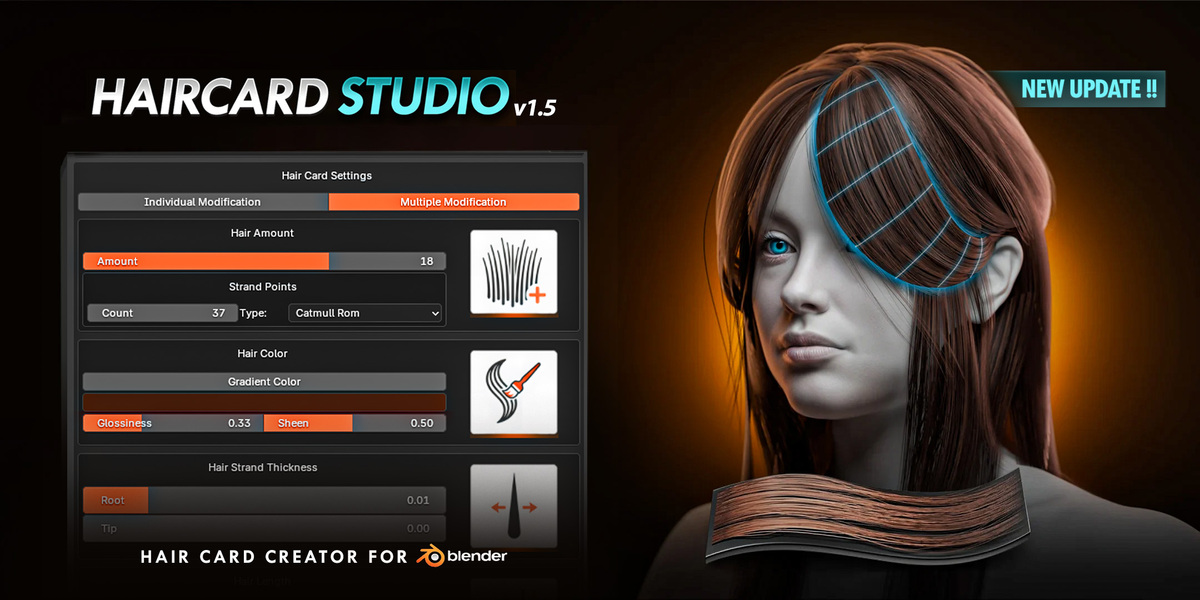
The full preset library contains 32 hairstyles for male and female characters, each with materials and particle systems. The preset panel also lets users create their own libraries. Hair to Hair Cards converts particle hair into cards for Eevee or Cycles, with real-time texture adjustment and modifiers for changing the card shape.
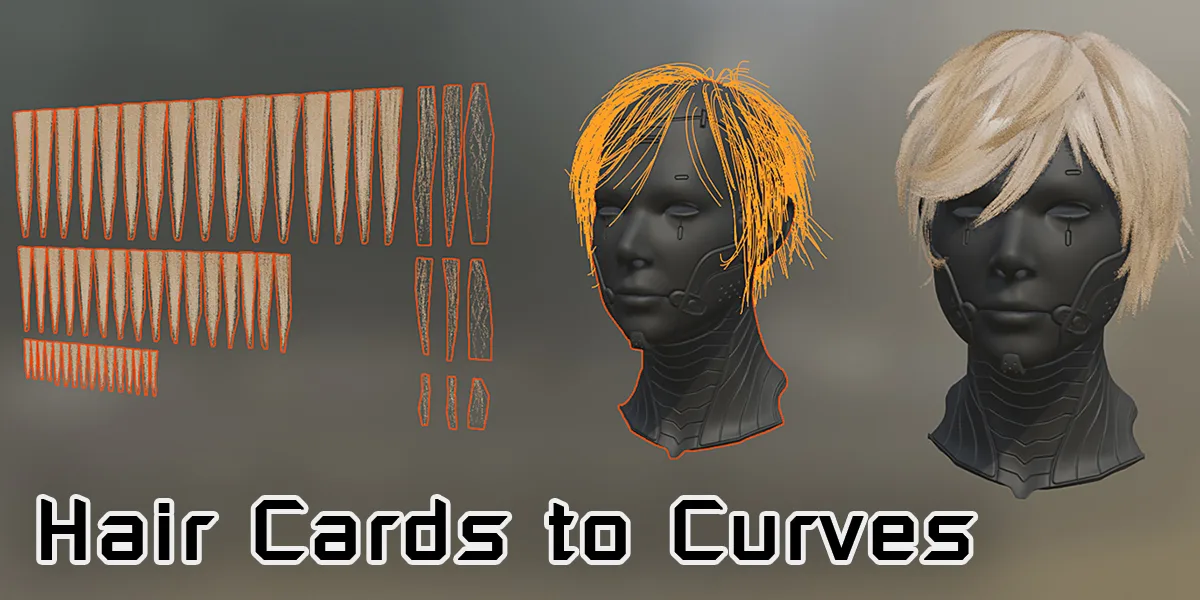
CyclesHair Render is based on and compatible with Cycles. Its listed options include Radius Curve, Diameter Random, changing hair thickness by weight, and displaying color groups. Other tools convert curves to hair, adjust overall hair length, and export ABC files, including hair effects created with modifiers.
Choose the Free Viewer or full version
The Free Viewer includes four human-hair presets that load with one click. The listing describes it as a viewer for 3D Hair Brush, while the full version unlocks the wider set of grooming features and the larger preset library. The supplied product details list a GPL license and 12 months of support and product updates from VFX Grace. Check the listing for current terms and pricing before choosing an edition.
Compatibility, installation, and documentation
The product details list Blender versions 3.0 to 5.2, while the Free Viewer description specifies Blender 3.1 or later. The changelog for version 4.7.4, updated July 22, 2026, lists Blender 5.2 support. Confirm the requirements for the specific edition and release you plan to install.
The listed installation steps are Edit > Preferences > Add-ons > Install, then select the ZIP file. VFX Grace's brush manual, modifier guide, preset library guide, and guides to hair cards and CyclesHair Render cover the main tools.