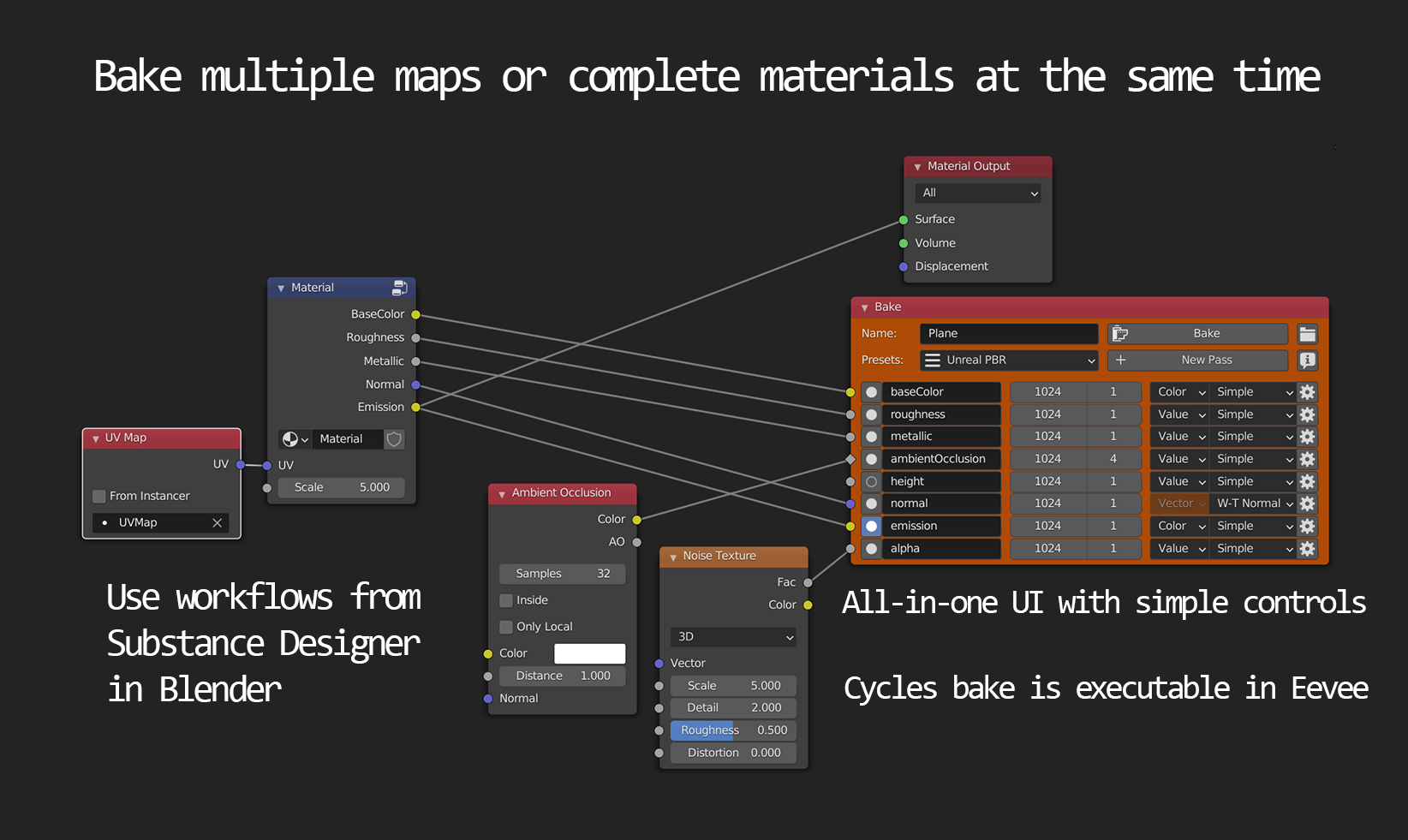
Blender Baking Node is a Blender add-on by Kolupsy that puts bake setup in a Bake node inside the shader editor. Configure separate passes, choose their modes and map types, then start them together. Blender processes the bakes in the background, so you can continue working while they run.
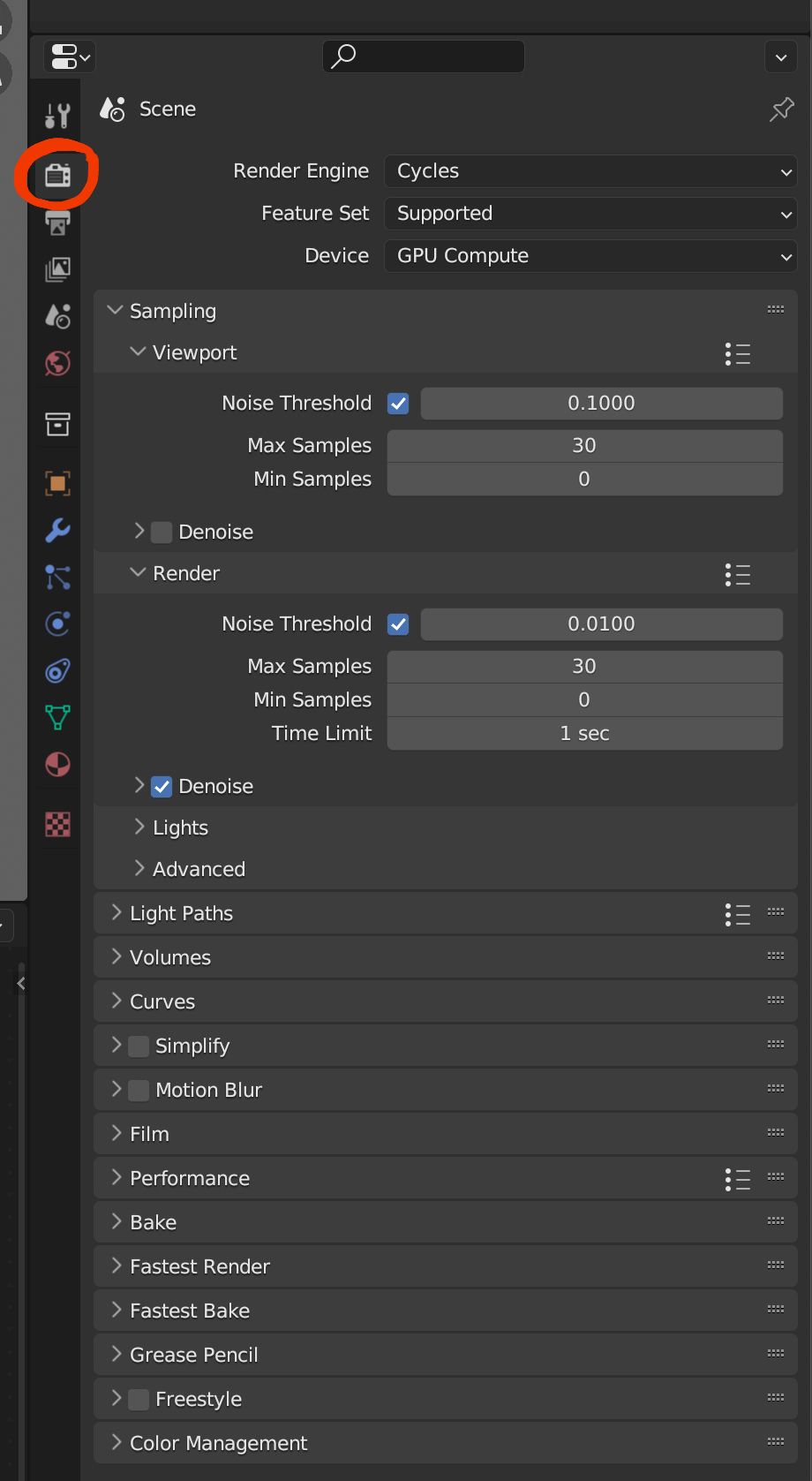
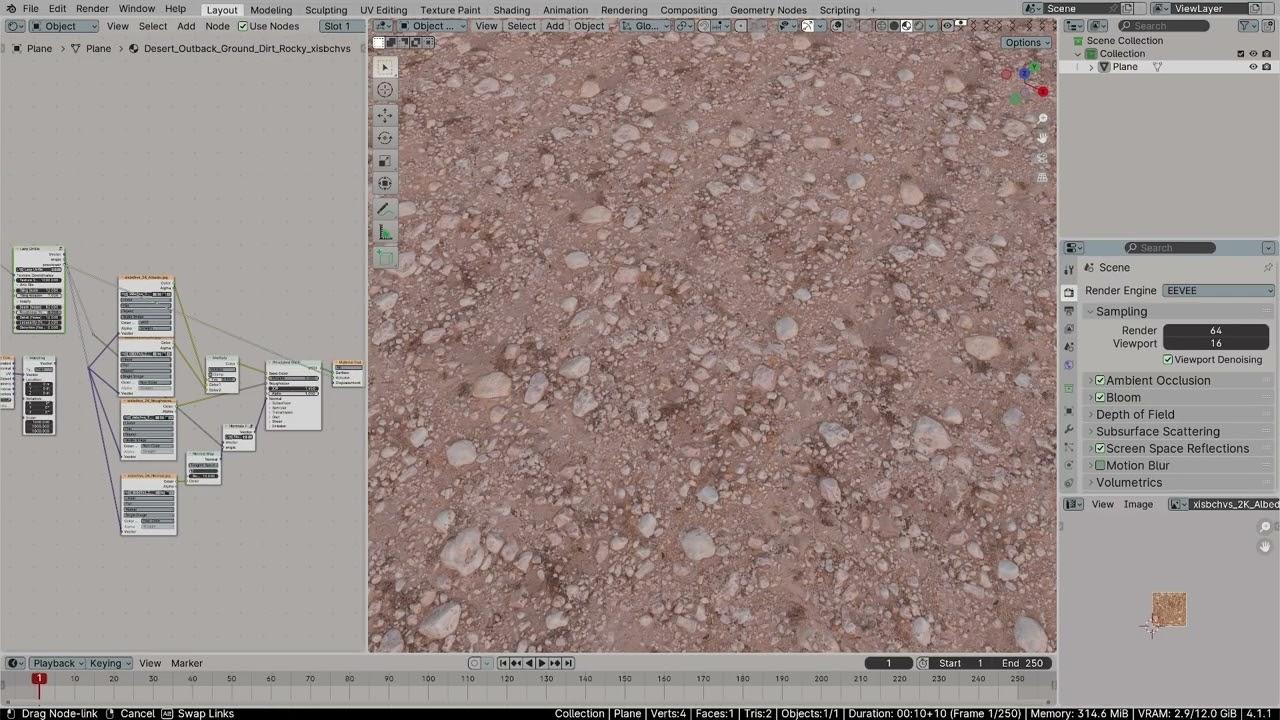
It is designed for texture workflows that export maps for game art, game engines, or other 3D packages. The product listing also describes using an Ambient Occlusion pass with Cycles accuracy for Eevee materials. It lists Cycles and Eevee as supported render engines.
Set up a bake
- Add a Bake node to a material tree from
Add > Outputs > Bake. Choose a preset or add and configure inputs. Each input represents a bake pass. - Choose a map type. Color, shown as sRGBA in the documentation, is for color information. Vector, shown as RGBA, is for vector or untransformed information such as normal maps and channel-packed maps.
- Choose a bake mode. Simple is for faster bake times; Shading, Shadow, and Combined add shading information. W-T Normal bakes normal maps, while C Normal bakes custom normals for an NPR workflow.
- Set any post-processing for each pass. The documentation lists Denoise, Blur, and Feather as per-pass effects. A diamond-shaped socket indicates an effect setting.
- Click the bake button to process all maps. Follow progress in the log, and use the File button to open the output location.
Outputs and texture workflow
The add-on logs the bake process and automatically exports textures with color space settings. The documented output structure uses a folder for the bake name, with files named from the bake name and pass, such as Monkey_baseColor.png. Outputs go beside the blend file, or to a temporary directory when the project has not been saved. Individual settings also let you instance textures after a bake or remove and mute inputs.
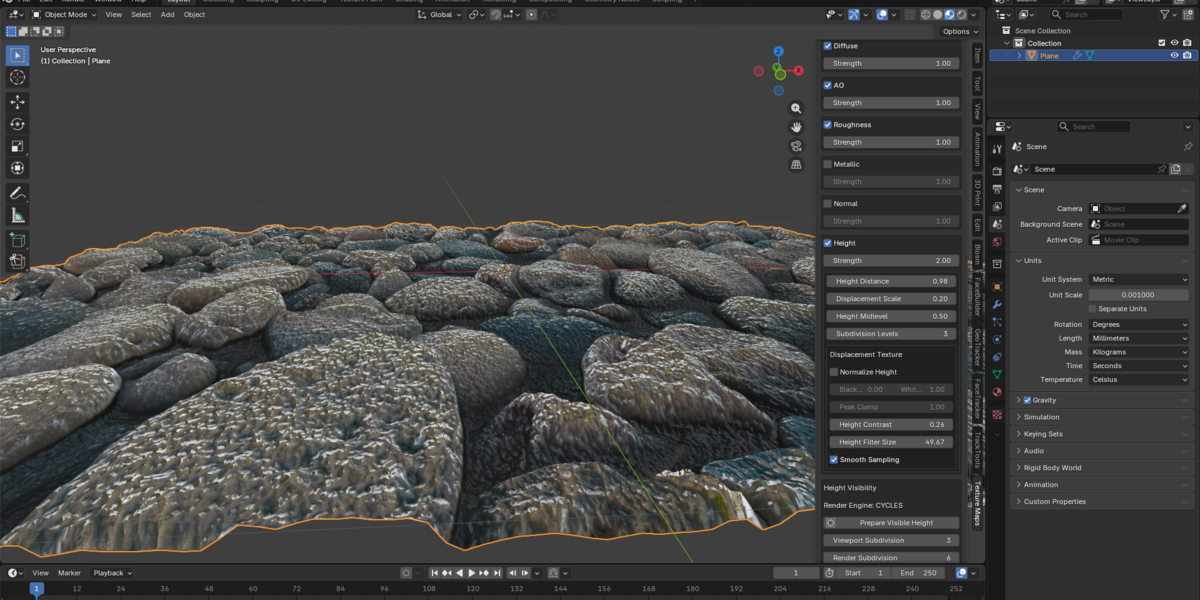
For game art, the node supports four-channel image bakes. The product listing describes its Denoise option as allowing fewer samples while keeping results equally smooth. It also says the add-on can bake custom normals into normal maps for use in Blender or other 3D packages.
Fit and compatibility
Blender Baking Node can bake mesh maps, but the product listing says it does not support a high-poly-to-low-poly baking workflow at this time. Its listed Blender versions are 2.93, 3.0, and 3.1; the version 1.1.0 notes state support for Blender 3.0+. Check the current product information for compatibility with a specific Blender release. The listing identifies the license as GPL.
See the Baking Node documentation for node setup and output details, and the product listing for current product information.