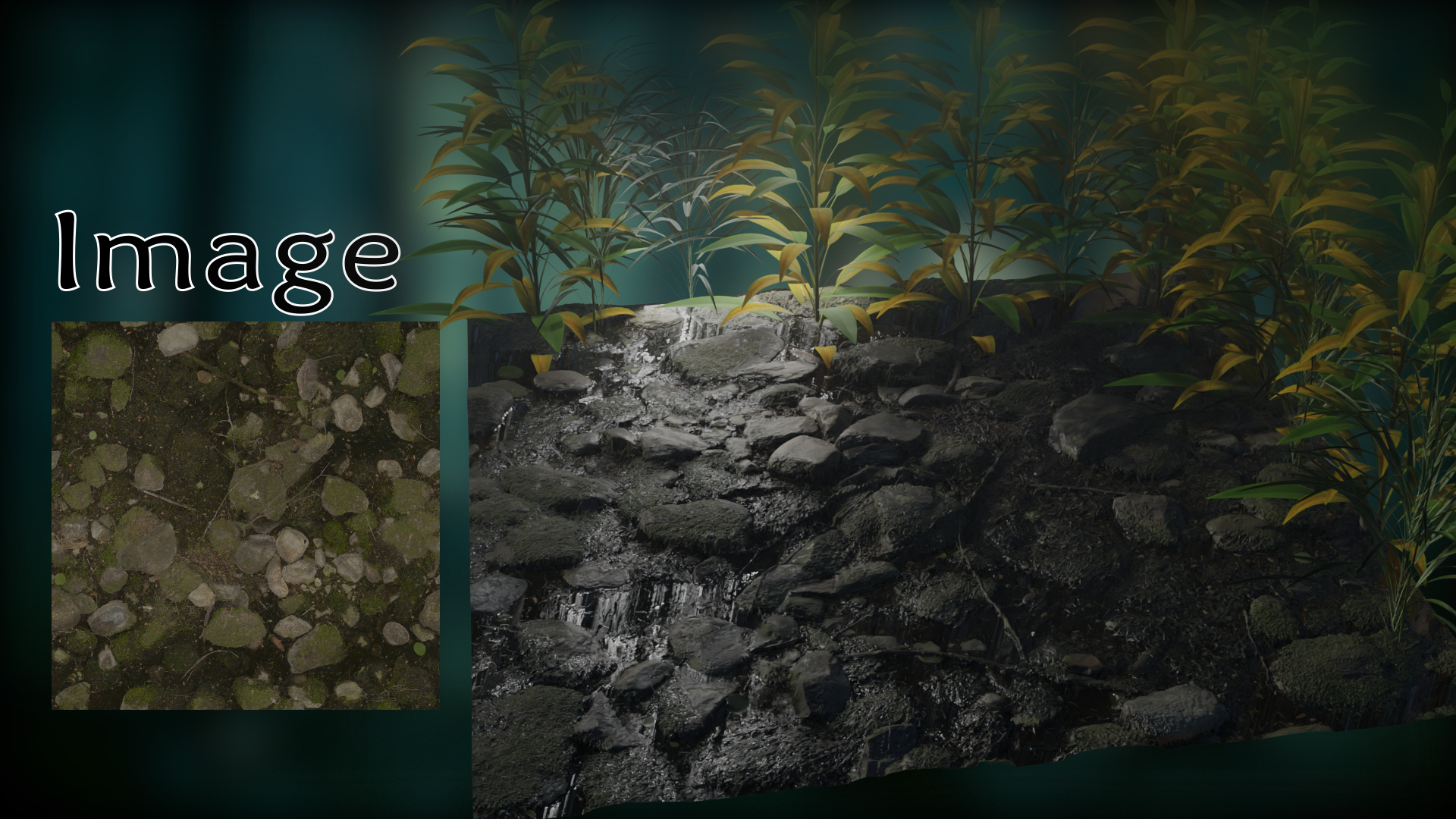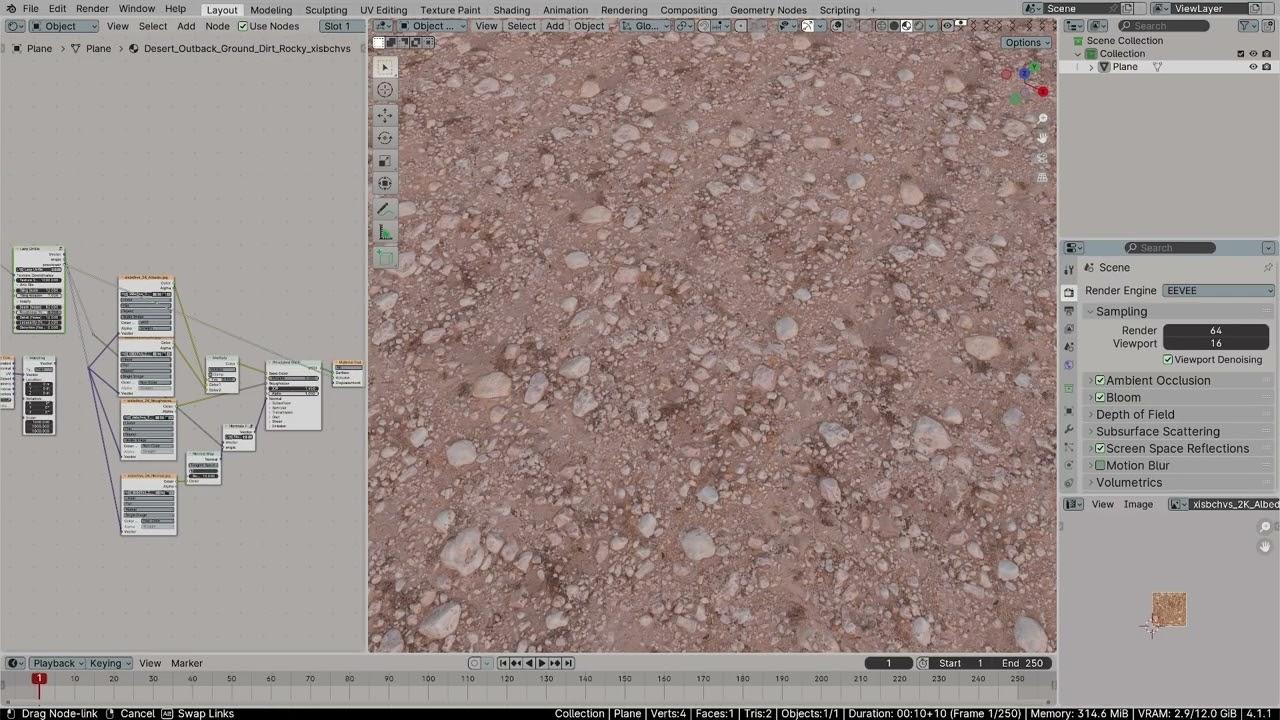
Lazy Untile is a Blender add-on by Lazy3D for reducing repetitive patterns in image textures. Its controls sit in the Shader Editor’s N panel, with separate actions for untile processing and a normals fixer nodegroup.
Untile selected image textures
In the Shader Editor, select the Image Texture nodes you want to process, open Lazy Untile in the N panel, and run its one-click untile action.
Apply the normals fixer
For a normal map, select the map you want to affect and run the normals fix from the add-on panel. Lazy3D’s version history says the normals fixer was added in version 1.1; version 1.0 was the initial release.
Check Blender compatibility before installing
The Lazy3D product listing describes compatibility with Blender 4.1 and 4.2, and says to install the downloaded ZIP by dragging it into Blender for version 4.2. Other supplied listing fields show different version information: the marketplace details panel says Blender Version 5.2, while AnyPlugins lists 4.1 through 4.4. Check the current seller listing for your Blender version before installing.
AnyPlugins lists the download as free, and the marketplace details identify the license as Royalty Free. Check the seller listing for current availability and terms.