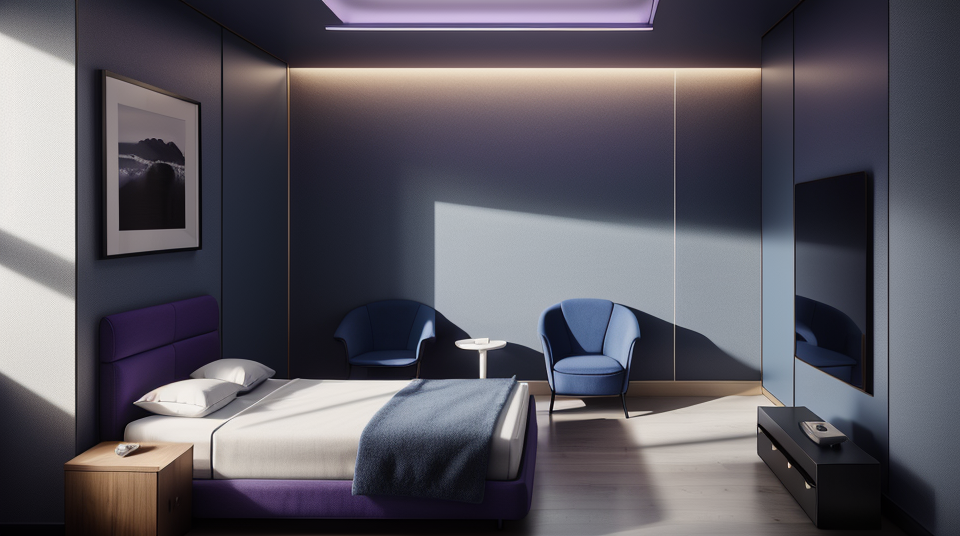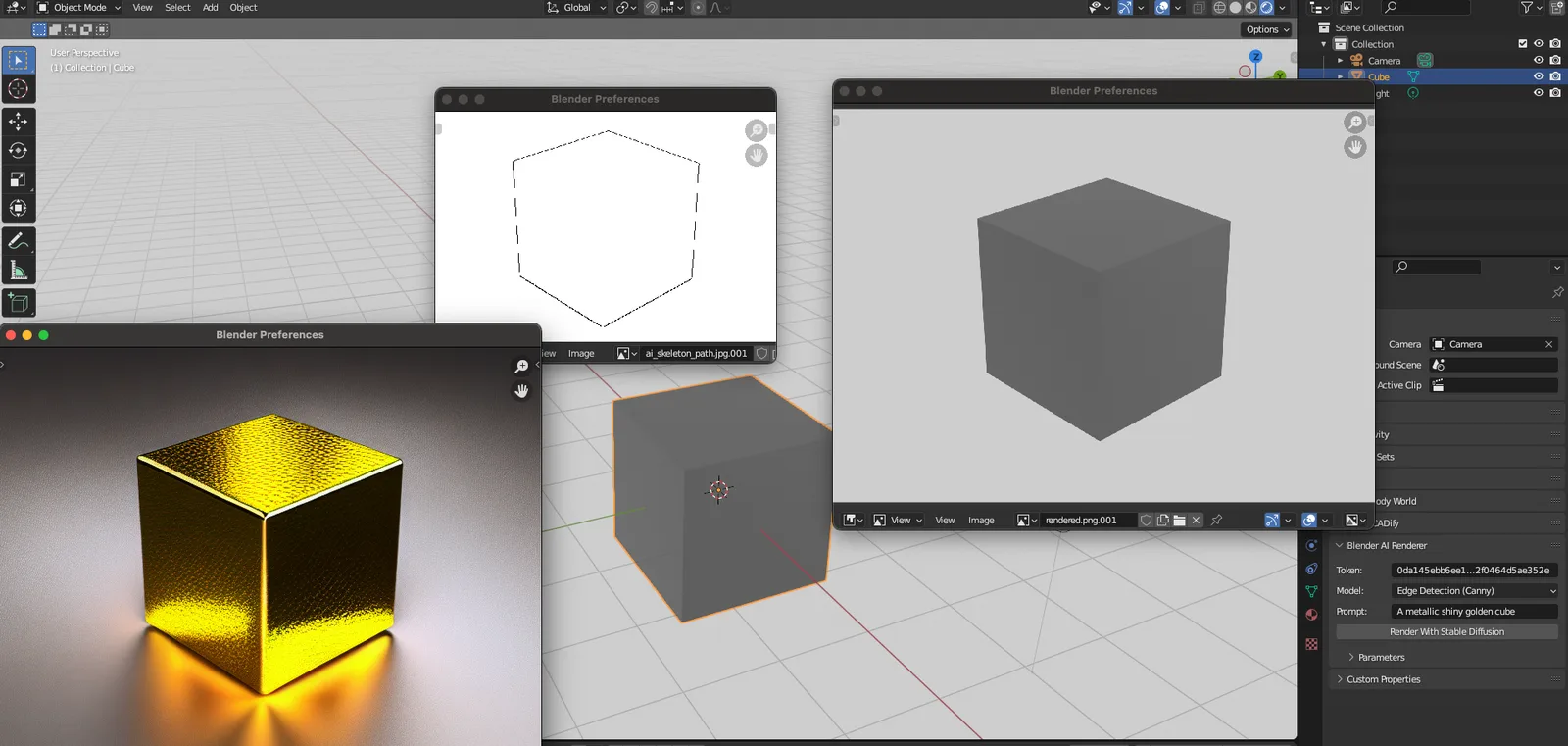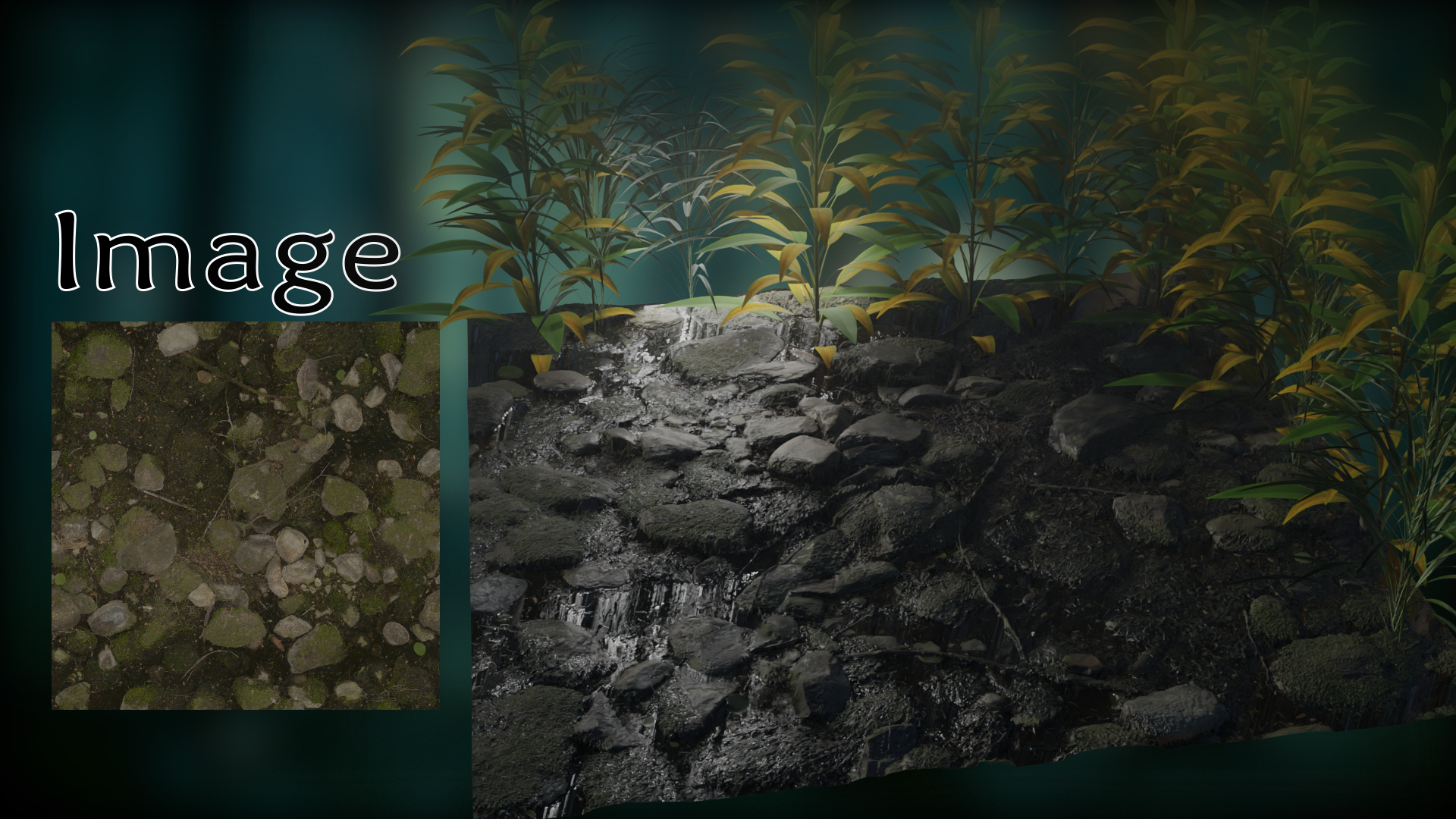
Auto Painter Ai is a Blender add-on for generating textures from text prompts. It uses ControlNet depth and normal maps to guide image generation through Stable Diffusion WebUI. The add-on can connect to a local WebUI or an external service, depending on its settings.
How the texture workflow works
Select a 3D model, save the Blender file, and use Generate Multiview Maps to create depth and normal maps. Enter an English texture prompt, then choose Generate Guided AI Image to send the prompt and maps to the configured AI server. The product listing identifies Cycles and Eevee as supported render engines.
The generated texture may need preparation before editing against the model's UVs. The documentation describes using Bake Image into Original UV in the add-on's Baking section to create a corresponding UV texture. It also describes a Duplicate Selected Object control for removing an unexpected mesh created behind the object.
Local setup and Blender compatibility
For local processing, the product guide recommends Stability Matrix to install Stable Diffusion WebUI, ControlNet, and the required Depth and Normal models. After starting the WebUI, select Local WebUI in Auto Painter Ai's Connection Type setting and enter the server address. The guide gives http://localhost:7860 as the usual local address.
The installation documentation says to start Blender as administrator, install the downloaded ZIP as an add-on, and use the add-on preferences to install and check dependencies. Save the Blender file before generating maps because the add-on uses its folder for the depth and normal files. The product listing reports compatibility with Blender 4.0 through 5.3. The developer also warns that the add-on may not work well with the Steam version of Blender and recommends installing Blender from its official website.
Files to keep and setup notes
The documentation says generated textures are saved in a generated_images folder beside the saved .blend file. It warns that another generation may overwrite the previous texture, so rename a result you want to keep. If you use cloud upscaling, the product guide says to switch to cloud processing for that step; it also mentions local ControlNet models for standard-resolution work.
See the Auto Painter Ai documentation for installation details and the product listing for current product information.