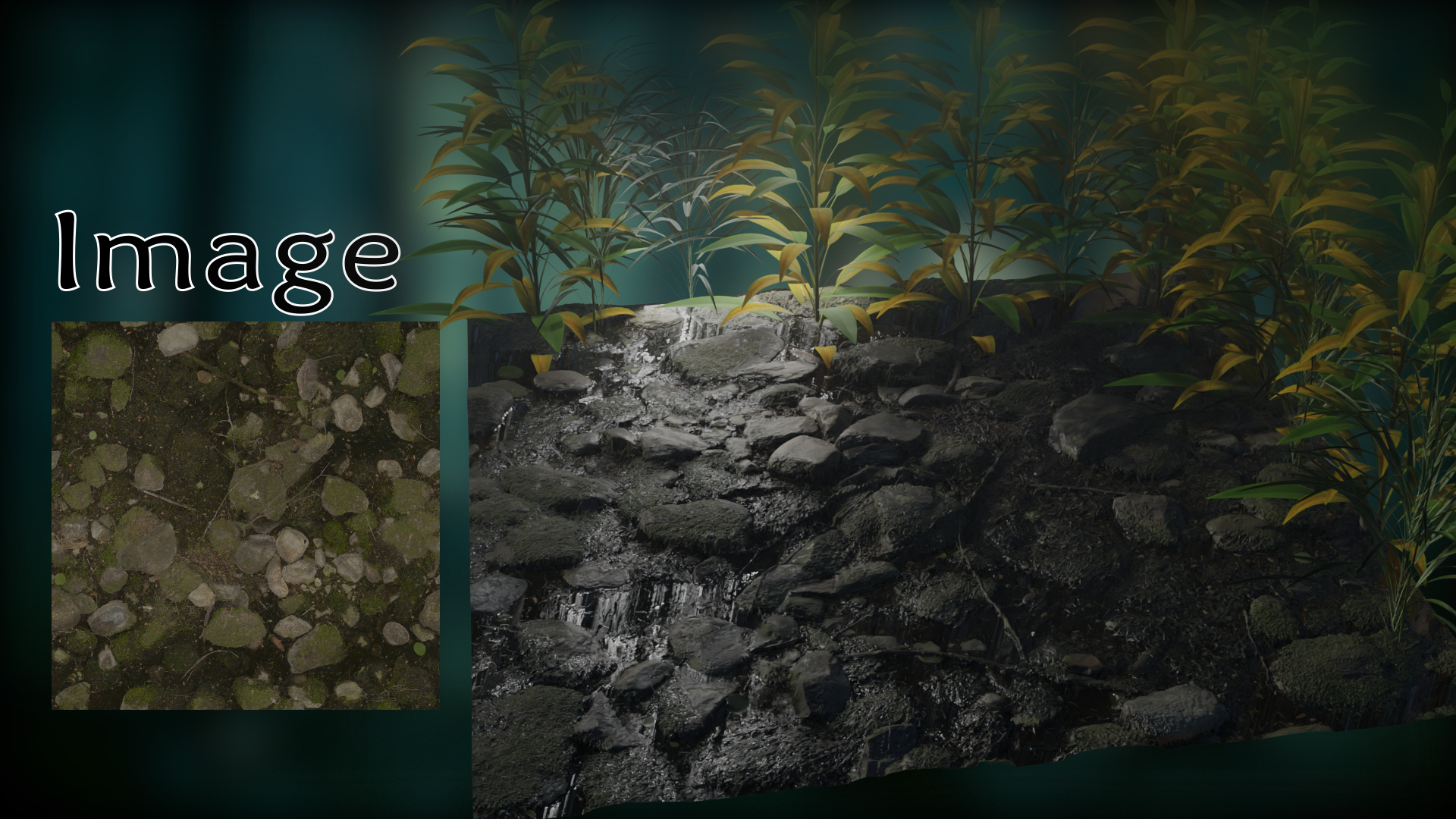
Shader Builder is a Blender add-on from Easy 3D that turns a diffuse image into normal, roughness, and displacement maps. It also includes automatic material creation from an image texture. The product listing identifies version 3.0.1.
From a diffuse map to saved outputs
The workflow starts in Shader Builder's panel inside Blender:
- Install the add-on and open a diffuse map in the panel.
- Choose the output size and the map types to create.
- Preview the maps in the viewport and adjust their post-processing.
- Bake the final maps and save them to your drive.
Preview and adjust before baking
Shader Builder previews textures with or without lighting. You can adjust gamma and blur for each map, then review the result before baking. The add-on also creates a material from an image texture, keeping material setup alongside map generation.
Price and product details
The listings disagree on price: AnyPlugins labels Shader Builder free, while Superhive lists a one-time price of US$6. Superhive identifies the license as GPL. Check the marketplace listing for current pricing and terms before downloading.
The documentation page links a Texture Process video. The product page also links to the developer's Discord for questions.