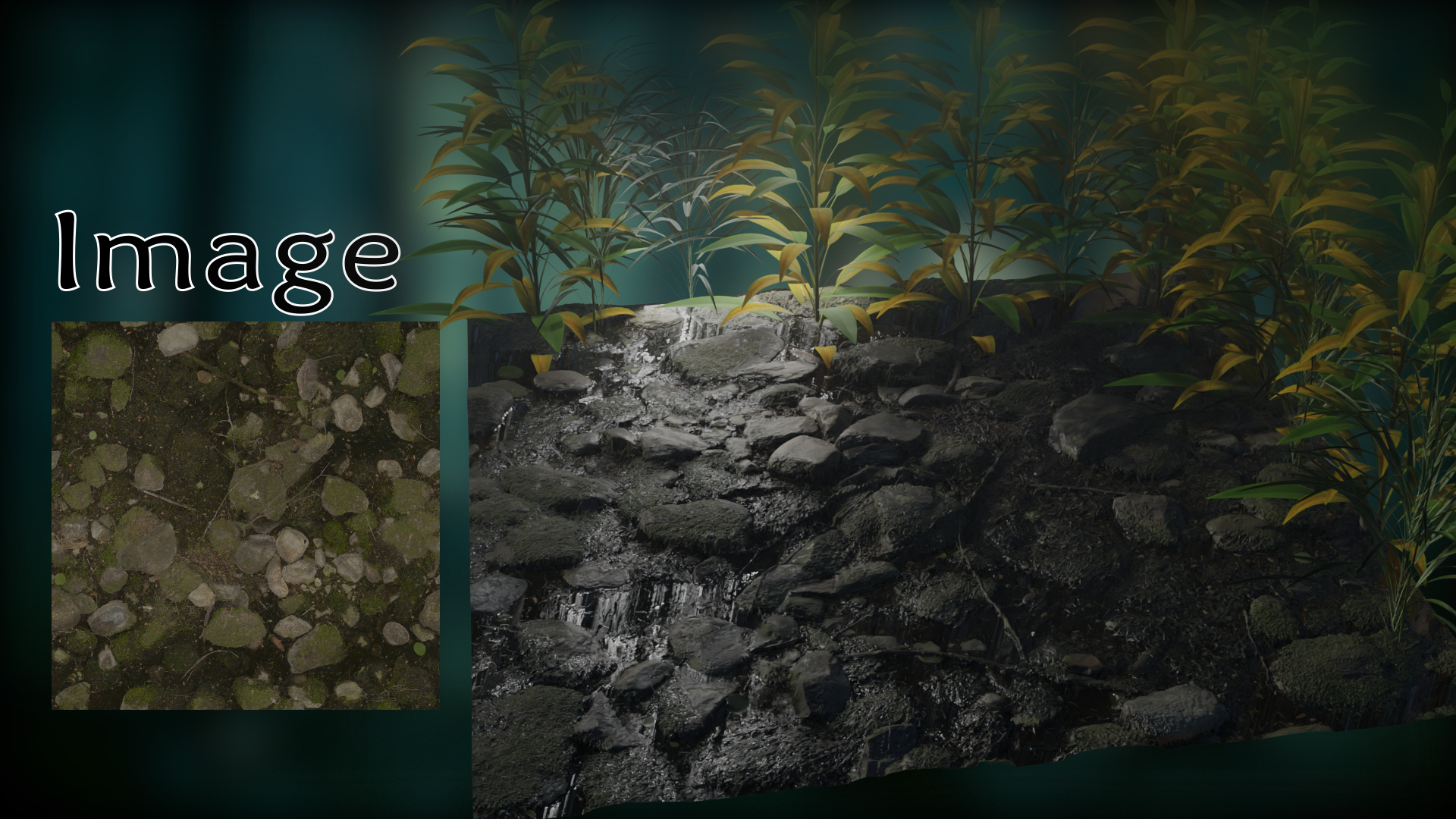
Shader Shaper is a Blender add-on by 3d illusions that generates bump, normal, and depth maps from an image texture node, then connects them in the shader. It can also create a displacement map. The current Superhive listing says it supports Blender 3.1 to 5.2 and is ready for Blender 5. The developer documentation covers installation and the available controls.
Turn a texture node into shader maps
Choose an object and show the material you want to edit in Blender’s Shader Editor. The material needs a Principled BSDF connected to an output node and a local image texture node. Select that image texture node, set your options, and click Generate. Shader Shaper creates the maps and adds the related nodes and connections to the material. You can adjust the result interactively, then click Finish to save the maps or Cancel to restore the material to its previous state.
While the generated result is open for editing, Blender limits other areas of the interface. The Shader Editor remains usable, while the 3D viewport and image editors are limited to navigation. Finish or cancel the operation when you are done.
Tileable map data has a limit
Shader Shaper matches the height data at the edges of its generated bump, normal, and depth maps, so those maps can repeat with matching seams. It does not make the source image itself tileable. A source texture that already repeats cleanly is the better starting point; seam smoothing can help maps made from a non-tileable image repeat more cleanly.
Adjust detail and output
Controls let you change output resolution, aspect ratio, and normal-map encoding for different material workflows. You can also tune fine detail separately for each map. For example, the developer suggests keeping micro detail in the normal or bump map while leaving it out of displacement when you want a smoother surface for a clearcoat.
Flattening tools address flat surfaces such as brick walls, tiles, flooring, and carpeting; the distortion control removes unwanted waviness. Seam smoothing addresses discontinuities near repeating edges, while Compress Top can flatten high points in the depth, normal, and bump maps.
Models, hardware, and licensing
The add-on uses downloaded AI models and Python modules, including Pillow, Torch, and CV2. Its GPU options depend on your system: the product page lists NVIDIA CUDA 11.8 to 12.9 on Windows and Linux, and AMD ROCm 6.0 or 6.4 on Linux. Apple systems use the CPU path. CPU processing is supported, though it is slower. The developer recommends using Enhance only with Depth Anything V2 Small at low or medium quality. Larger models can take much longer with Enhance enabled, and Depth Anything V2 Small also takes longer without GPU acceleration.
The product listing labels the add-on GPL, while each downloaded model has its own license. Check the selected model’s current terms before using it for commercial work. The documentation estimates the GPU version of Torch at about 3.5 GB to download and 7.5 GB unpacked; the CPU version is about 300 MB downloaded and 1.1 GB unpacked.
Viewport and displacement notes
For Blender 4.2 and later, the developer recommends Material Preview while adjusting Shader Shaper because Cycles viewport rendering may not refresh the result reliably. A displacement map also needs enough mesh geometry to show displacement. In Cycles, the documentation describes subdivision or adaptive subdivision as ways to provide that geometry.