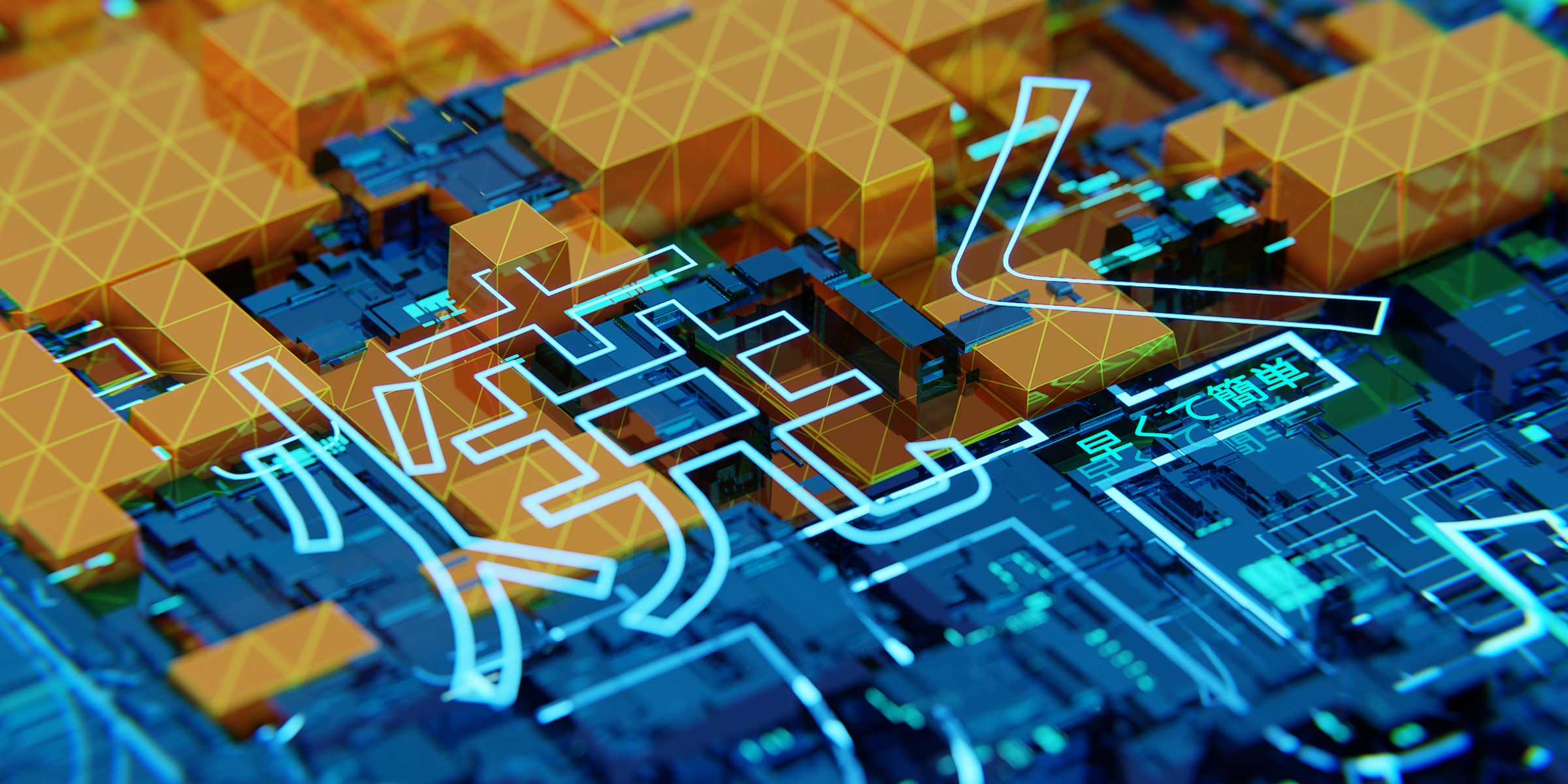
Greeble Bake is a Blender add-on for baking details from geometry into texture maps. Blender Guppy created it mainly to bake results from Random Flow, but it can also be used independently. It suits artists who model larger forms and want to create patterns, stencils or greebles as reusable texture detail.
The Superhive listing describes a primitive plane as the canvas and says every texture map can be baked with one button. Blender Guppy’s documentation explains the bake controls and their requirements.
How the baking workflow works
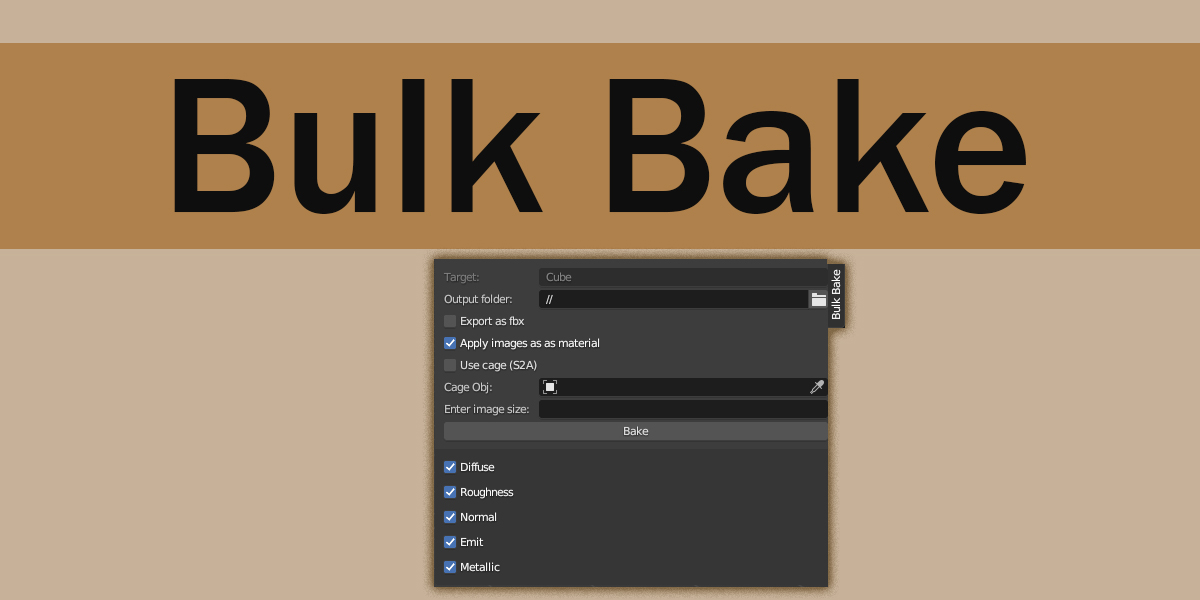
Select the objects to bake, including the bake origin object, and set it as Bake Origin. Cycles must be selected as the render engine. By default, the add-on creates a temporary bake-to plane and removes it after baking. You can assign a different target object with Bake To, which also lets you control that object’s UV layout.
Choose the bake types you need and run Bake. The operator processes enabled types one by one. For a depth map, Depth Location sets the zero threshold at the bake origin object's origin, at the lowest point of the selected geometry, or at the average Z of selected vertices. Depth Distance shifts that threshold; brightness and contrast change the map values.
Maps and input types
Normal, ambient occlusion (AO), depth and alpha bakes use geometry data. Color uses the diffuse input of a BSDF material, while Emit uses an emission input or shader node. AO has its own sample setting because low sample counts can produce noise; increasing samples takes longer.
Who may find it useful
It can bake Random Flow results or details made directly on the canvas, including designs placed on top of it. Those maps can become a library of details for later scenes.
The current Superhive listing gives Blender 3.6 through 5.2 as the supported range and marks the add-on as Blender Extension compatible. Check the listing and the developer’s documentation for your setup before installing, since compatibility details can change.
Save the baked images
Blender Guppy’s documentation recommends saving baked images to a dedicated or temporary folder. Greeble Bake does not save them externally, and the documentation warns that Blender may display an unsaved baked image as black. Save each image from the Image Editor with Alt+S if you plan to reuse it.