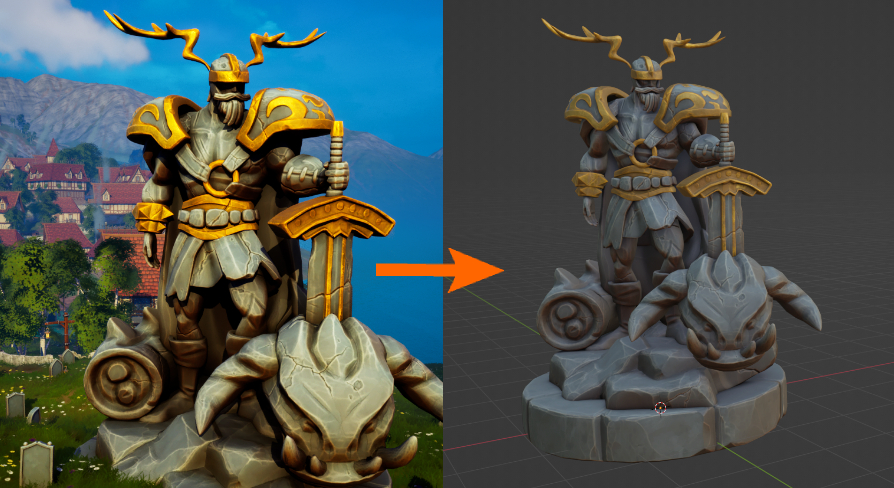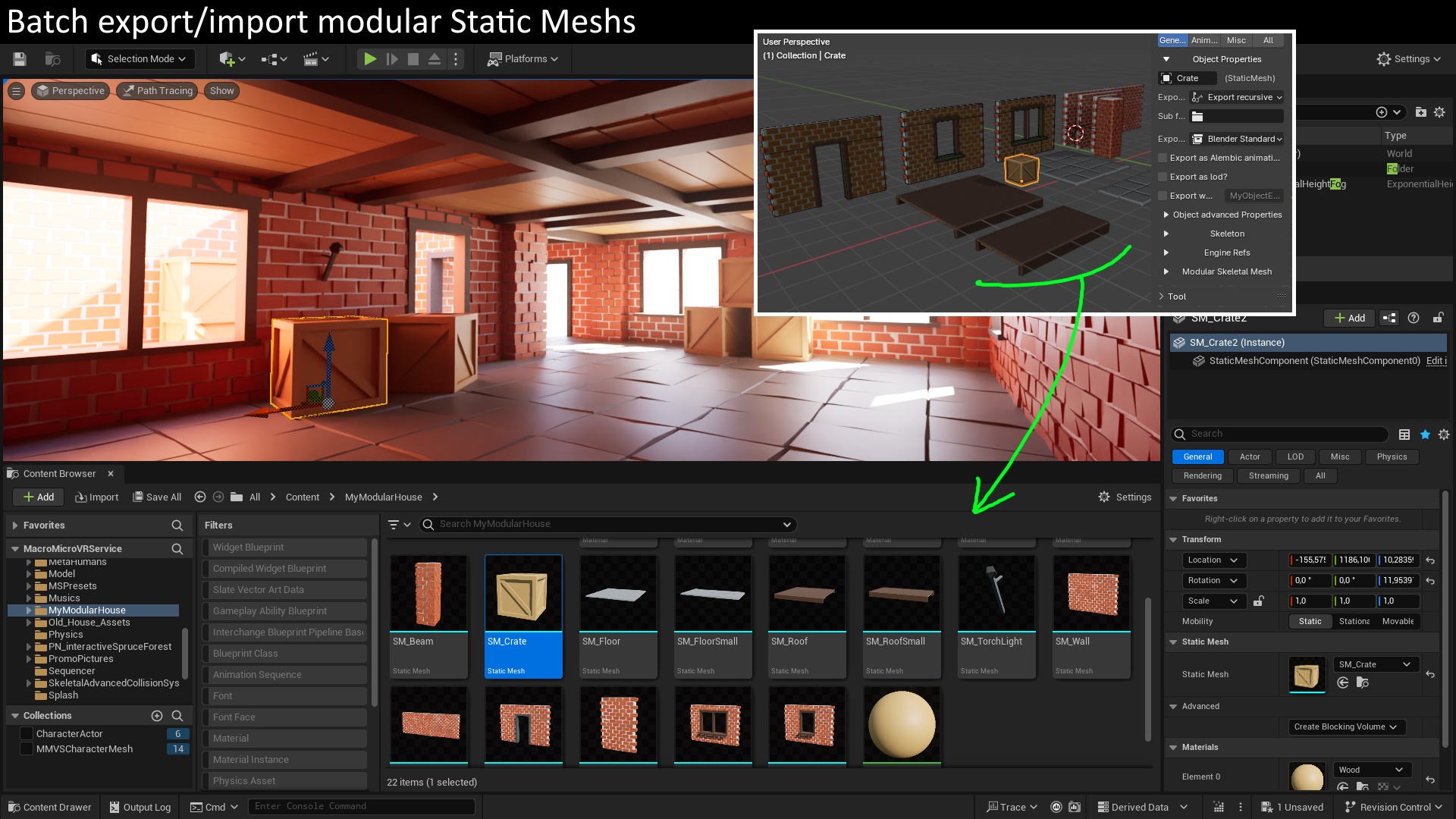
Blender For Unreal Engine is an open-source add-on by BleuRaven for moving content from Blender into Unreal Engine. It can batch-export a scene, organize the output in a tree structure for the Unreal Engine pipeline, and handle static and skeletal meshes, NLA and Action animations, Alembic files, collisions, sockets, splines, cameras, and Sequencer content.
Export a Blender scene in batches
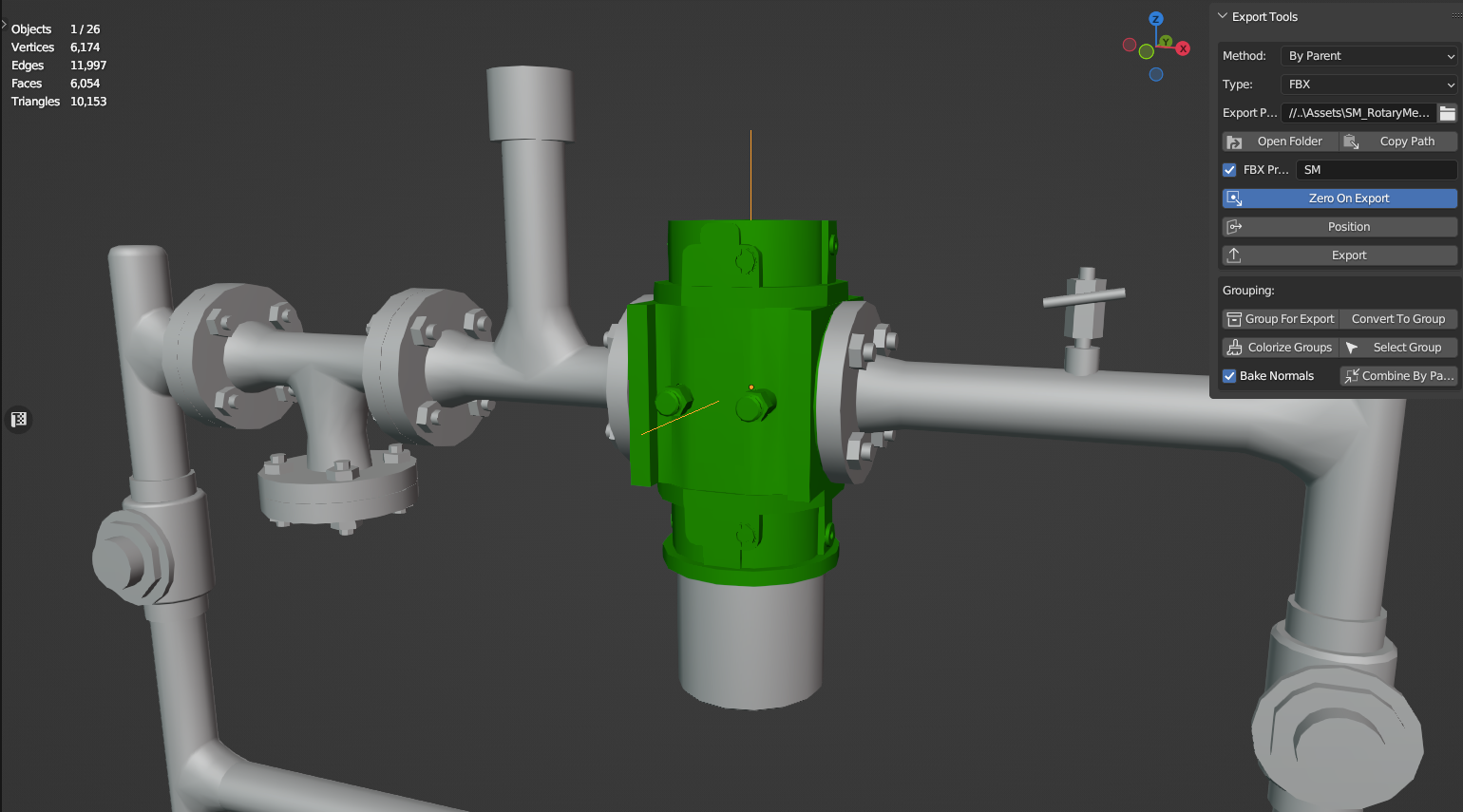
The batch export option sends all assets in a scene at once. The add-on organizes the exported files into a tree structure that follows an Unreal Engine pipeline. This can help when a scene contains several asset types and you want to prepare them together.
For animation work, you can choose which animations to export. The add-on supports animations made with Blender's NLA system and Actions. Collision shapes and sockets can also be created in Blender as part of the export workflow.
Check exports and move data into Unreal Engine
A built-in error checker identifies potential problems and explains their causes and possible solutions. In some cases, it can correct an issue automatically. The explanations can help you review an export before importing it into a project.
Blender For Unreal Engine can generate Python scripts to import exported assets into Unreal Engine. Its camera workflow supports Level Sequences with cuts and camera data such as aspect ratio, focal distance, and lens shift. For cameras, splines, or sockets, you can also copy data to the clipboard and paste it into Unreal Engine.
Check compatibility for the version you plan to use
The creator's version-specific installation page lists release v4.4.8 for Blender 2.8 through 5.2 and Unreal Engine 4.26 through 5.8. The Superhive product description lists Blender 2.8 through 4.0, while its Details section lists Blender 2.8 through 5.1. Check the installation page's release table for the exact add-on build and its Blender and Unreal Engine ranges before installing.
The creator's wiki includes installation instructions, quick starts for static and skeletal meshes, animation guidance, and separate pages for topics such as cameras, sockets, splines, and Alembic. Consult the pages that match your asset type and pipeline.
Price, license, and intended workflow
The creator describes the add-on as free, with optional payments to support development. The marketplace listing identifies its license as GPL. The creator also describes it as open-source and adaptable to production workflows.
Blender For Unreal Engine is aimed at Blender users who prepare assets for Unreal Engine and want batch export, export checks, or scripts to help with importing. Its listed support for meshes, animation, cameras, and other scene data makes it relevant to asset-pack and mixed-scene workflows. Confirm the supported version pair and review the documentation for the asset types your project uses.