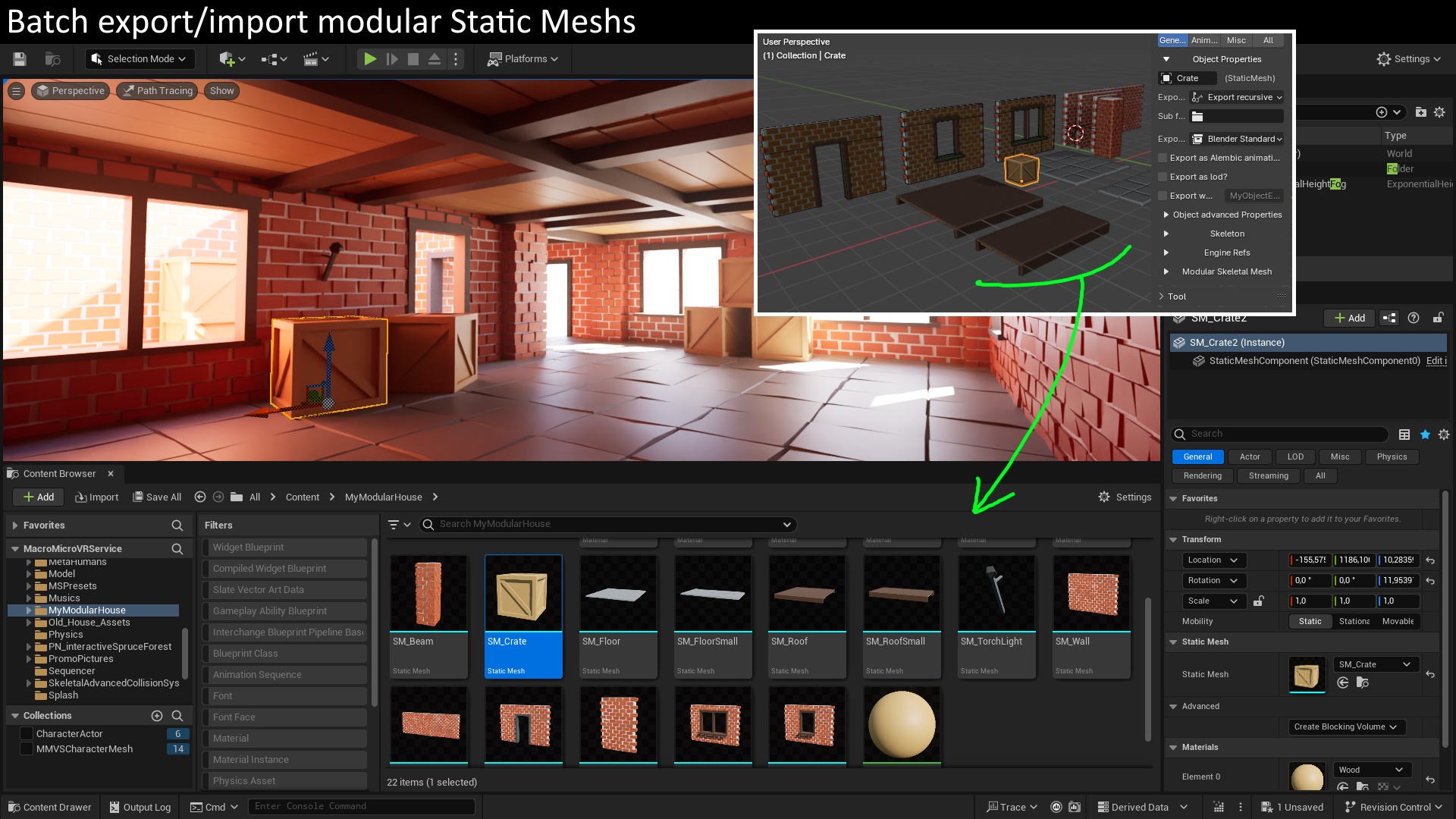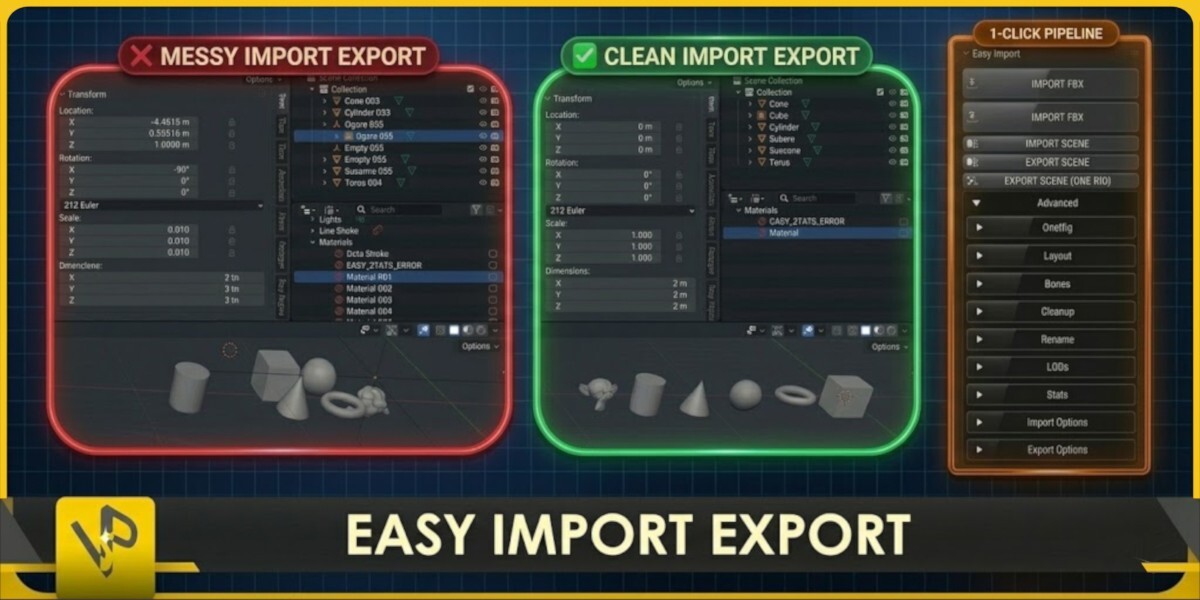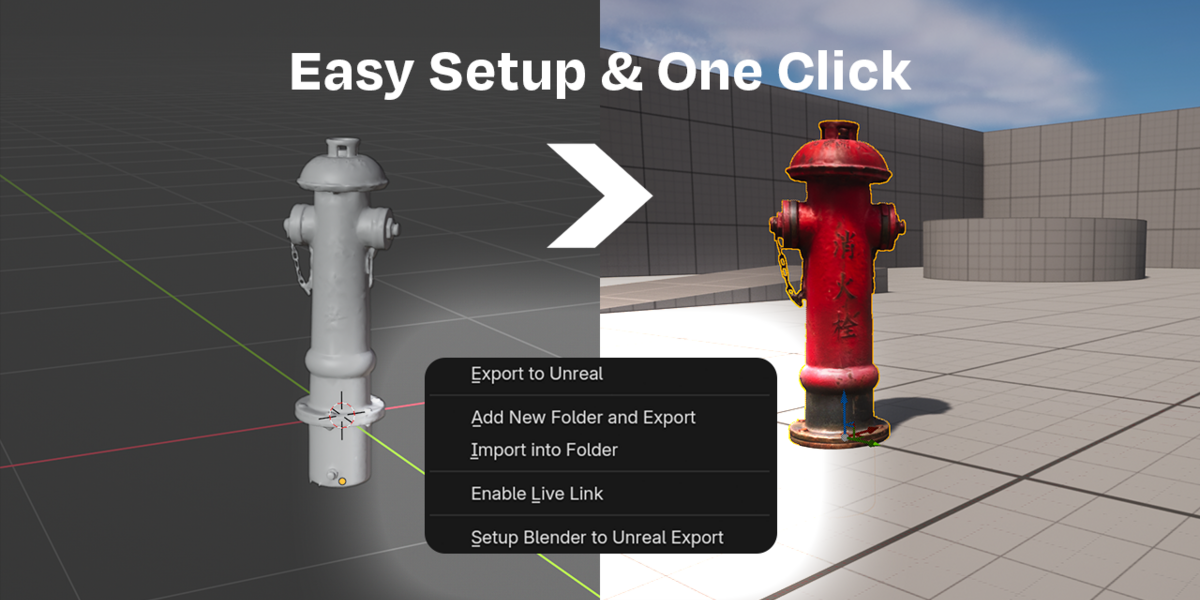
ModTools is a Blender and Maya add-on that transfers position and rotation data to preserve pivots when static meshes are imported into Unreal Engine 4.27.
Preserve pivots during Unreal Engine imports
The Superhive product listing describes the problem ModTools addresses: Unreal Engine may not maintain mesh pivot points during static mesh imports. ModTools transfers position and rotation data from Blender or Maya to Unreal Engine so those pivots remain intact.
Group objects and prepare exports
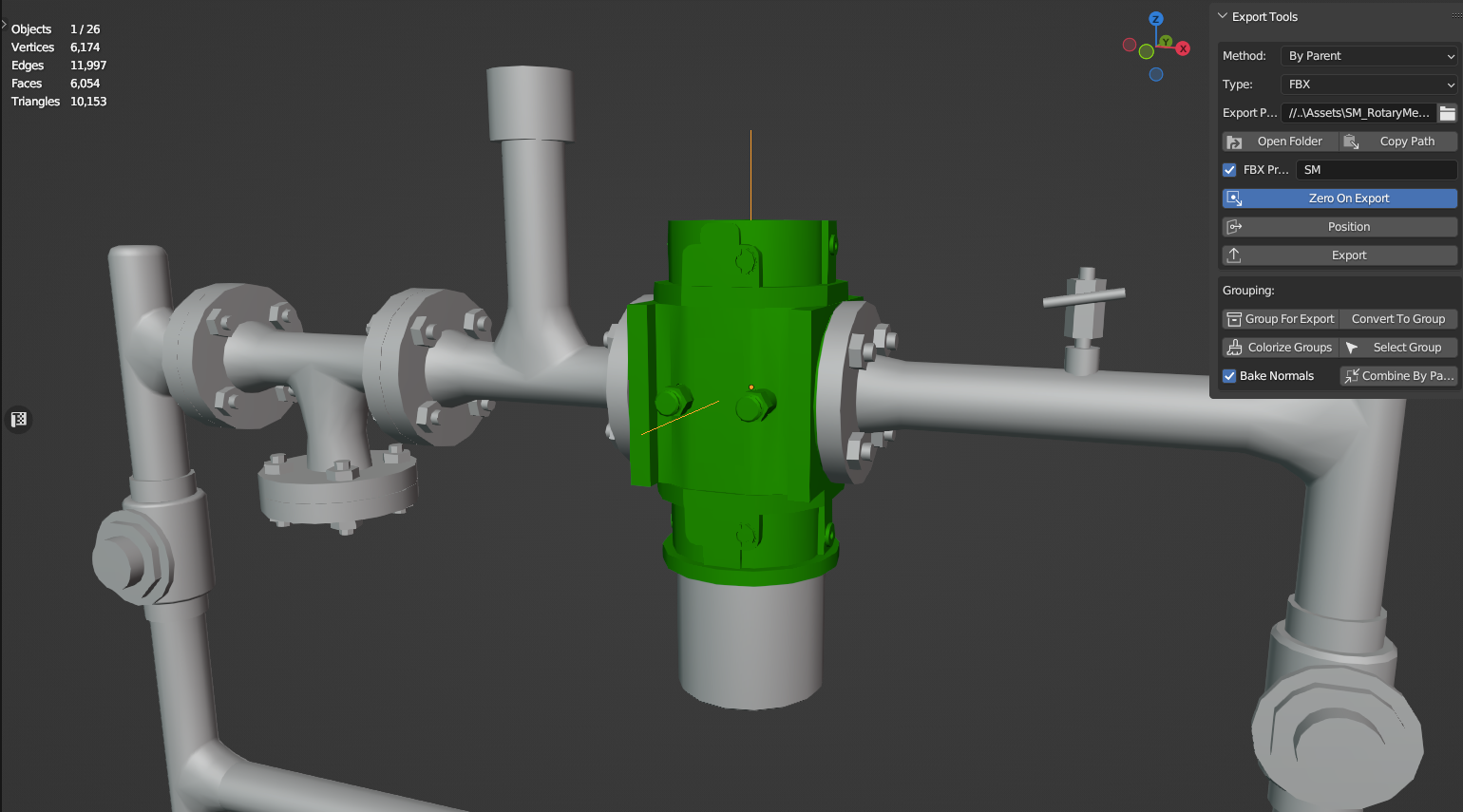
ModTools lets you work with object groups and keep them editable while building a scene. When you export, the add-on can combine grouped objects. It can also zero transforms during export, then let you reposition objects in Blender, Maya, or Unreal Engine.
- Transfer position and rotation data for pivot preservation.
- Combine grouped objects on export while keeping the working scene editable.
- Zero transforms during export and reposition objects afterward.
- Assign Unreal Engine materials based on names.
- Batch-set Lightmap resolutions in Unreal Engine.
- Detect whether a group or individual objects are selected.
Version 1.1 notes
The Superhive listing shows version 1.1, with update notes dated April 18, 2023. The notes describe matching selected texture suffixes with their corresponding texture parameters when creating material instances in Unreal Engine, fixing an offset issue when adding objects to a group, and preserving parenting hierarchies when creating groups. They also mention fixes for combining objects with certain parent relationships.
Compatibility and license
The listing describes ModTools as a Blender and Maya add-on, and names Unreal Engine 4.27 as its target. Its compatibility details list Blender 3.3, 3.4, 3.5, and 3.6. The listing marks the license as GPL. It does not specify a Maya version, so check the product page for current compatibility details before installing.
Installation
The product listing links to an installation video. Use it for setup guidance.