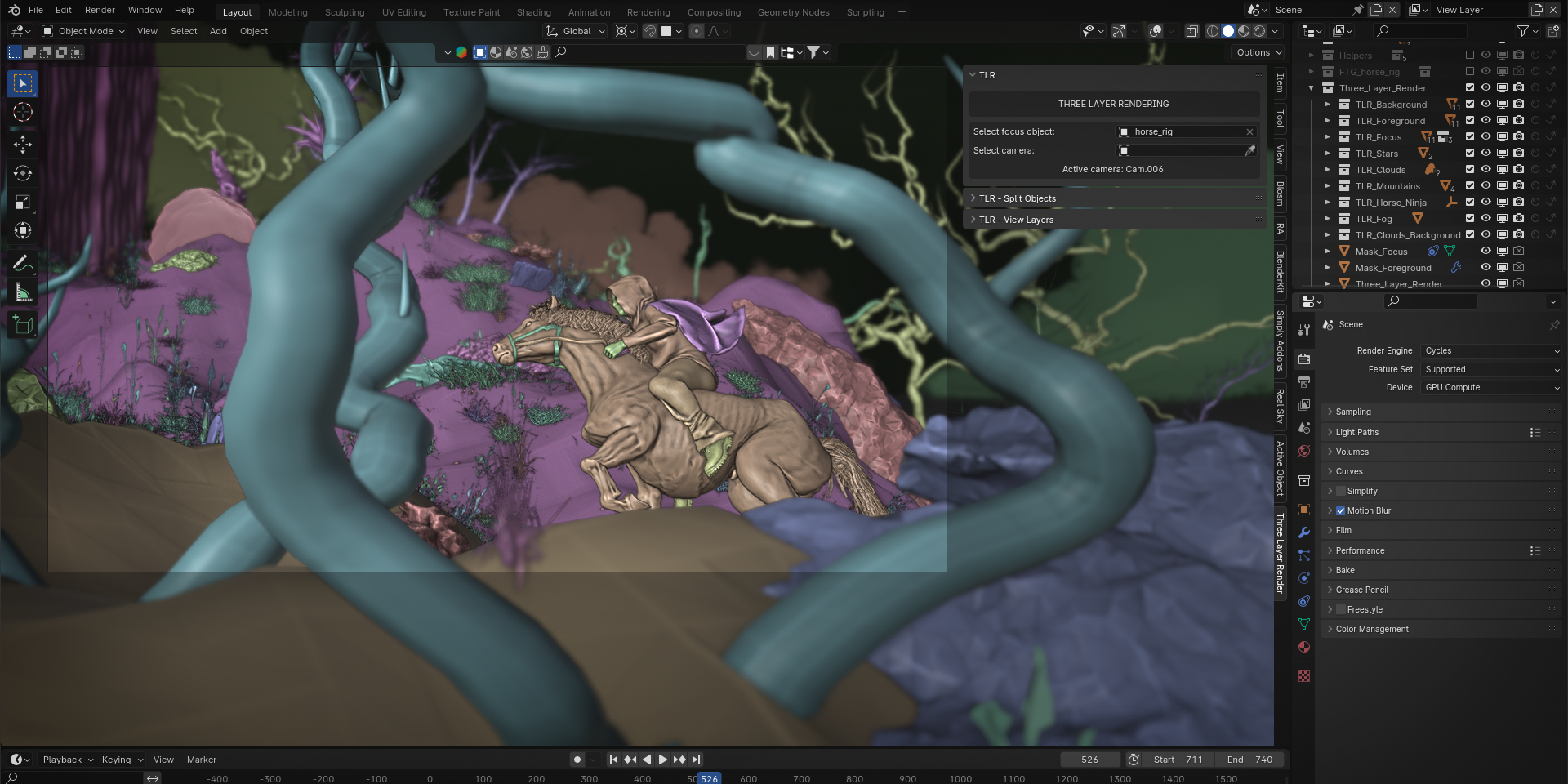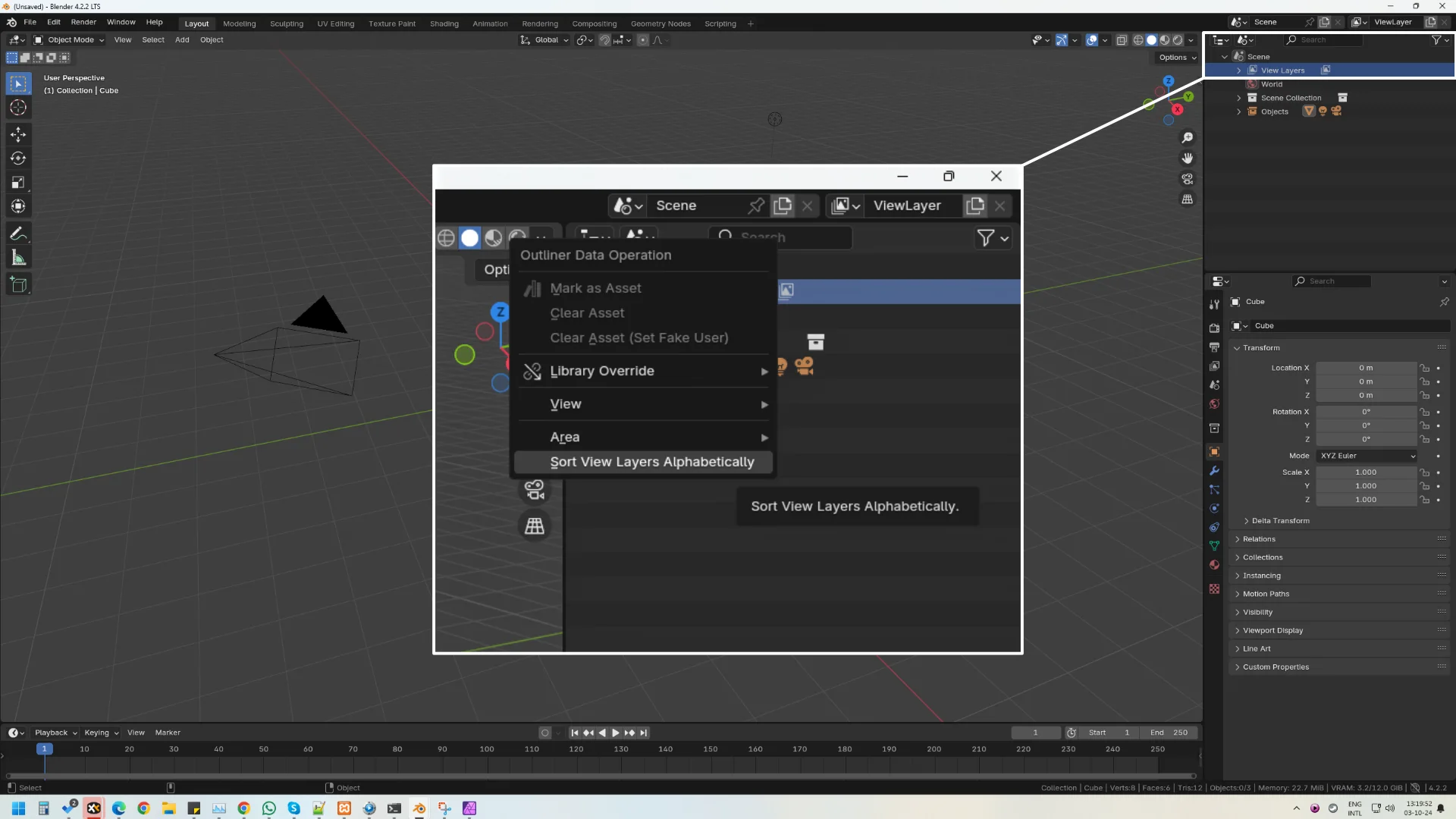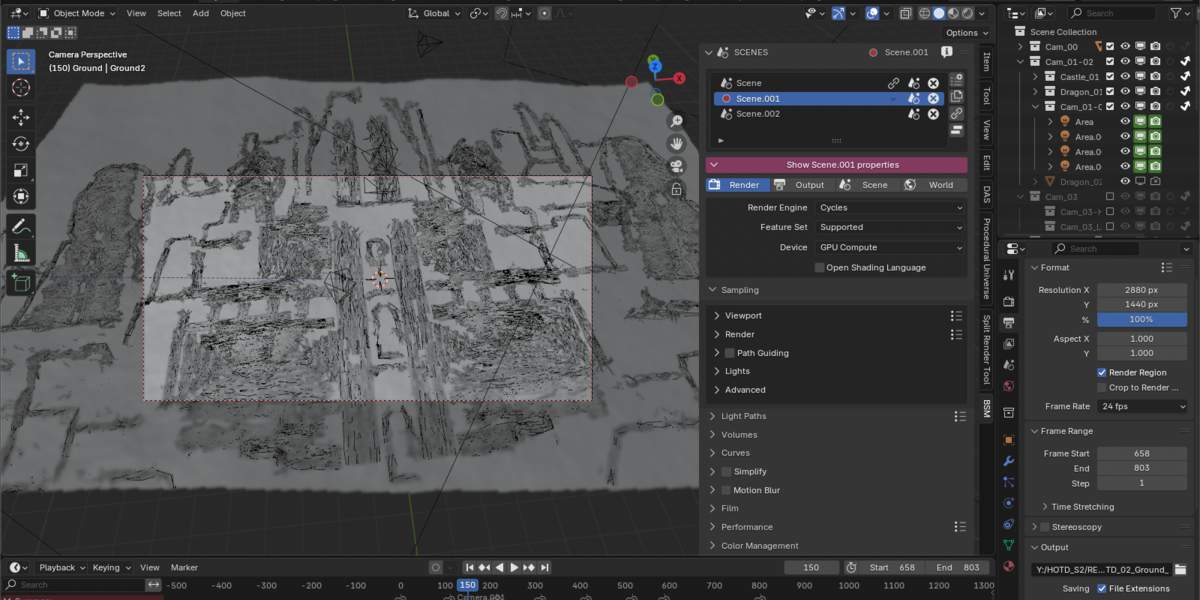
Blender Scenes Manager is an add-on by Olivier Crespo Barrio for managing Blender Scenes, View Layers and Collections through a dedicated interface. It lets you inspect and edit settings for another Scene or View Layer without making that context active. The Superhive product listing describes the add-on's Scene, View Layer and Collection controls. The product FAQ explains how users can change settings without opening the affected Scene or View Layer.
Manage scenes without switching context
Blender's native controls use the active Scene, View Layer or Collection. To change a different one, you need to open that context. The developer says this can make Blender remove and reload data, which may take time on large projects. Blender Scenes Manager keeps lists for Scenes, View Layers and Collections together. Selecting a Scene updates the related lists, so you can reach its options without activating it. The developer describes avoiding these switches as a way to save time and system resources.
Change View Layers and Collection settings
The add-on provides several controls for projects with multiple render setups:
- Reorder View Layers and create one for selected objects or the active Collection, including its nested Collections.
- Change View Layer passes from another View Layer or Scene.
- Change Collection settings such as Exclude, Hide In Viewport/Render, Holdout and Only Indirect from another View Layer or Scene.
These controls let you work on settings in a different Scene or View Layer while keeping the current one active. They are most relevant when a project uses several contexts and you regularly adjust their passes or Collection states.
Create compositing nodes from multilayer EXR files
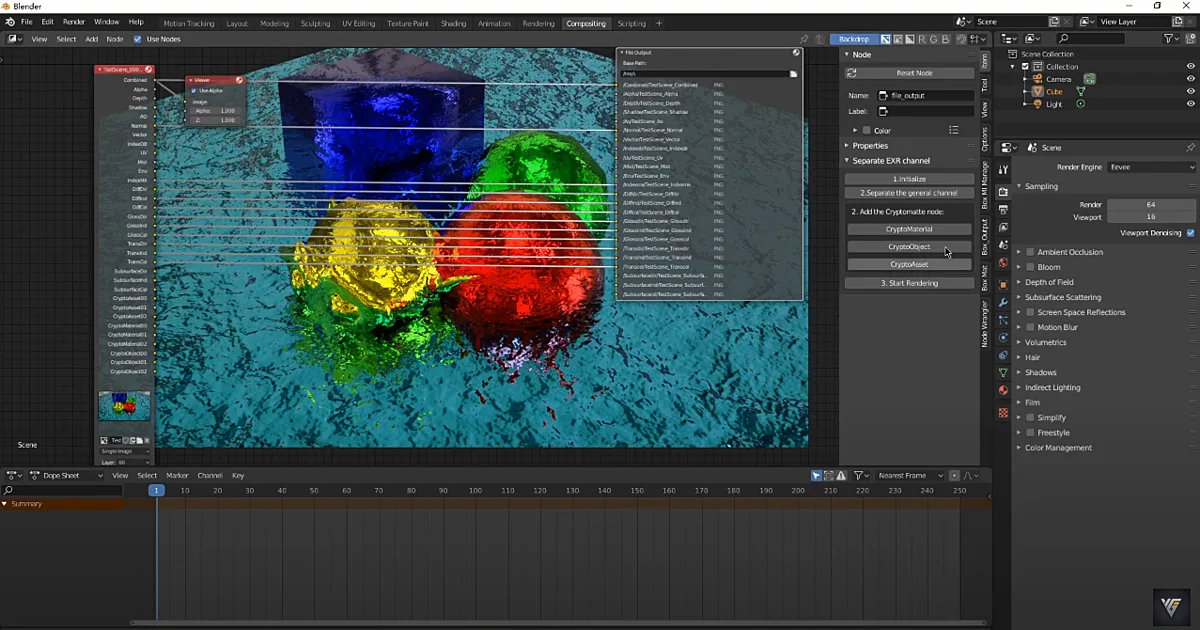
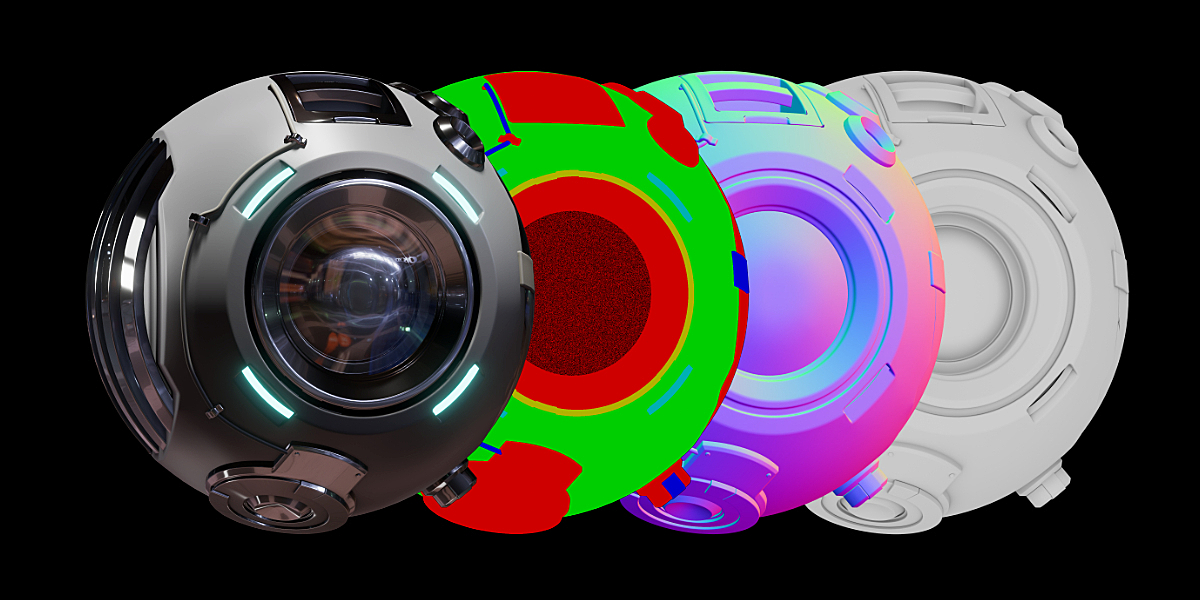
Blender Scenes Manager can create a composition node group from a MultiLayer EXR file. Select the file, set the layer order, and the add-on mixes the layers and passes in that order. The developer's changelog says version 1.3.0 adds an option for Blender 5.3 and later to use the OpenEXR Python Module for this process. It reads the file directly and detects its frame size.
Compatibility and project fit
The Superhive listing identifies the add-on as Blender Extension compatible, gives a Blender version range of 4.3 to 5.3, and lists the GPL license. Its render-engine details name Blender-Internal, Cycles and Eevee. The changelog records Blender 5.3 compatibility in version 1.3.0. Check the documentation and changelog for current installation details and version-specific changes before using it in a production project.
Blender Scenes Manager is most useful when you manage multiple Scenes and View Layers or create composites from multilayer EXR files. If your work stays in one Scene and rarely uses separate View Layers, its cross-context controls may matter less.