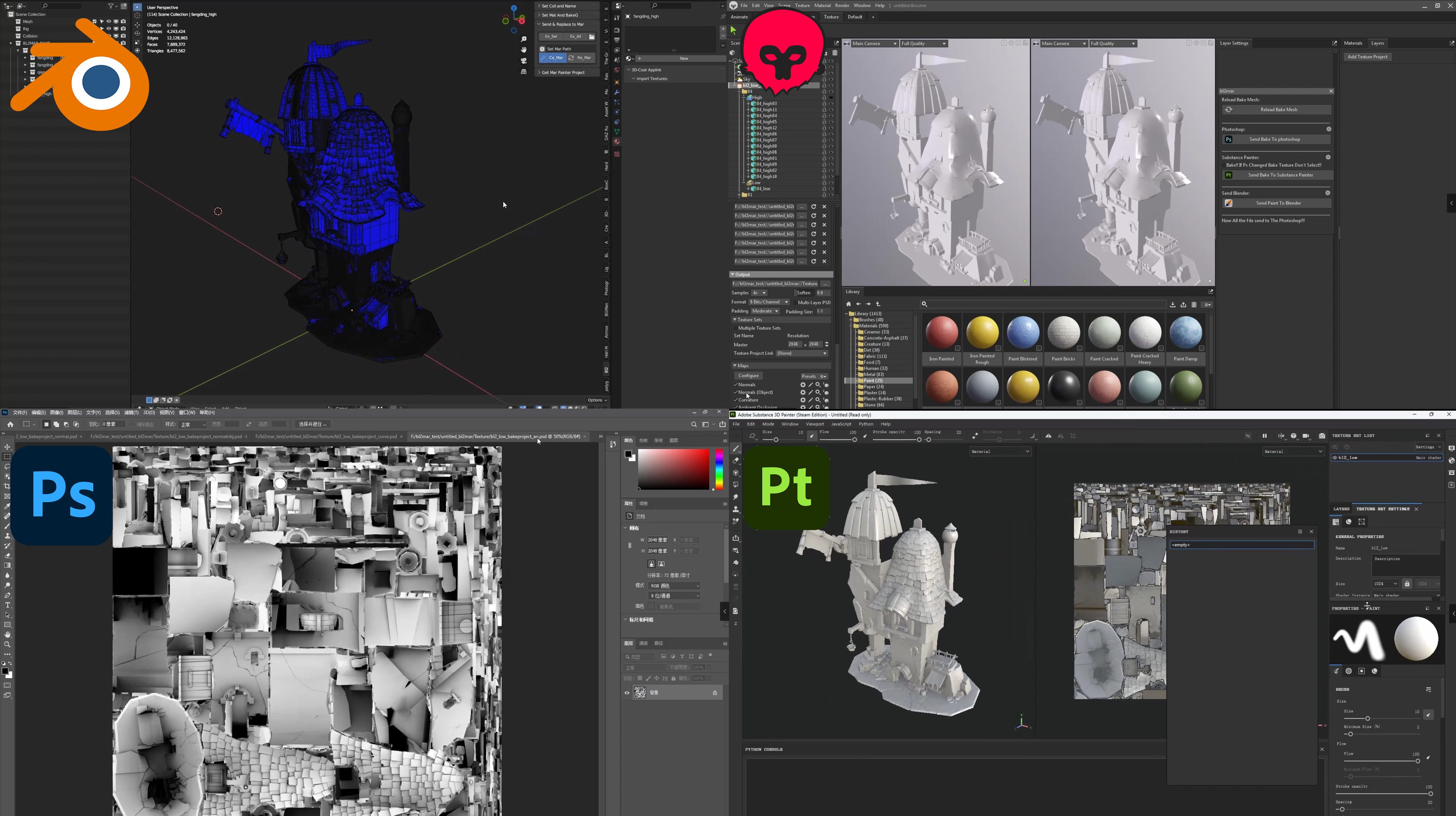
The Blender to Substance Painter Live Link Plugin connects a Blender project to Substance Painter for a round-trip texturing workflow. Send geometry and materials to Painter, update the mesh or materials in Blender, then sync painted textures back by texture set and material.
How transfer and sync work
Connect the project from Blender, make geometry or material changes, and continue texturing in Substance Painter as the changes arrive. When painting is finished, send the textures back to Blender. The plugin supports manual sync and a Smart Auto-Sync timer that waits for an action to settle before sending updates.
Multi-model export and texture sets
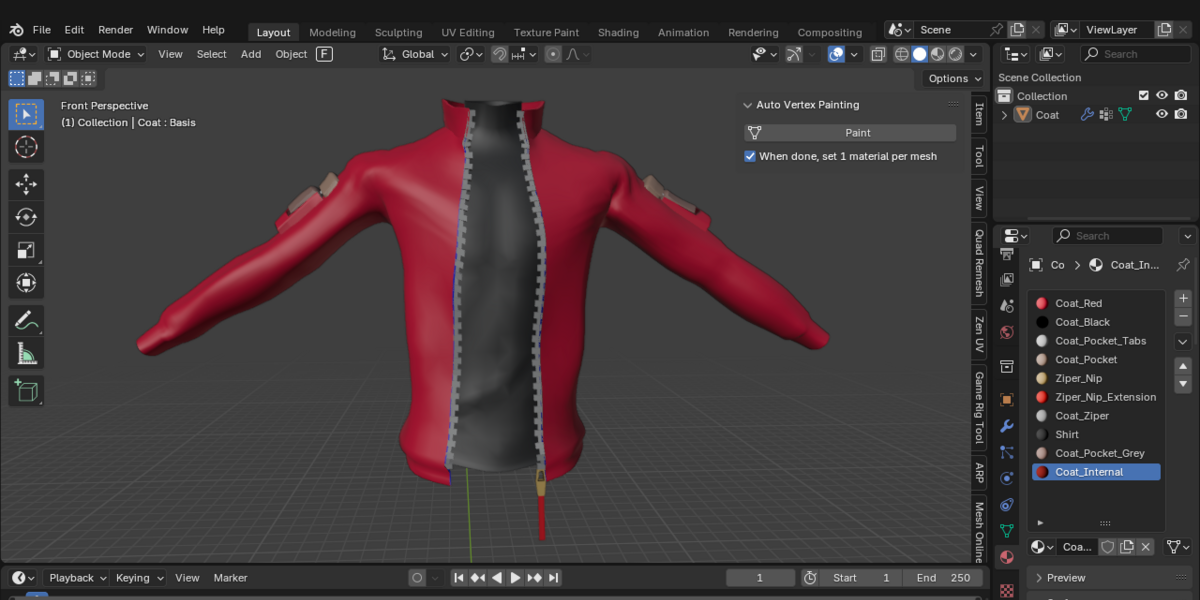
The plugin can send multiple models to Substance Painter in one transfer, assigning each object its own texture set. That keeps painting on one model separate from the others. Additive export lets you add objects without discarding assets already sent to Painter, and the Blender SP Scene Panel lists and manages exported objects.
PBR texture and material sync
Painted textures return to Blender mapped by texture set and material. The listed PBR channels include Base Color, Normal, Roughness, and Metallic. The developer also says Substance Painter generators, smart masks, fill layers, and procedural effects such as edge wear, dirt, and curvature-driven effects transfer back to Blender.
Rigged meshes and geometry changes
Meshes with active armatures can be exported without applying the rig modifier. The developer describes geometry sync as updating Painter when a mesh changes in Blender, including when a model is replaced, while keeping its layers aligned. The listing also describes safe event handling for material changes in Substance Painter.
Compatibility notes
The supplied catalog record identifies this entry as version 2.2 with Blender 5.1 compatibility. The developer product overview describes version 3 and lists Blender 5.2 and 5.1, plus Substance Painter 11.0 and 12.0, including Steam versions. Its documentation page lists Blender 5.0+ and Substance Painter 11.0+. The catalog record and developer overview identify versions 2.2 and 3 respectively; confirm the requirements for the release you plan to use.