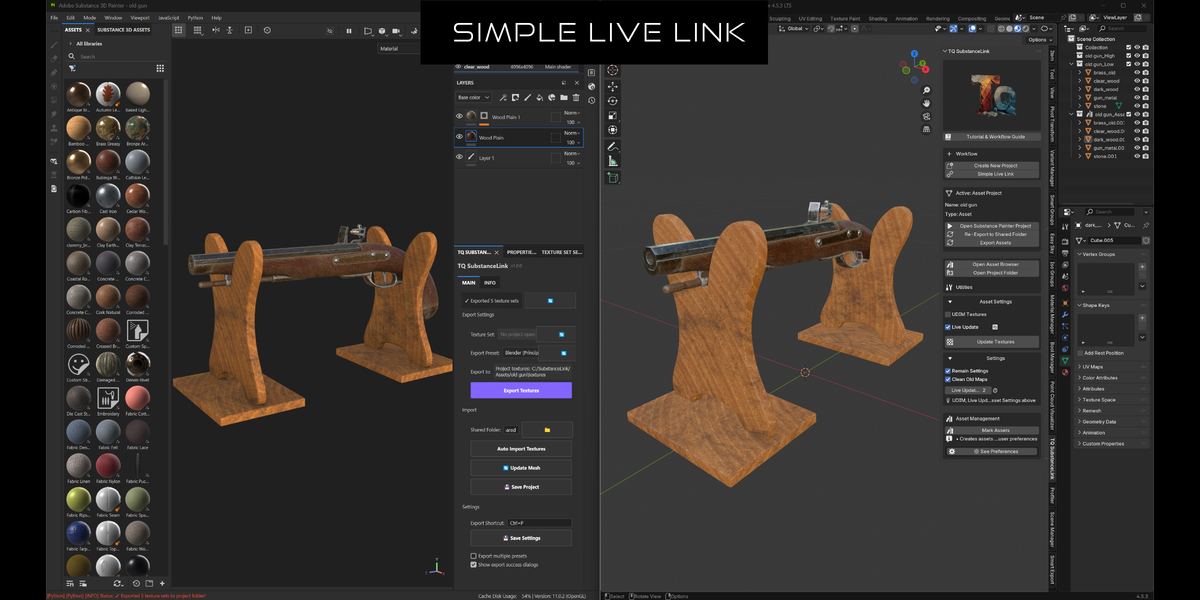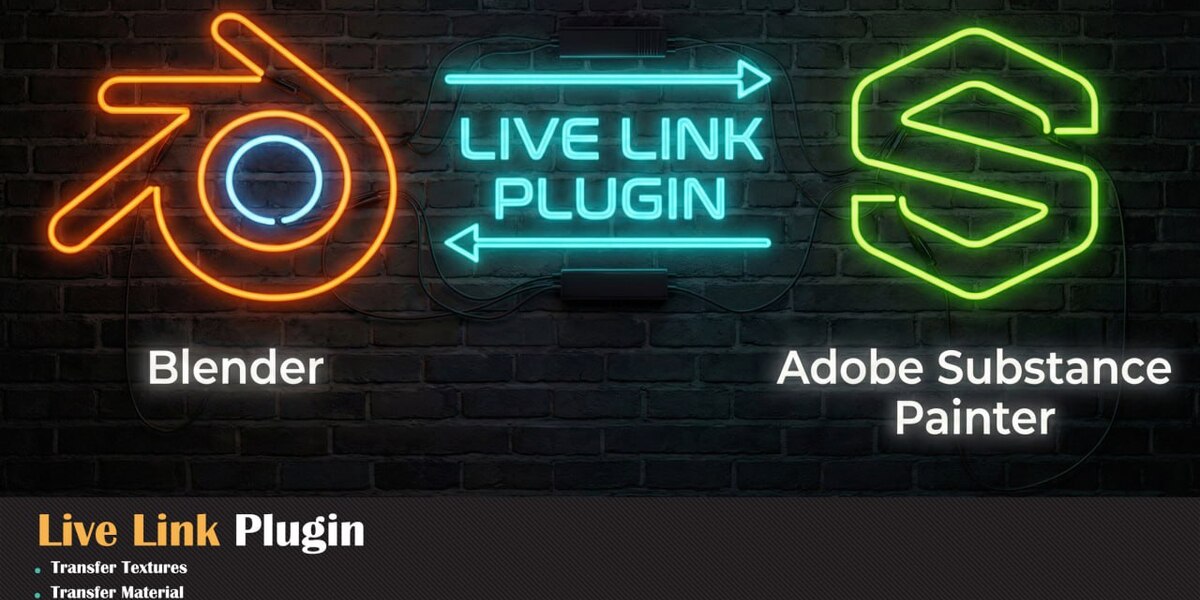
TQ SubstanceLink is a Blender add-on for keeping Blender assets and materials connected to Substance Painter projects. It creates an organized project structure on local or cloud storage and preserves links so edits made in Painter can be picked up when you return to Blender. See the product listing for marketplace details and documentation for version and setup information.
Send meshes to Painter and refresh textures in Blender
For a live test, send a mesh from Blender to Substance Painter, paint and export its textures, then view the updates in Blender. The documentation also describes automatic texture updates and a manual “Update Textures” button. You can configure the update interval from 1 to 30 seconds.
The link between a Blender project and its Painter files remains available while Blender is closed. Changes made in Painter can be reflected after you reopen the linked project; the closed Blender scene is not being updated while the application is off.
Manage reusable materials and asset projects
For material work, build a material in Blender, send it to Painter for texturing, then save it to Blender’s Asset Browser. TQ SubstanceLink also organizes asset projects with high- and low-poly versions, links Painter projects to Blender objects, and lets you reopen those projects for later edits.
Libraries can be divided into categories such as wood, furniture, or stone. The documentation lists local storage and cloud folders including Dropbox, Google Drive, and OneDrive. It also describes multiple libraries with custom names and paths, which can help keep assets organized across projects.
Set up the Blender add-on and Painter companion plugin
The setup guide says to install and enable the add-on through Blender’s Preferences, then open its panel in the 3D Viewport with the N key. Its Quick Setup option creates folders and configures paths. The guide recommends installing the companion plugin in Substance Painter to enable automatic export, project sync, Live Update, and automatic display of imported textures in the Shelf. Painter needs a restart after plugin installation.
The documentation identifies a v1.0.5b release and describes macOS support, one-click setup, and enhanced texture detection. Its system requirements list Blender 4.1 or newer, Substance Painter 11 or newer, Windows 10 or 11, and macOS 10.15 or newer. Superhive’s product details separately list Blender 4.2–4.5, so check the current release documentation for the Blender version you use before installing. The documentation also notes that folder permissions and Live Update settings can affect texture refreshes.