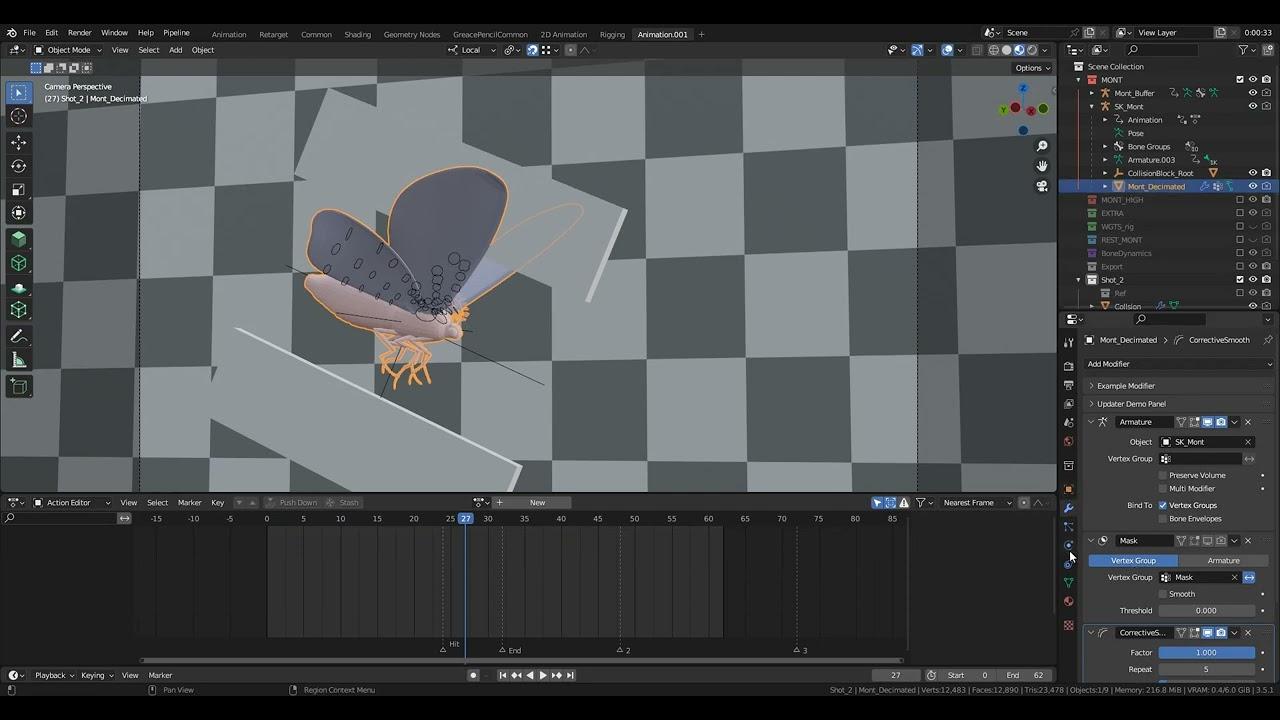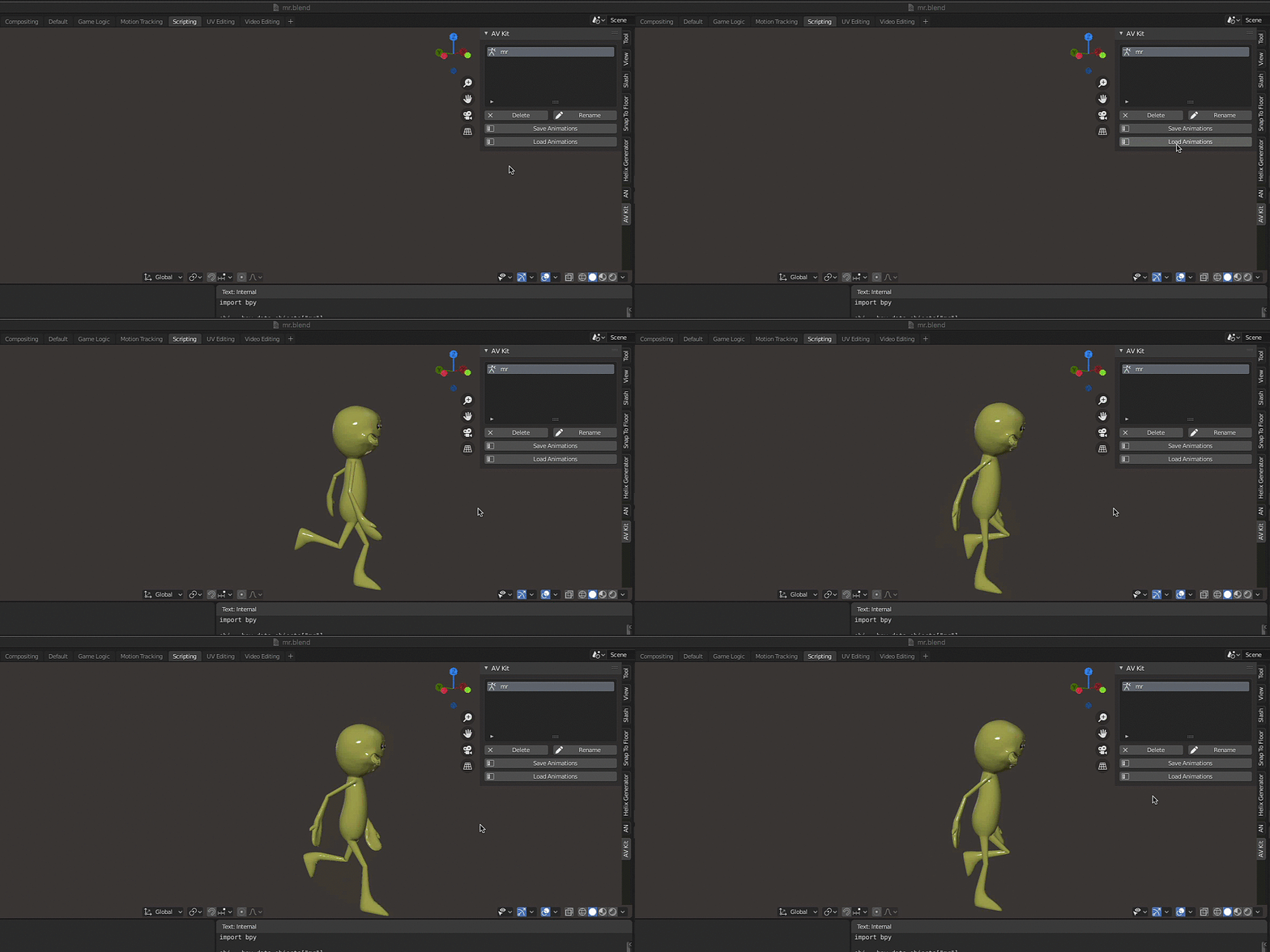
Blender to Unreal Animation Exporter is a Blender add-on paired with an Unreal Python bridge. It transfers Blender assets into Unreal through that bridge. The workflow is aimed at artists and technical artists moving skeletal meshes, animation packs, character folders and related materials.
For a character with separate animations, import the base skeletal mesh first, then bring in animation FBX files as AnimSequence assets that use the same Unreal Skeleton. This helps avoid importing a duplicate skeletal mesh for every animation file when the source files follow the documented folder layout and have a compatible bone hierarchy.
Export modes and character folders
The add-on has separate modes for selected Blender objects, a full scene, a single original FBX, and a complete FBX folder. For character packs, the recommended layout keeps the base model and animation files together:
source/Base.fbxfor the base skeletal mesh and Skeletonanimations/Idle.fbx, with other animation FBXs in the same foldertextures/for maps such as BaseColor, Normal and Roughness
Animation FBXs should use the same bone hierarchy as the base character. After import, open each AnimSequence in Unreal and press Play to check it. If an animation is frozen, the product documentation recommends checking the hierarchy and confirming the FBX contains keyframes.
Materials, collision and physics
The Unreal bridge imports related texture files and tries to repair common material setups. It recognizes common BaseColor, Albedo or Diffuse, Normal, Roughness, Metallic, AO, Specular and Emission maps, applies sRGB correction to utility maps, and assigns materials to mesh slots.
For selected static meshes, the add-on can generate optional UCX box collision helpers. For skeletal mesh imports, the bridge requests Unreal PhysicsAsset creation. Treat that PhysicsAsset as a starting point: complex characters may need manual cleanup in Unreal.
Requirements and first setup
The documentation lists Blender 4.5 or newer and Unreal Engine 5.5 or newer; the product listing gives a Blender version range of 4.5 through 5.1. Enable Unreal's Python Editor Script Plugin. Windows is the primary tested platform.
- Install the product ZIP from Blender's Edit > Preferences > Add-ons screen, then enable the add-on.
- In the 3D Viewport, press N and open the Unreal Export tab. Choose Install Unreal Bridge and select the Unreal project's
.uprojectfile. - After the success message, restart Unreal. Return to Blender and choose Start Exporter Bridge before sending assets.
The bridge setup is done once per Unreal project. The product documentation covers installation, import checks and troubleshooting.
Local transfer and product details
This tool uses its own local Python bridge rather than Unreal Live Link. The product FAQ says Blender and Unreal communicate through localhost and that files are not uploaded online. The listing includes the Blender add-on, Unreal Python bridge and a PDF manual. See the product listing for current product details.