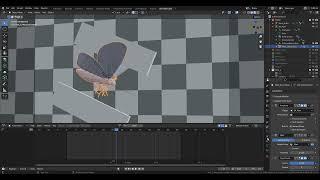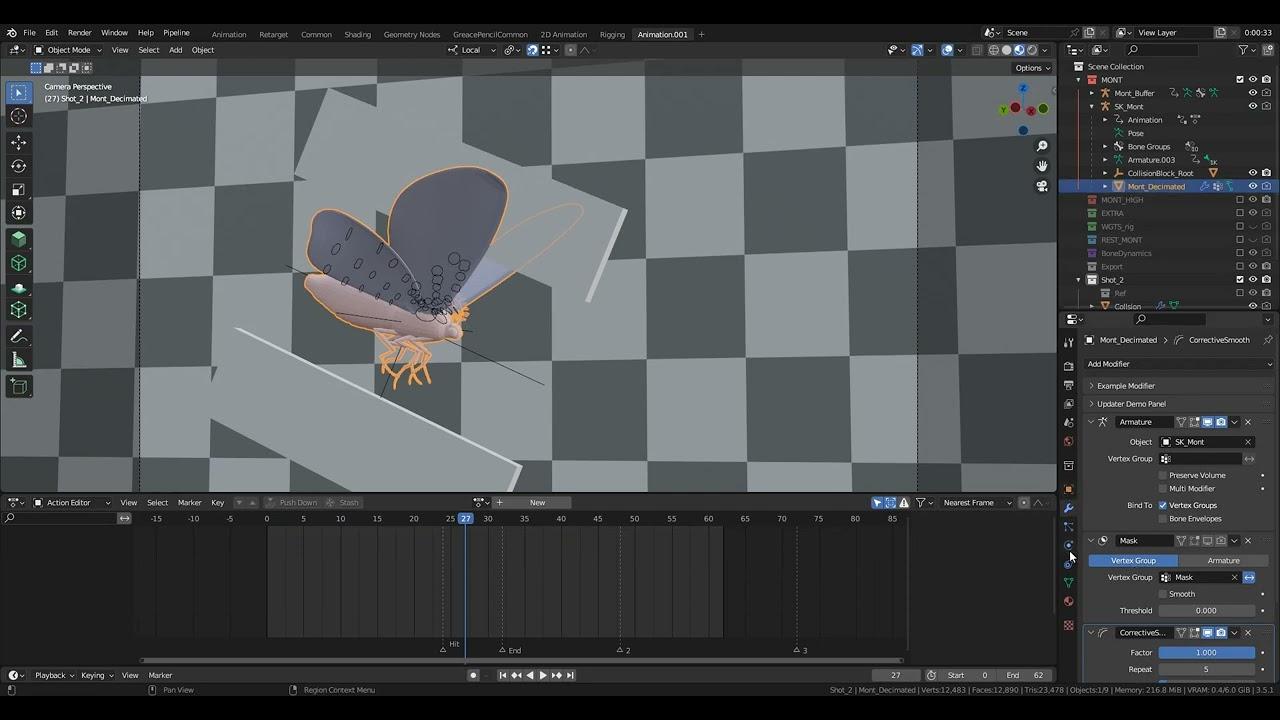
Bake Key Frames To Shape Keys converts bone-driven mesh animation in Blender into a sequence of shape keys, one for each frame. The baked animation no longer depends on the armature's bone hierarchy, which can help when moving animation into another application.
What the add-on does
The developer describes using the add-on to move cinematics from Blender to Unreal Engine: animate in Blender, bake the mesh animation to shape keys, then bring the result into Unreal Engine as a Skeletal Mesh. The same process can bake animation within Blender to help preserve it. The developer compares the approach to baking geometry to Alembic and notes that FBX is generally more widely supported for animation. The developer's product page has a short demonstration.
How to bake key frames to shape keys
- Select the mesh object whose armature modifier uses the animation you want to bake.
- Choose “Bake Frames to Shape Keys” from the Shape Keys menu, or press F3 and search for “Bake Key Frames to Shape Keys.”
- Blender creates a set of shape keys for the animation frames, with the shape changing from one key to the next.
This workflow is useful when the receiving application or export process should not rely on the original bone hierarchy. The product description does not specify export settings or requirements for particular target applications, so check the result with your own export pipeline.
Blender version support
The product page lists Blender 3.5, 3.6, and 4.0 through 4.4. The developer says it was tested on versions 3.5 to 4.3; a changelog entry dated April 13, 2025, also notes an update addressing breaking changes in Blender 4.4. Check the developer's page for compatibility details before installing.