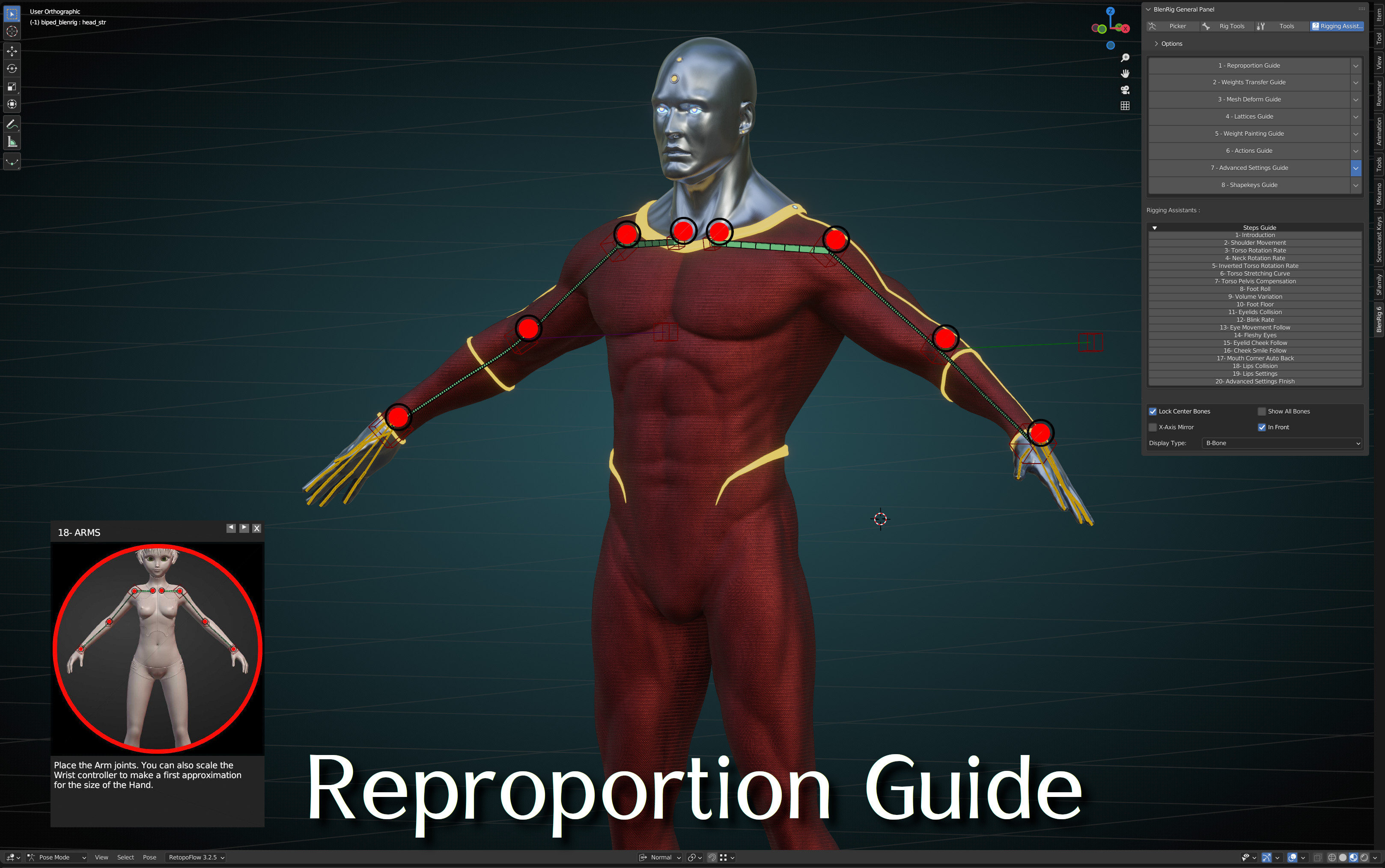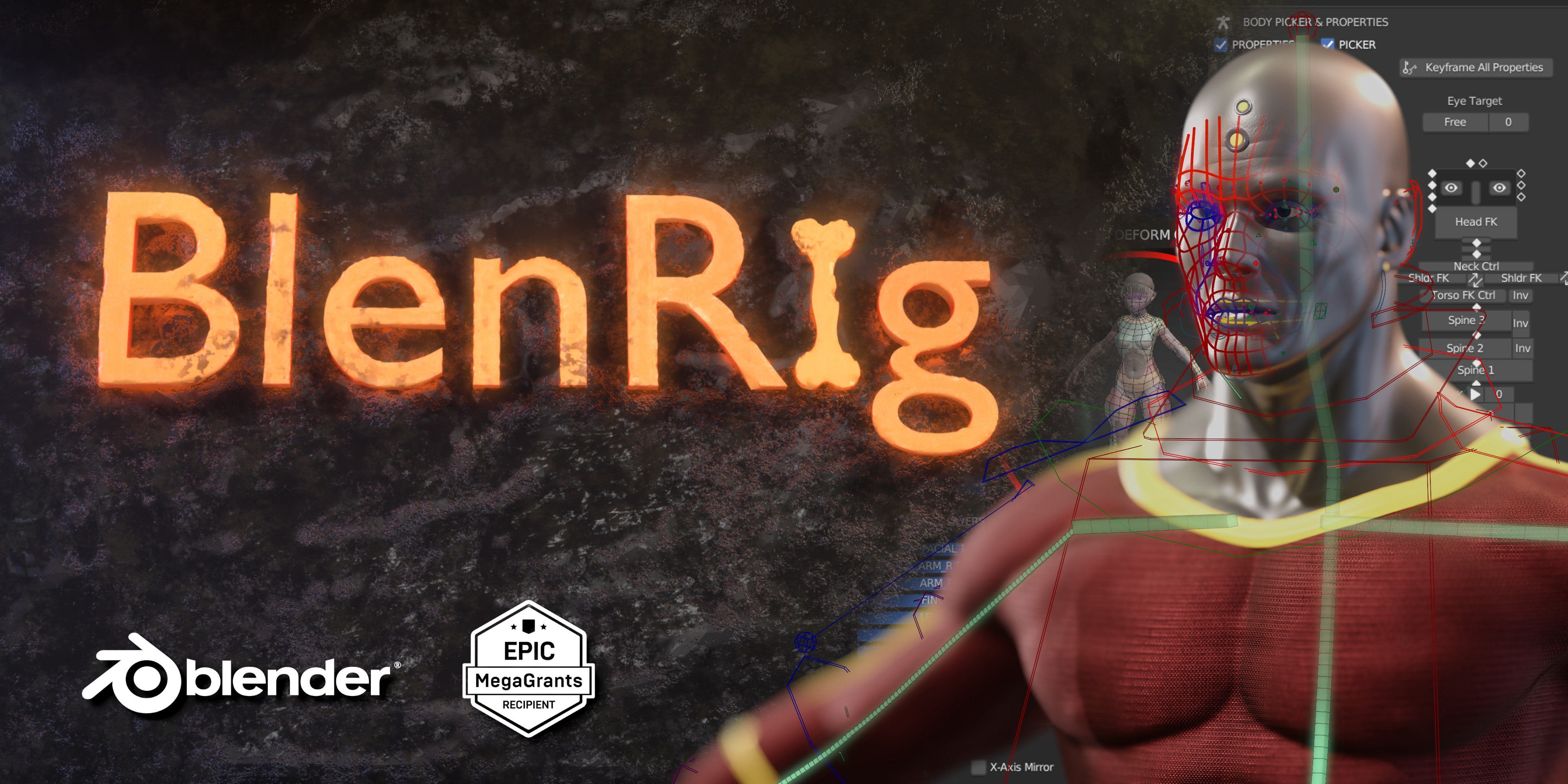
Blenrig 6 is a Blender rigging system for building realistic or cartoony bipedal characters. Its Interactive Rigging Assistant Guide takes users through the process with written steps and explanatory images. The project is intended for people with or without previous rigging knowledge. Superhive’s product page says the guide automates more than half of the labor; that figure is the project’s claim, not an independent test result.
Follow a guided rigging workflow
The documented starting steps are to install the add-on, add the BlenRig armature to the scene from Blender’s Add Object menu, then start the first guide and follow its steps. This gives new riggers a sequence to work through while they build a character rig. Experienced artists can also use the guide as a structured way to move through setup.
The project began in 2007. Superhive says BlenRig has been used in Blender Open Movies and productions including Bugs Buddies, Pettson and Findus, Kiribati, and seasons 2 and 3 of Man in the High Castle.
Deformation and animation tools
Blenrig 6 uses Mesh Deform for organic models and includes pre-weighted meshes to reduce weight-painting work. The product description says hands and face still rely on weight painting. Its other tools include a facial rig, automatic generation of shapekeys and drivers, and sculpt tools for editing shapekeys.
Rig actions can be edited to set predefined poses and behaviors. Together, these tools cover character setup, facial controls, deformation adjustments, and animation controls in Blender.
Check the fit for your character
The supplied product FAQ describes BlenRig as a biped rigging system. It says the add-on does not automatically support extra limbs and does not have a modular workflow. Game engine compatibility is not available by default. The product page lists a game-engine-compatible workflow among its future plans, so users who need that workflow should check current project documentation before choosing it.
Version and setup notes
The release notes say version 4.0.0 was the first Blender 4 release and that Blender 3 and earlier were no longer supported. Version 4.0.1 fixed the guides for Blender 4.4 and a Collections error in the Reproportion Guide. The marketplace’s Blender version field gives a broader range, so confirm support for your exact Blender release in the setup documentation or with the developer before installing. The documentation’s basic sequence is to install the add-on, add the armature, and start a guide.
Blenrig 6 is listed as free and GPL licensed. The Superhive product listing links to its GitHub repository. Its FAQ covers additional compatibility and workflow limits.