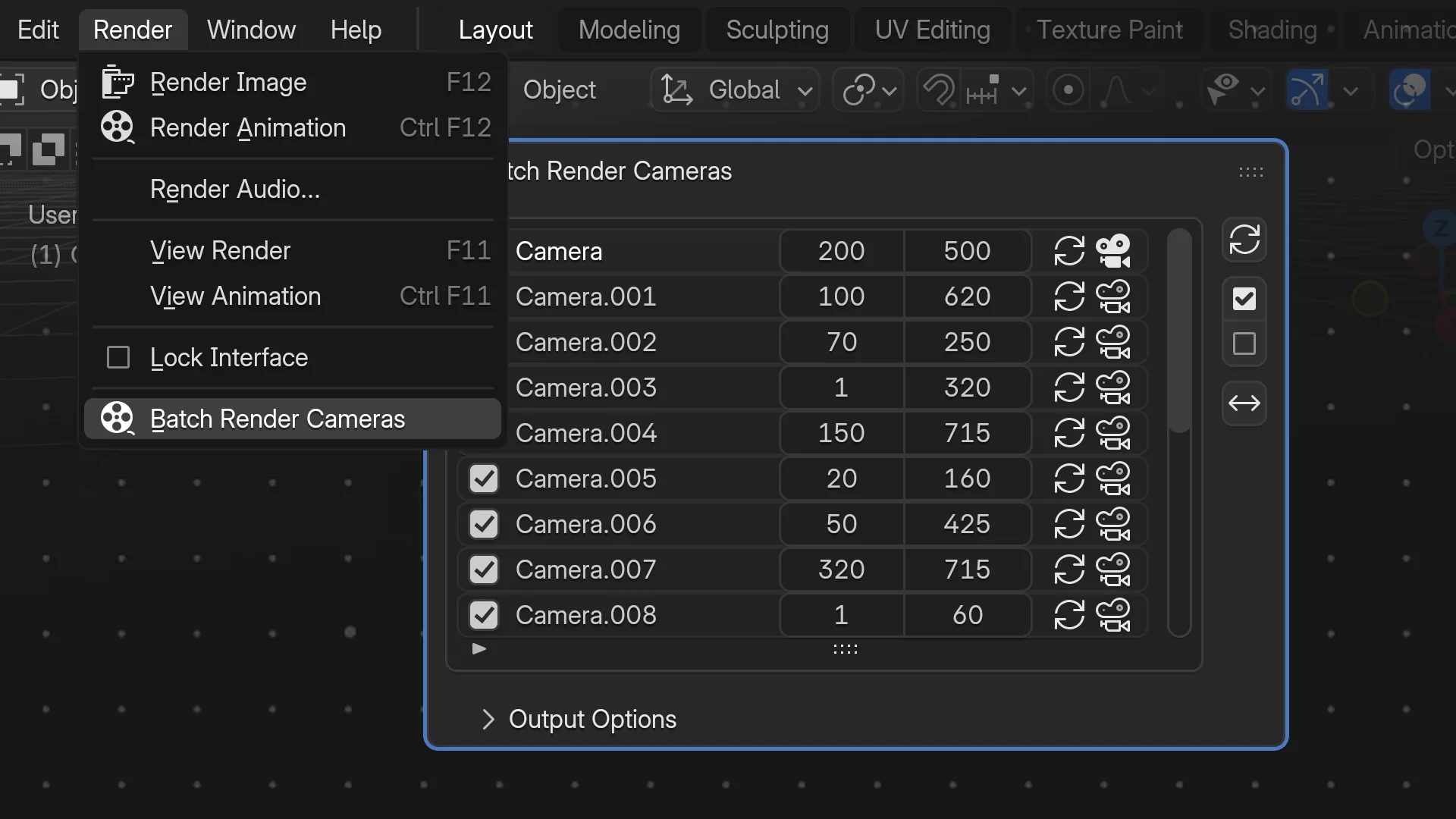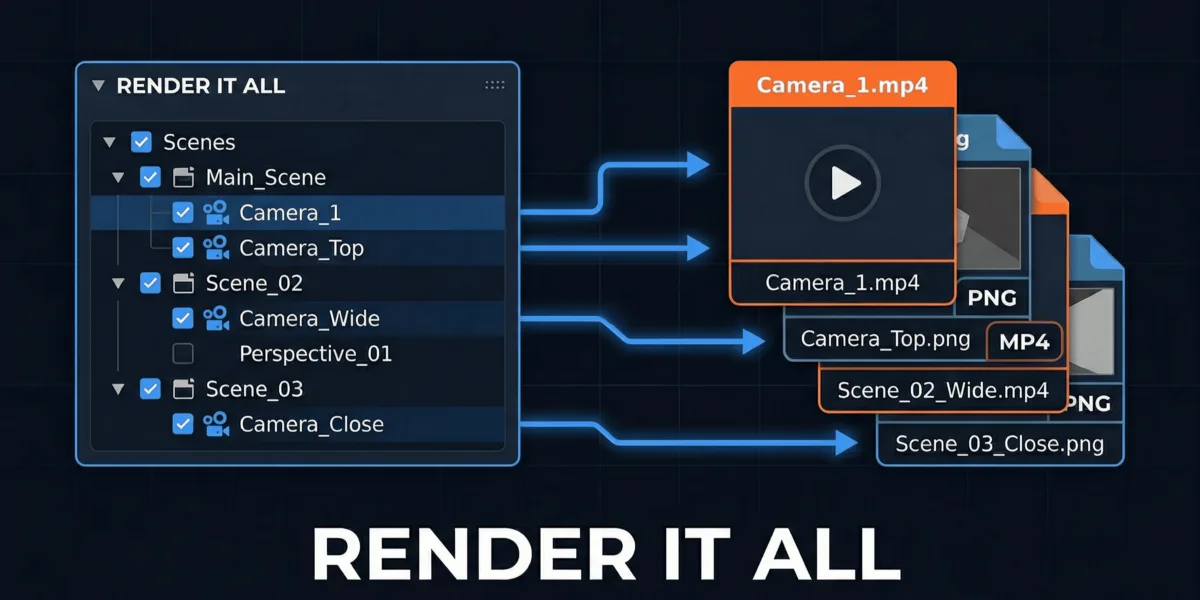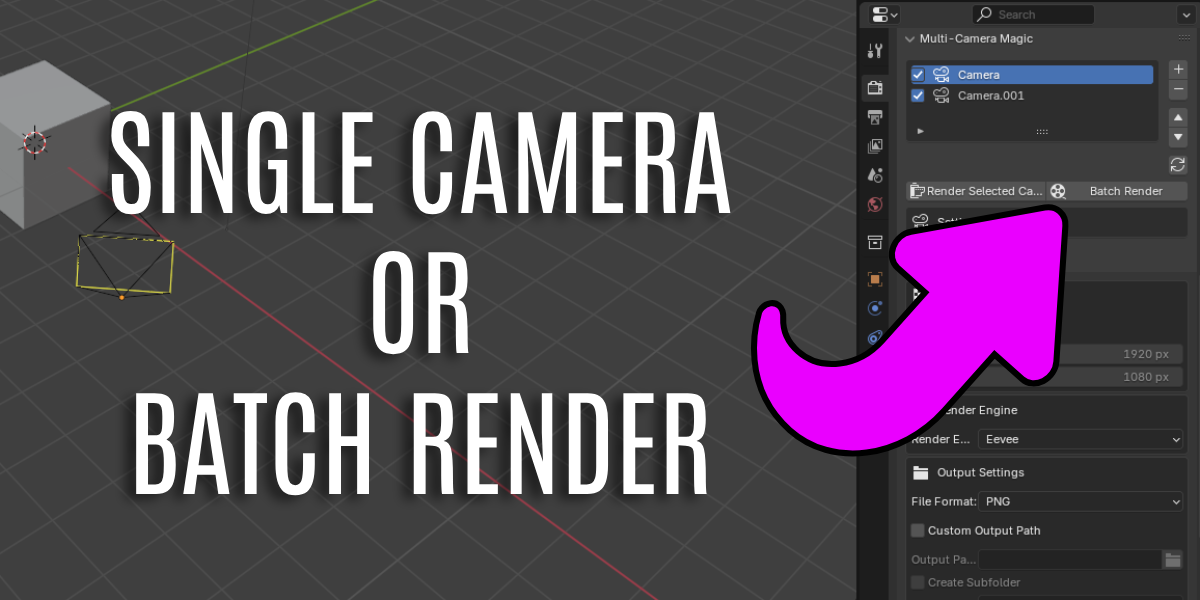
BLeQ, short for Blender Queue, is a Blender extension for rendering several scene and camera setups in sequence. Add combinations to a queue, start the renderer, and BLeQ switches between scenes and cameras as it works through the entries. It suits projects that need renders from multiple scenes or camera angles without manually changing each setup.
Render scenes and cameras in sequence
Each queue entry pairs a scene with a camera setup. BLeQ renders entries one after another and shows the Blender render preview while it works. The extension supports animations as well as single frames, so a queued setup can produce an animation instead of only a still.
Skip invalid entries and stop a run
BLeQ skips entries that do not belong to the current blend file. It also skips entries with missing scenes or cameras. Press Esc or use the stop button to interrupt a batch before the queue finishes.
Compatibility and installation
The Blender Extensions listing shows BLeQ version 1.0.5, with Blender 4.2.0 as the minimum supported version. The listing offers the add-on for drag-and-drop installation or installation from disk through Blender's extension preferences. The extension requires no special permissions and is licensed under GPL-3.0-or-later.
Optional standalone app
The developer describes a free standalone BLeQ app as an optional companion to the extension and a central manager for work across different Blender files and Blender versions.