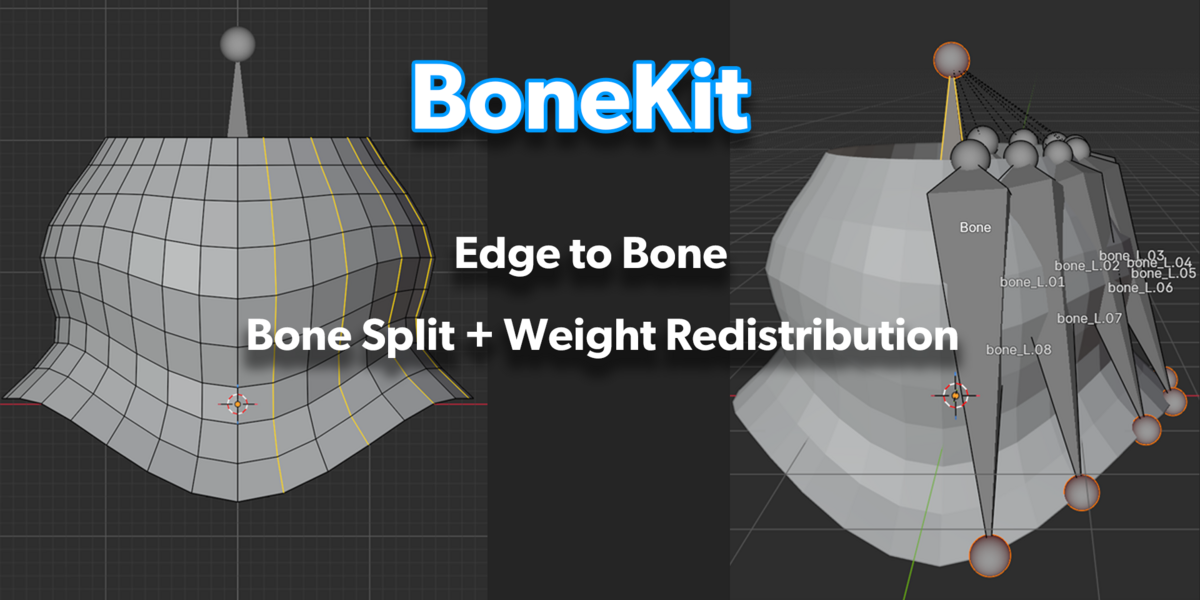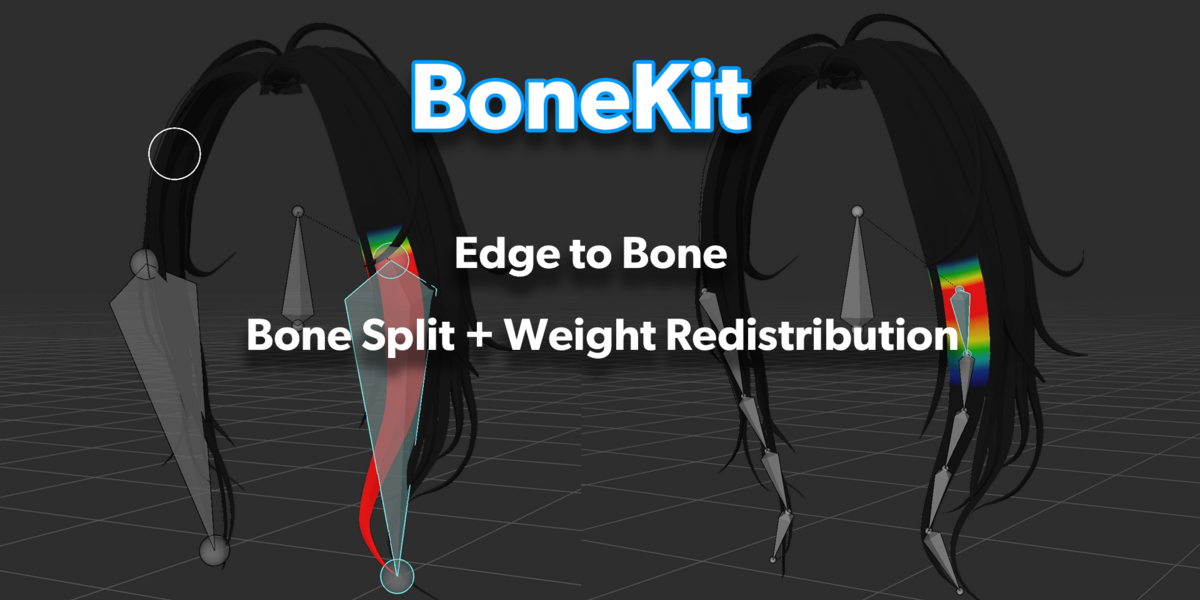
BoneKit is a Blender add-on by Studiocats that combines two rigging tools: Edge to Bone builds bone chains from selected mesh edges, and Quick Bone Split subdivides selected bones by segment count, redistributing weights when those bones are already weighted.
Build bone chains from mesh edges
Edge to Bone detects connected edge chains and can process multiple chains at once. Direction controls orient the bone head toward Head or Hips, with Auto Detect available. Surface offset moves bones along vertex normals so they sit above the mesh. Queue mode lets you define chains across multiple selections before building them together.
For setup adjustments, you can choose a root parent from the viewport with the eyedropper, reverse bone direction with Flip head/tail, or create mirrored chains with X-axis mirroring and L/R naming. Edge to Bone creates bone chains only. It does not automatically bind them to a mesh or generate weights.
Split bones and redistribute weights when they are already weighted
Quick Bone Split subdivides selected bones according to a segment count. It supports even splits and non-uniform splits, where you can adjust the first and last bone ratios for a tapered distribution. When splitting already-weighted bones, the add-on redistributes weights across the new bones. You can also snap split points to the mesh surface, which is useful for curved shapes such as hair.
The tool can split multiple bones at once, detects mirror modifiers on affected meshes, and lets you adjust the last operation's parameters with Blender's F9 panel. These controls are useful when a chain needs to follow a mesh closely or when several bones need the same kind of subdivision.
Who may find it useful
BoneKit is aimed at VRChat avatar creators setting up PhysBone chains for hair, skirts, tails, and accessories; character artists rigging cloth or dangling elements; and riggers prototyping chains that follow mesh topology.
Compatibility and license
The Superhive listing specifies Blender 4.0 to 5.1 and says the add-on was tested on Blender 5.1. Its interface is listed in English, Japanese, and Korean, and the license is GPL. Check the Superhive product listing for current compatibility and product details, or visit Studiocats.