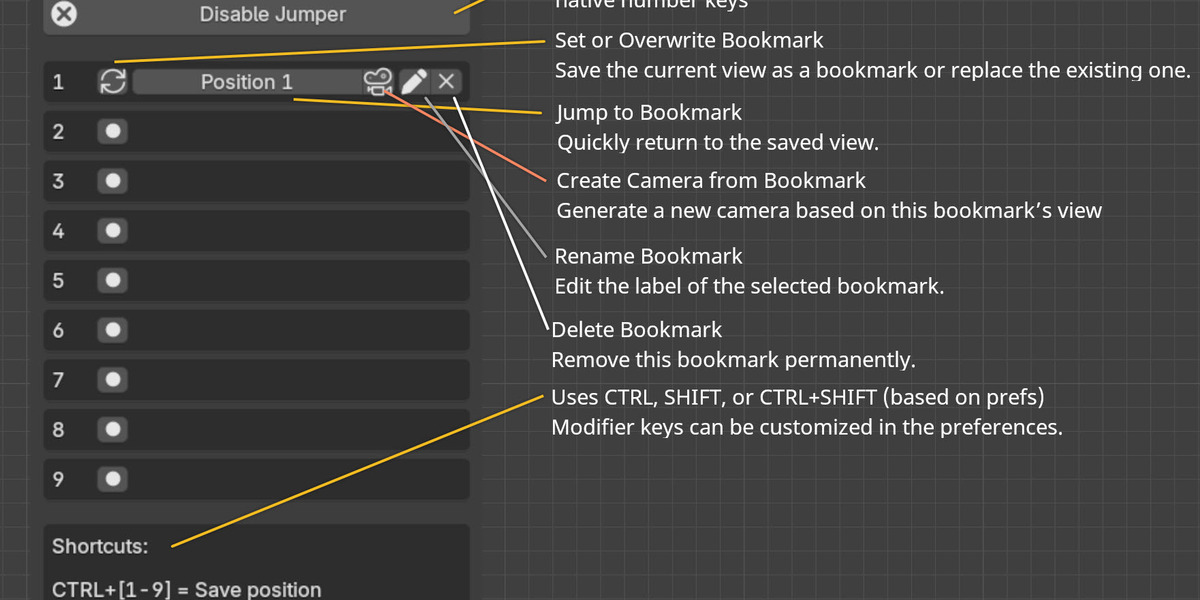
Bookmark Jumper 2.0 is a Blender add-on from CreateVisions for saving and recalling viewport and camera positions. Its hotkey workflow suits projects where you return to several views, including architectural visualizations, character animation setups, product scenes, and multi-camera film projects.
Save and recall views with hotkeys
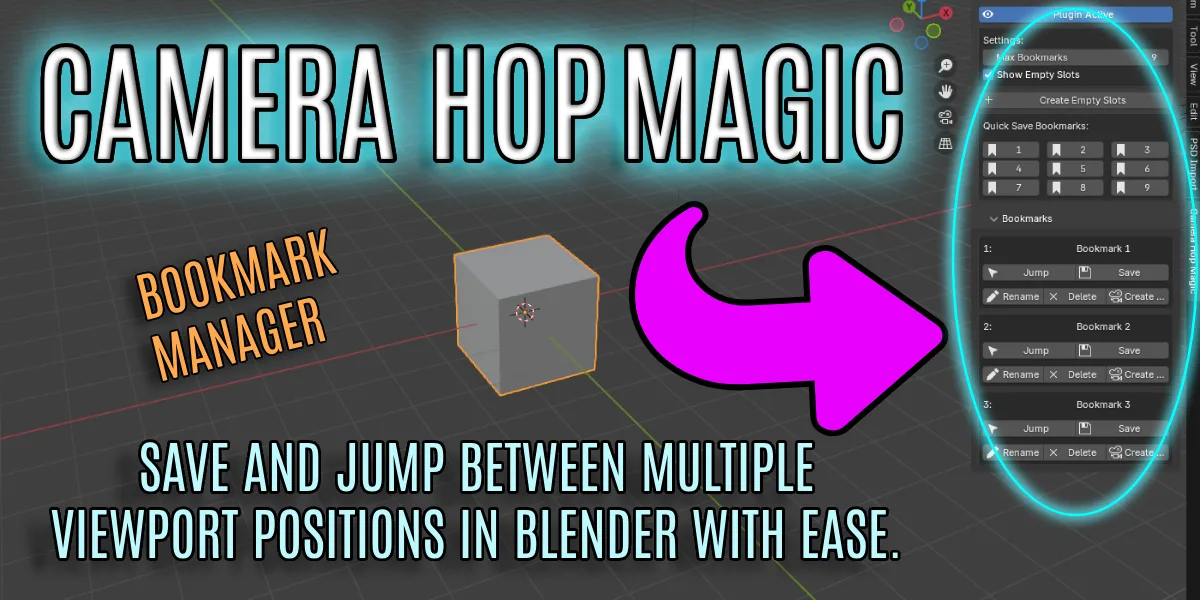
Choose Ctrl, Shift, or Ctrl+Shift as the save modifier, then press a number from 1 to 9 to save the current position. Press the matching number without the modifier to load that view. You can rename bookmarks directly in the list without opening a separate dialog.
Organize views into sets
The tab-based interface lets you add, rename, delete, and switch between bookmark sets. Version 2.0 supports up to five sets with 45 positions in total, so you can group views by scene, project, or workflow stage.
Preview bookmarks and restore cameras
Bookmark Jumper creates a 960×540 screenshot thumbnail for each bookmark. Expandable previews help identify a view, while the PNG files are saved beside the blend file in an organized folder structure. Bookmarks, sets, and thumbnails are saved automatically with the project.
Smart camera bookmarks save camera settings such as focal length, depth of field, and sensor settings. If a camera is deleted, the add-on can recreate it from saved bookmark data. Creating a camera from a viewport bookmark also activates Camera to View automatically.
The product listing identifies Blender 4.3–5.2 compatibility and a GPL license. Check the Bookmark Jumper listing for current product details.