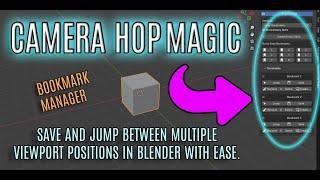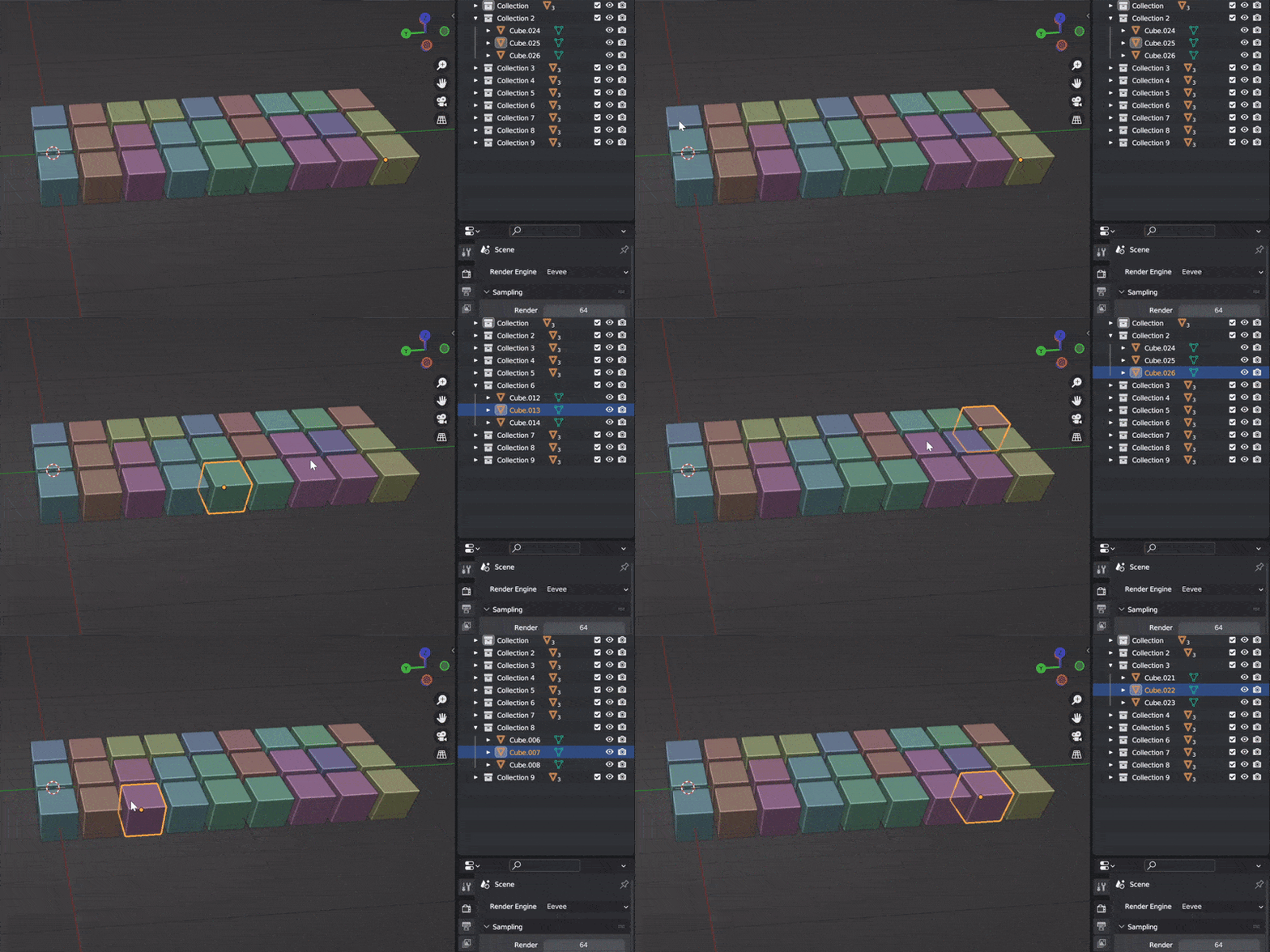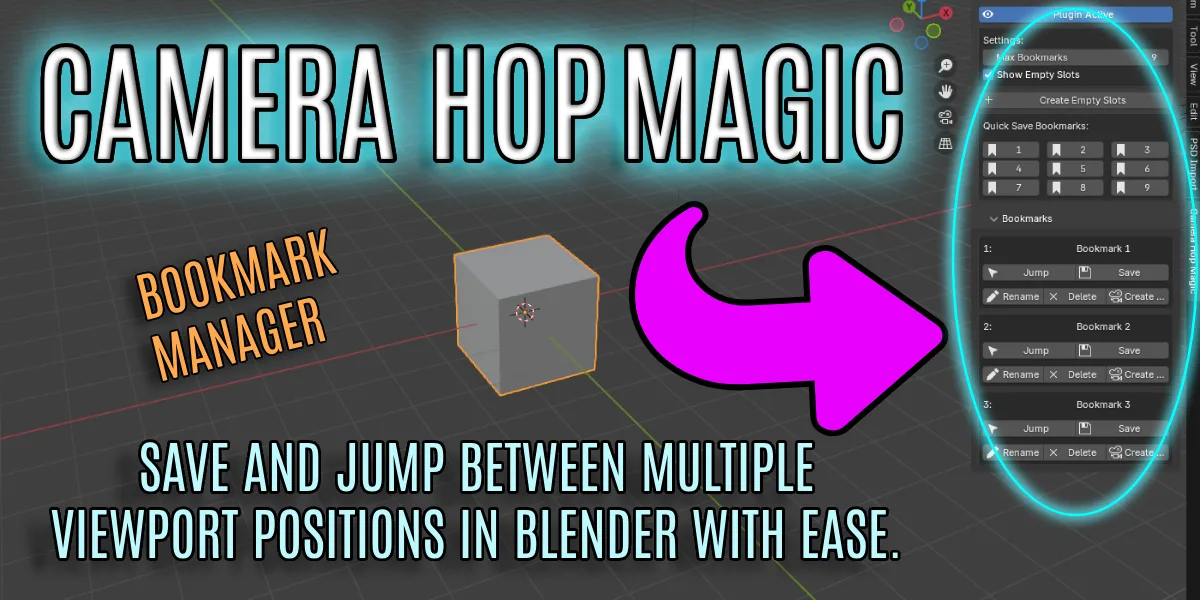
Camera Hop Magic is a Blender add-on by Digital DiLeo for saving viewport positions and returning to them later. Save a view's position and orientation in a numbered bookmark slot, then jump back to it without manually navigating the scene again. You can also turn a saved view into a Blender camera object.
Save and revisit viewport positions
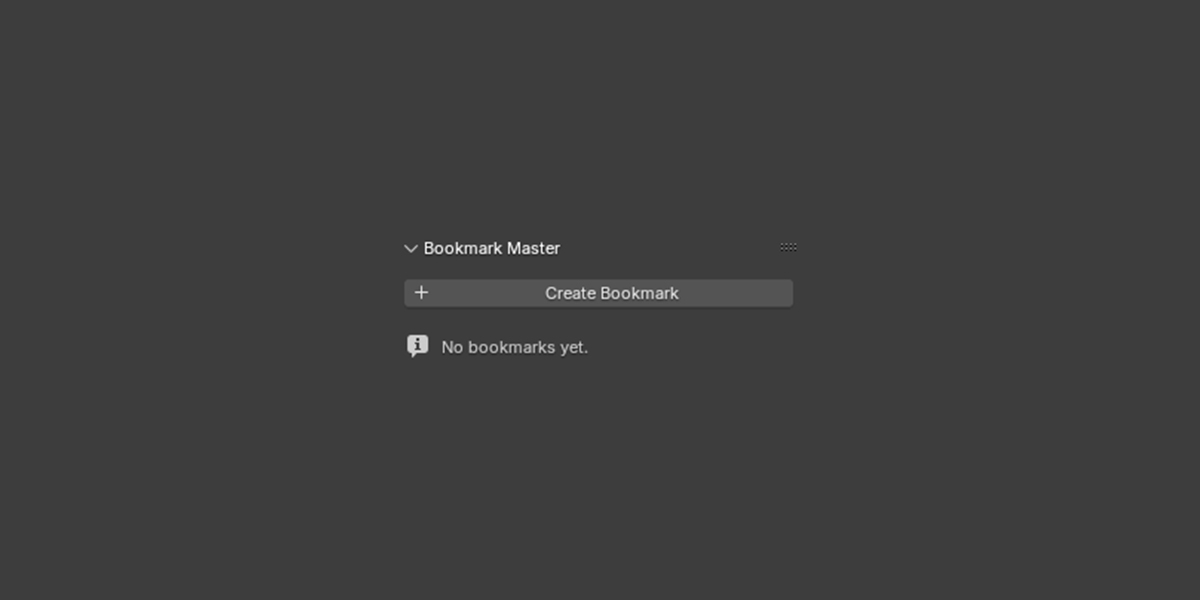
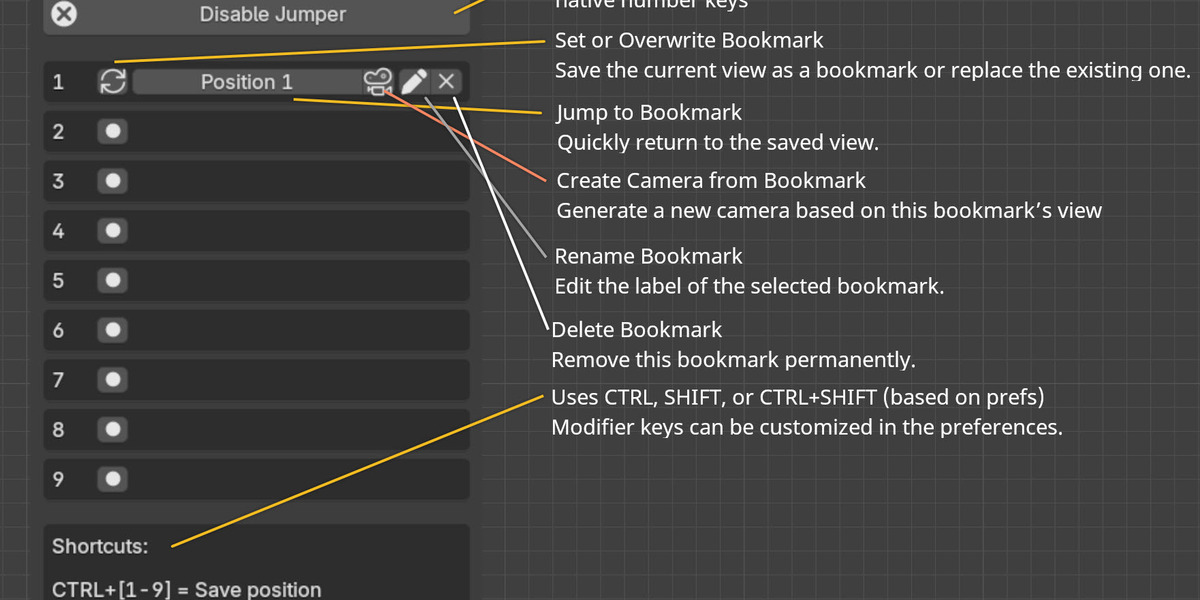
Open the add-on in Blender's 3D View sidebar and click a numbered button in Quick Save Bookmarks to capture the current view. Use Jump beside a saved bookmark to return to it. The Save button beside an existing bookmark lets you overwrite that slot with the view you are currently using.
Turn a bookmark into a camera
Select Create Camera beside a saved bookmark to make a Blender camera at that bookmark's position and orientation. This gives you a way to move from scene navigation to setting up a shot for rendering, animation, or visualization.
Organize bookmark slots
Rename bookmarks to identify useful angles, or delete views you no longer need. The settings let you choose a maximum of 1 to 20 bookmarks, show or hide empty slots, and create empty slots up to the selected limit.
Install and open the add-on
- Download the add-on ZIP file.
- In Blender, open Edit > Preferences > Add-ons and choose Install.
- Select the ZIP file and enable Camera Hop Magic in the add-on list.
- In the 3D View, press N to open the sidebar, then select the Camera Hop Magic tab.
Compatibility and license
The product listing names Blender versions 3.0 through 4.4, and the documentation describes compatibility as Blender 3.0 and above. Check the product listing for a specific newer Blender release. The documentation lists add-on version 1.0.0 and an MIT license. See the Camera Hop Magic documentation for its panel controls and installation details.