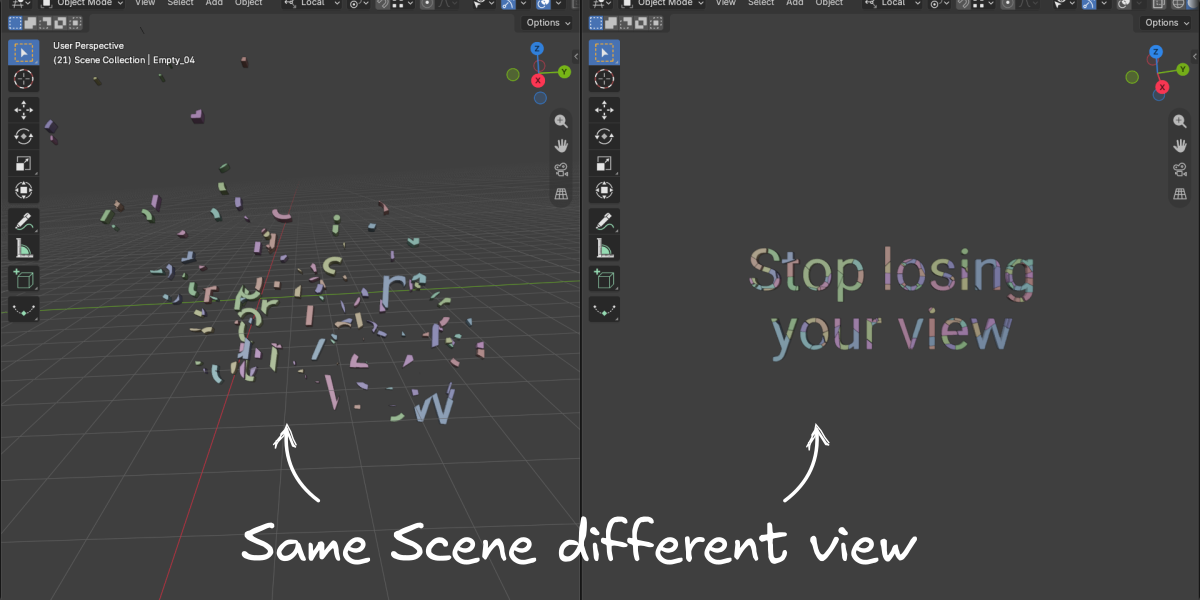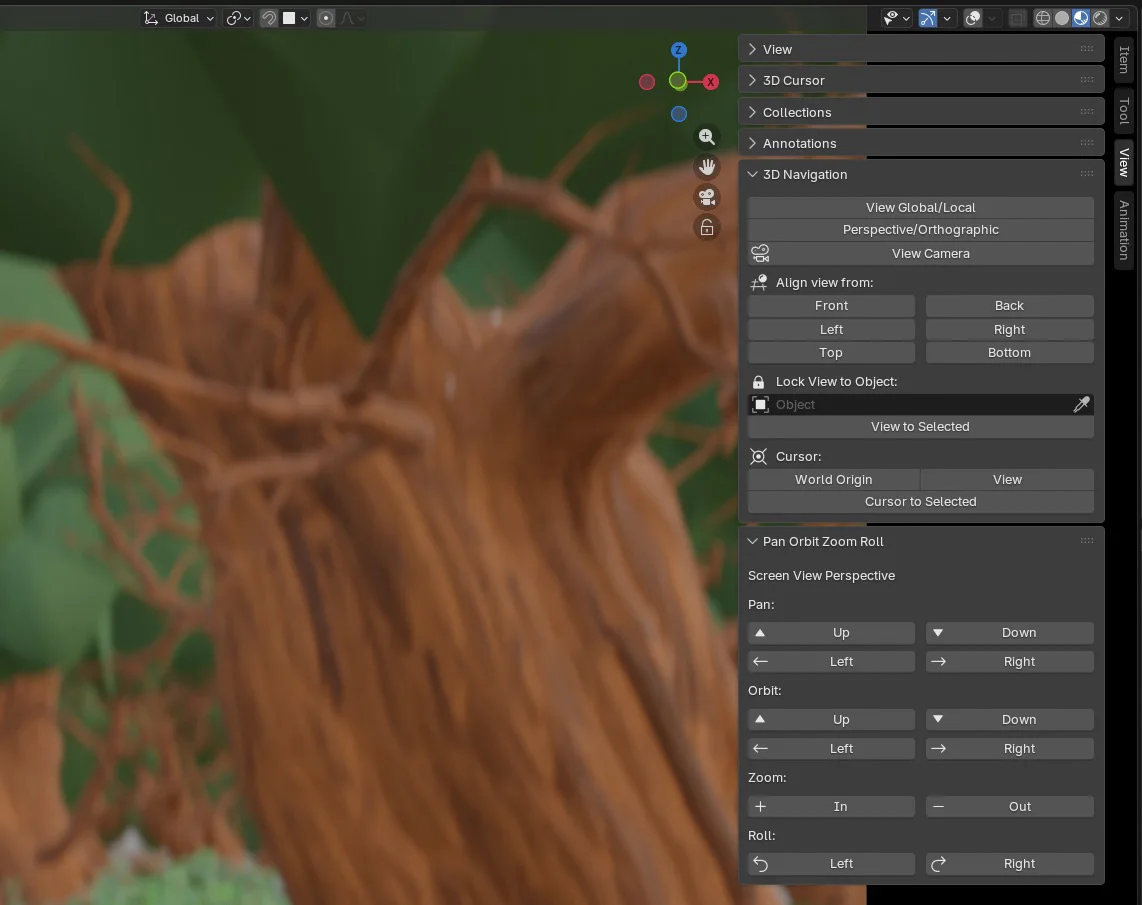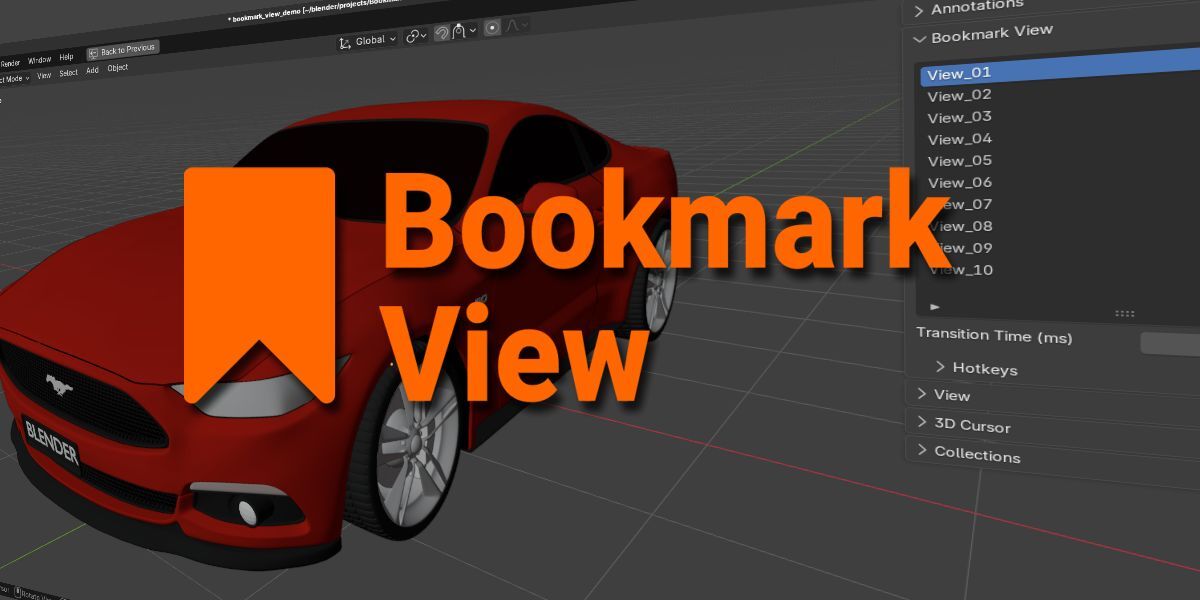
Bookmark View is a Blender add-on for saving multiple 3D viewport positions and returning to one with a click. It helps when you need to revisit an awkward angle while modeling, switch between close inspection and a wider view, or return to a consistent angle while animating or recording a tutorial.
Save and organize viewport bookmarks
Add as many bookmarks as you need, name them yourself or use automatic names, and reorder them in the list. You can replace a saved bookmark with the current view or delete it. Transition speed is adjustable in milliseconds; setting it to 0 makes the view snap instantly.
Restore optional viewport settings
Bookmarks affect the active 3D view, and the add-on works in Quad mode. An optional setting records and restores viewport shading, such as Wireframe, Solid or Rendered. Another option records and restores the viewport lens. You can use these settings when needed and save a view position on its own.
Who may find it useful
Bookmark View is aimed at modelers, animators and tutorial creators who return to particular viewport angles. Its creator, waylow, says the idea came from animation work where switching to front or side views meant repeatedly navigating back to a useful vantage point.
Compatibility and license
The Superhive product listing marks Bookmark View as Blender Extension compatible, lists Blender versions 4.2–5.2 and identifies the license as GPL. Check the listing for current compatibility and product details before installing.