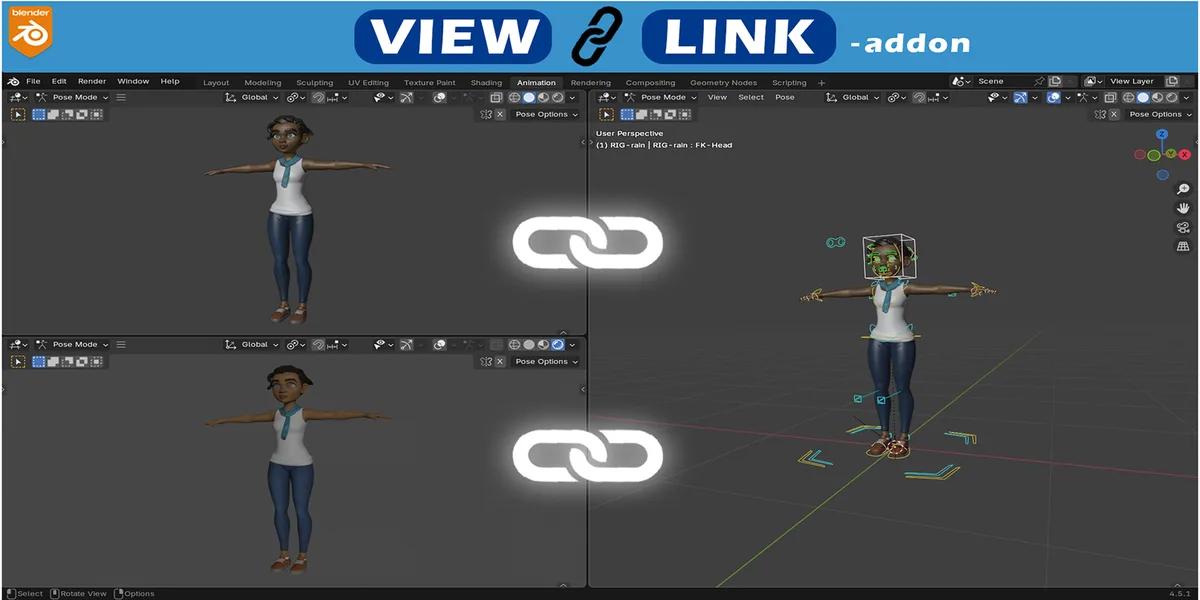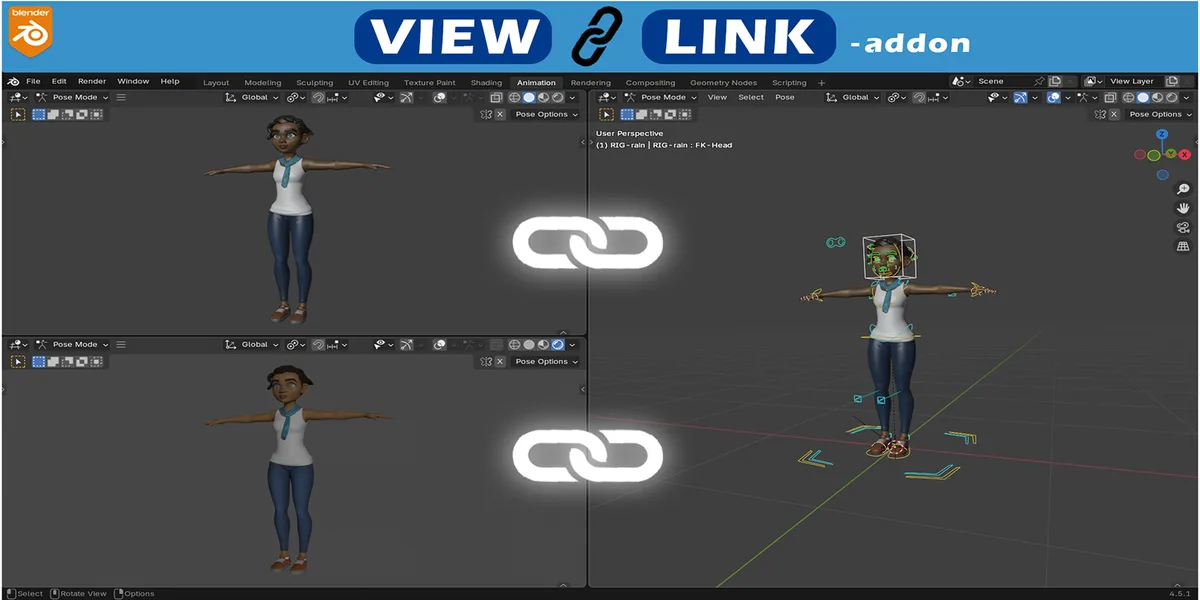
Viewlink - Easy Navigation is a Blender add-on from Playful Pixel for linking multiple viewport views. It supports undocked views across separate monitors, adjustable sync frame rate, and direct Python-based linking instead of camera locking. The developer describes it for animators, modelers, and people who work across multiple views.
What Viewlink connects
Viewlink links several Blender viewports into a sync group, including undocked views spread across separate monitors. You can adjust the sync frame rate. The product description does not identify which individual viewport settings sync or give a frame-rate range; the supplied setup instructions also do not cover those details.
Install and set up a sync group
The provided documentation describes installing the downloaded .zip through Blender's Edit → Preferences → Add-ons → Install menu, then enabling the add-on. To link views:
- In a 3D Viewport, press
Nto open the sidebar and select the View tab. - In the ViewLink section, click Set from This View in the viewport you want as the primary view.
- In each viewport to link, click Toggle This View.
- Click Start Sync to begin syncing.
To remove a secondary viewport from the sync group, click Toggle This View in that viewport again.
Requirements and compatibility
The product requirements specify Blender 4.2.0 or newer and list Windows, macOS, and Linux as compatible operating systems. The marketplace's version field lists Blender 4.2 through 4.5. If you use a Blender release later than 4.5, confirm compatibility on the current product page before installing. The listing identifies Viewlink as an extension-compatible add-on under the GPL license.