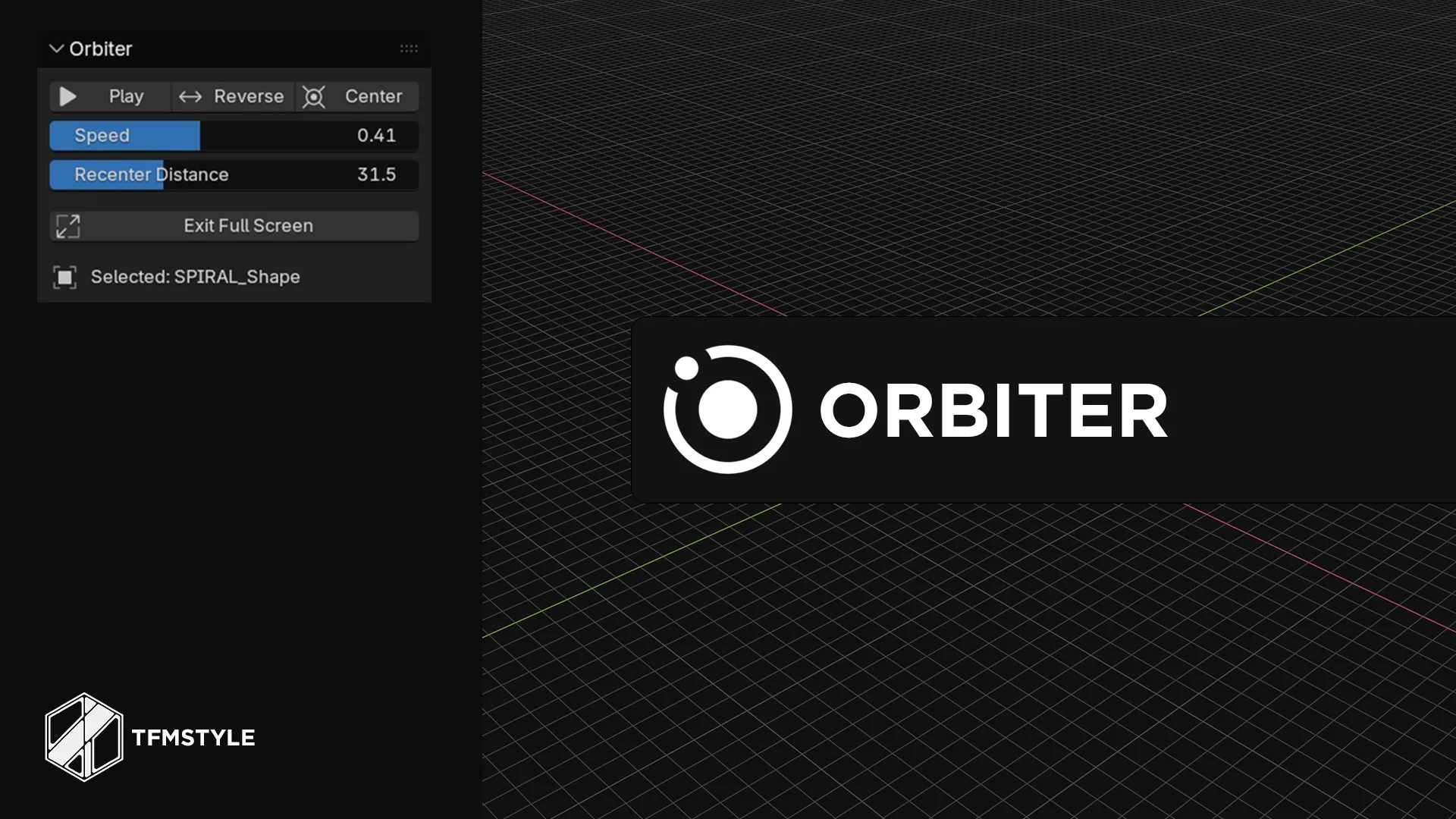
Orbiter is a Blender add-on that rotates the 3D Viewport around an active object. Start the orbit operator to center the view on the object and rotate the view continuously for a turntable-style preview or inspection. The extension catalog lists version 1.1.0, Blender 4.2.0 or later, and the GNU GPL-3.0-or-later license.
Orbit around an object
Orbiter rotates the viewport view around the active object’s origin. It changes the view, rather than animating the object’s geometry. The orbit runs through Blender’s modal operator system; press Esc or toggle the operator off to stop it. If no object is selected or the 3D Viewport area is unavailable, the operator cancels.
Adjust speed, direction, and framing
- Change the speed setting to control how quickly the view rotates.
- Use Reverse to switch the orbit direction.
- Set Recenter Distance to control the view distance when orbiting starts or when you center the object manually.
- Use Center Object to frame the active object without starting an orbit.
The fullscreen control saves the current layout before changing the viewport display, then restores it when you exit fullscreen.
Compatibility and installation
Orbiter’s extension metadata sets Blender 4.2.0 as the minimum version. Check the Blender Extensions listing for the available release. The developer repository documents the controls and operator behavior. Blender’s Install from Disk instructions cover adding a downloaded extension.