Boxcutter 26 : Stiletto is TeamC's drawing-based cutter add-on for Blender. Start the tool and click-drag in the 3D view to make a shape; the cut can stay live until you apply it. The listing also describes destructive cutting as an alternative to keeping a shape live.
Keep a cut live or apply it
Boxcutter's Tab to Live approach uses dots and mid-draw helpers to adjust settings before committing a cut. This gives you room to refine a drawn shape before applying it.
Choose a cutting operation
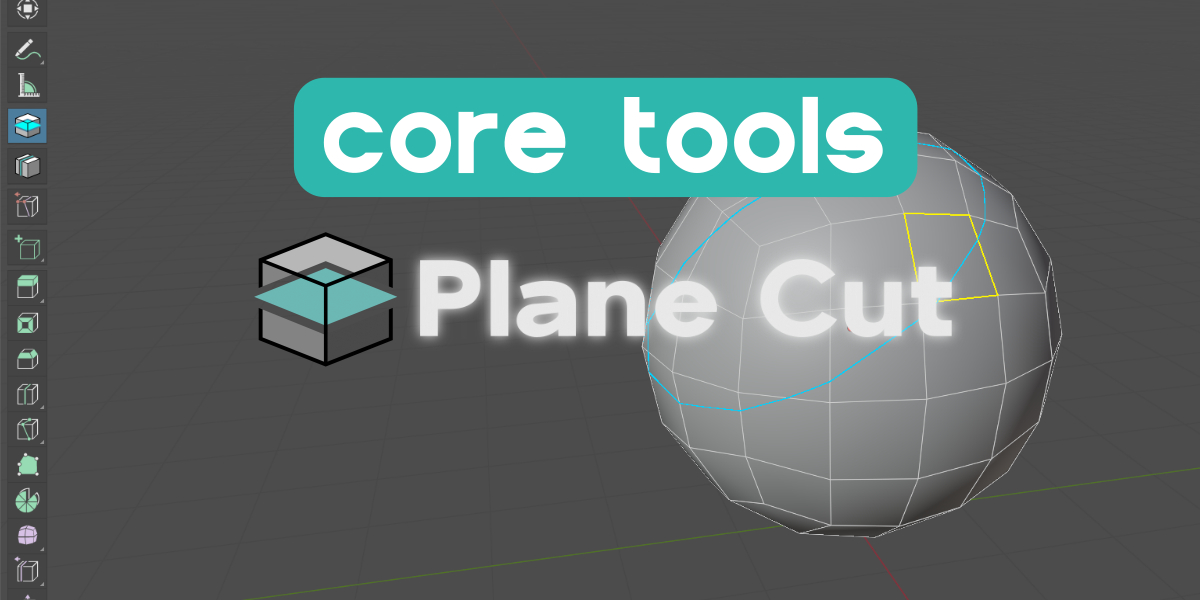
The product lists seven cut types: Cut, Slice, Inset, Join, Knife, Extract and Make. The separate modes let Blender users choose an operation for the shape they are drawing.
Make and reuse custom cutters
Extraction can turn a surface from another shape into a custom cutter. Self.Cut uses the mesh being cut as the cutter itself. Boxcutter can also extract, reuse and export cutters to other projects, which helps when you want to keep using a shape you've already made.
Adjust placement and interface behavior
Boxcutter includes multiple snapping options. Dot snapping is available with Ctrl and fades with distance. TeamC says the snapping system was designed to avoid boolean problems such as hot-lining. The add-on works with mice, pens and tablets. You can also personalize interface details, including the top-bar appearance, mode colors and cut fade.
Who may find it useful
Boxcutter fits Blender modeling workflows built around drawing cutters directly in the 3D view, especially when a cut may need adjustment before it is applied. Its combination of live shapes, several cut types, snapping and reusable cutters is relevant to hard-surface modeling tasks that use those operations. It may add little to work that does not involve shape-based cutting.
Check Blender support
The Superhive product listing names Blender 3.5-5.2 and a GPL license; confirm the listing for the Blender version you plan to use. TeamC says the documentation is expanded as the tool changes.