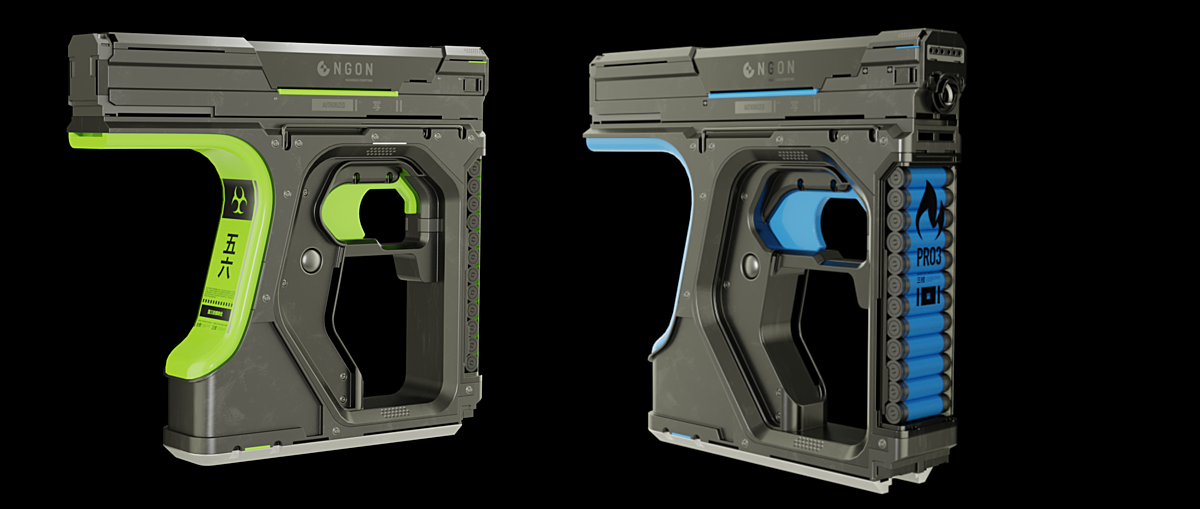
Hardops 26: Lead is a Blender add-on for hard-surface modeling. Its workflow centers on modifiers and lets you choose between non-destructive and destructive operations. The toolkit also includes controls for viewport setup and rendering.
Work from the 3D viewport
Press Q to open a menu that changes its options with the current context. The tools are also available through a pie menu, the N-panel or an active tool. The interactive hopsTool puts modifier controls in the viewport: click its dots to open a modifier for adjustment, including bevel levels. The hopsSort system helps organize modifier order while you work. Smart shapes offer a starting point for modifier-based modeling.
This layout is useful for artists who want to reach modeling controls without leaving the 3D view. The menu and interface can be customized, including text size and operator style.
Boolean cuts, mirroring and arrays
The Boolean system supports both non-destructive and destructive cutting. Mirror tools include modifier, bisect and symmetry options. For radial layouts, the dynamic circular array can rotate around either the object origin or the 3D cursor, keeping the array editable as you adjust its placement.
Viewport setup and broader tools
The alt + V submenu provides viewport options for solid, look-dev and render views. A simplified render N-panel is also included. The product documentation lists tools for object, edit, sculpt and sketch modes, and for interacting with curves, cameras, empties, lights and lattices. It also names Grease Pencil tools, voxel integration for object, edit and sculpt modes, and sculpt controls for strokes and decimation. See the getting started documentation for the menu system, and the hopsTool guide for its viewport controls.
Compatibility and license
The Superhive product listing identifies Hard Ops as an add-on, marks it Blender Extension Compatible, lists Blender versions 3.5–5.2 and gives the license as GPL. Check the listing for current compatibility and distribution details.