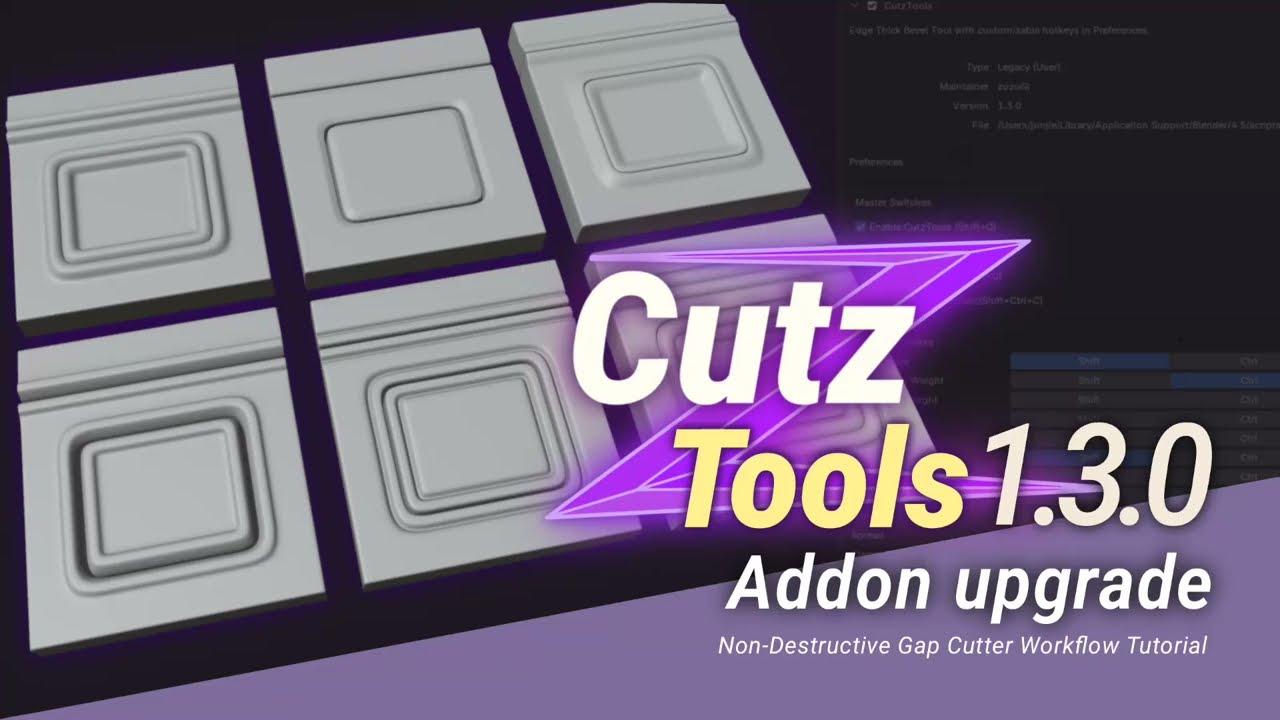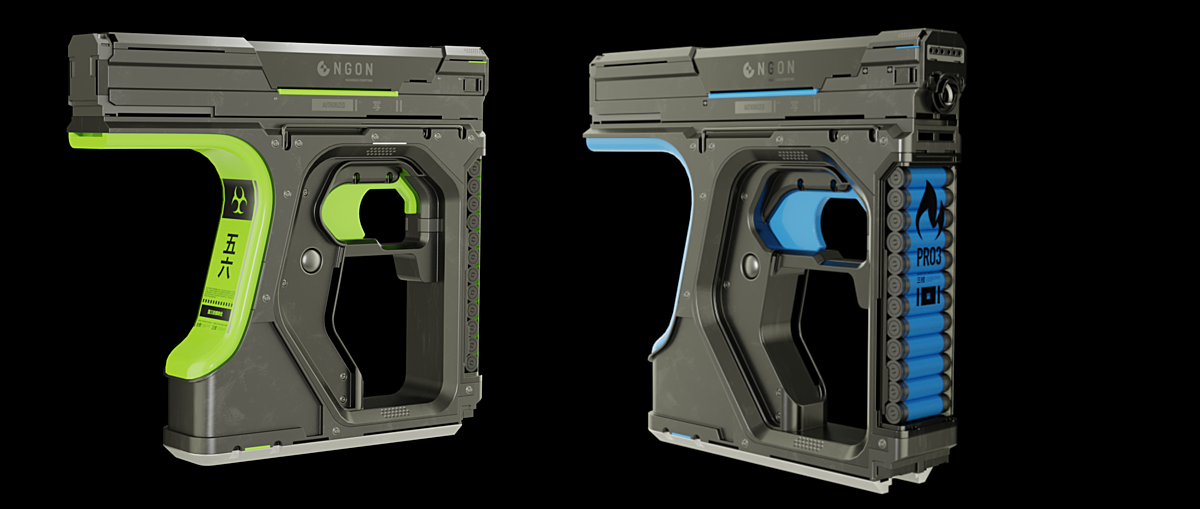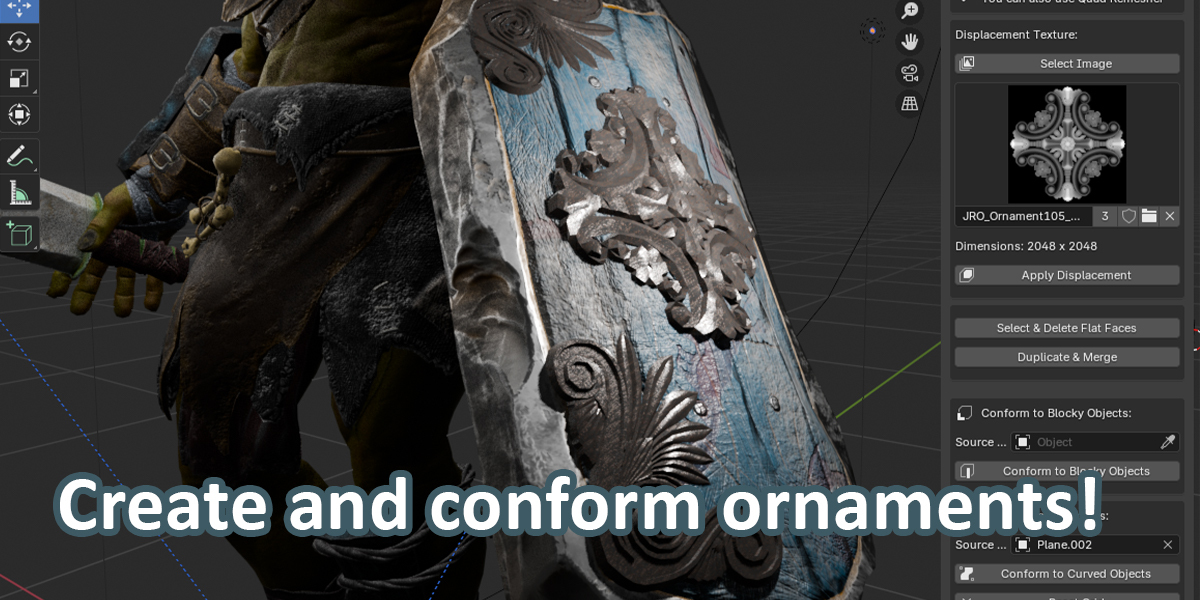
Cutz Tools is a Blender add-on by zuzuGi Works for hard-surface modeling. It combines seam cutting and bevel setup in Edit Mode, using Blender modifiers so you can adjust details while keeping the base mesh editable.
Select edges and press Shift + Q to cut or clear seams. The viewport Parameter HUD lets you adjust seam depth, bevel thickness, and profile offset as you work. Right-click cancels a cut operation; version 1.4.0 also cleans up modifiers created during the first cut when you cancel.
Shape gaps and bevels in the viewport
Cutz Tools includes Sharp, Patch, and Arc bevel styles. You can set a different gap width for each segment and use a sharp-corner override to turn rounded arc corners into right angles. In version 1.4.0, each Bevel modifier gets its own edge-weight layer, and the HUD can save and recall bevel settings.
Adjust a cut while modeling
Viewport shortcuts for seam depth and bevel adjustments include:
- Hold Ctrl and drag to adjust seam depth.
- Hold Alt and drag to adjust thickness offset.
- Hold Shift and drag to adjust bevel width. Add Ctrl for precise changes in 0.001-unit increments.
- Use the mouse wheel to change bevel segment count, and press M to cycle outer miter styles.
These controls keep common adjustments near the model instead of requiring repeated trips to modifier panels.
Applying modifiers and checking compatibility
When you apply the modifiers, Cutz Tools separates cut regions into standalone objects, which can then receive their own materials or UVs.
Version 1.4.0 lists support for Blender 5.0, 4.5, 4.4, and 4.3; some features are not compatible with Blender 4.0 through 4.2. The product page lists version 1.3.0 for Blender 4.0, 4.1, 4.2, 4.3, 4.4, 4.5, and 5.0. The add-on runs on Windows and macOS. For hotkeys and mouse controls, see the Cutz Tools documentation; the product page lists release compatibility.