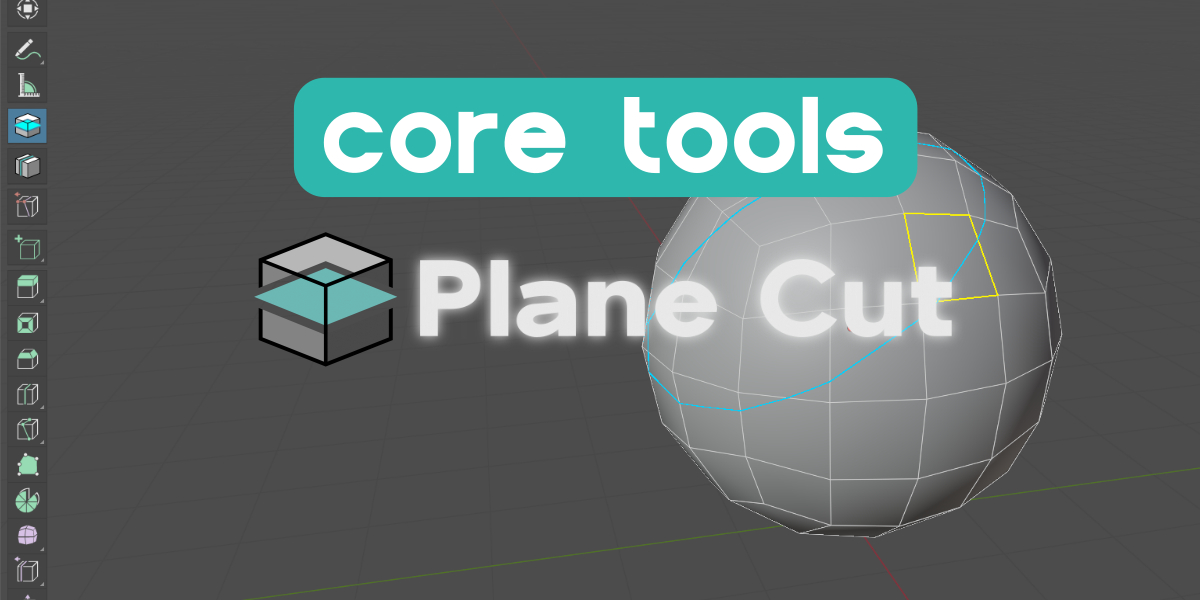
Coretools - Plane Cut is a Blender add-on for bisecting mesh geometry with a plane. Built-in snapping helps position cuts accurately. The tool is intended for topology cleanup in boolean workflows, including cases where Loop Cut does not work well.
Choose a plane orientation
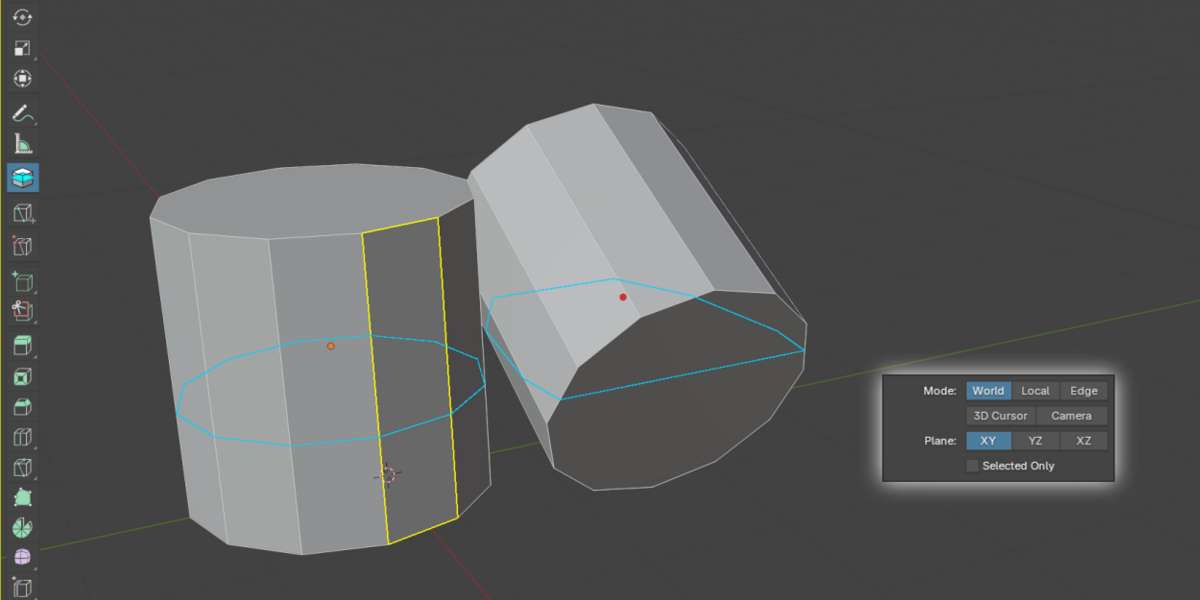
Five modes orient the cutting plane to different references:
World mode aligns the plane to a world axis. Local mode orients the plane to the object's local rotation. Edge mode orients the plane to the edge under the mouse cursor, so you can cut without changing orientation settings. 3D Cursor mode uses the 3D Cursor rotation to orient the plane. Camera mode aligns the plane with the viewport camera view direction.Control which geometry is cut
Selected only limits cuts to selected geometry. This setting controls the affected geometry, while the five modes control the plane's orientation.
Preview and version 1.7.0
Version 1.7.0, released on May 15, 2026, added a visual overlay for faces and ngons under the cursor in relevant modes. The overlay helps distinguish Edge mode from the others. Faces and ngons can appear in a solid color or a dithered pattern, with separate controls for the pattern and its alpha. The update also removed the overlay plane normal line from Camera mode.
Compatibility and listing details
The Superhive listing specifies Blender 3.6 through 5.2 compatibility, marks the add-on as Blender Extension compatible, and lists a GPL license. The AnyPlugins entry lists Blender 3.6 through 5.1 and labels it free, while Superhive shows Personal at $15 and Studio at $35. Check the Superhive page for the current compatibility and purchase options because the listings differ.