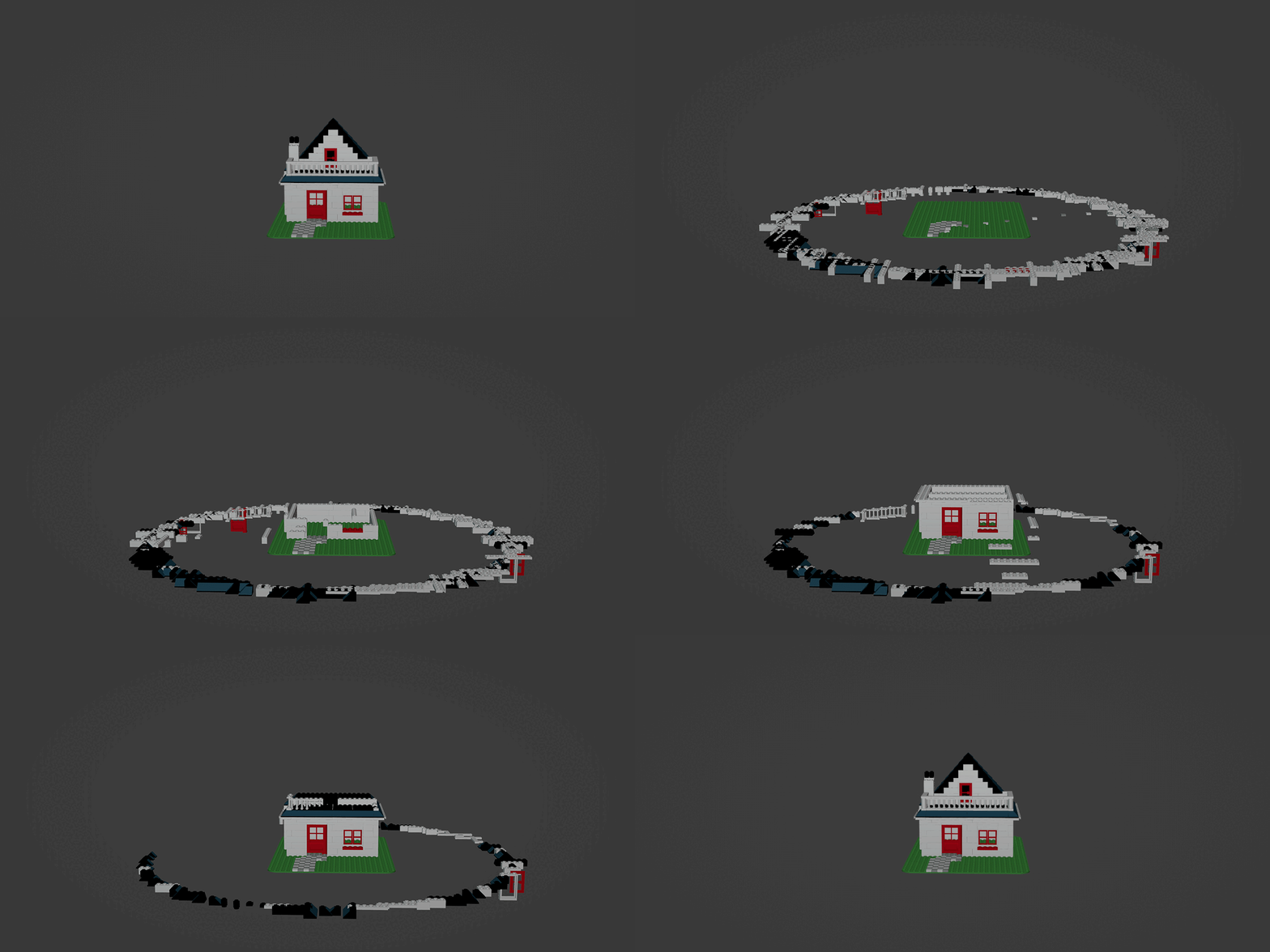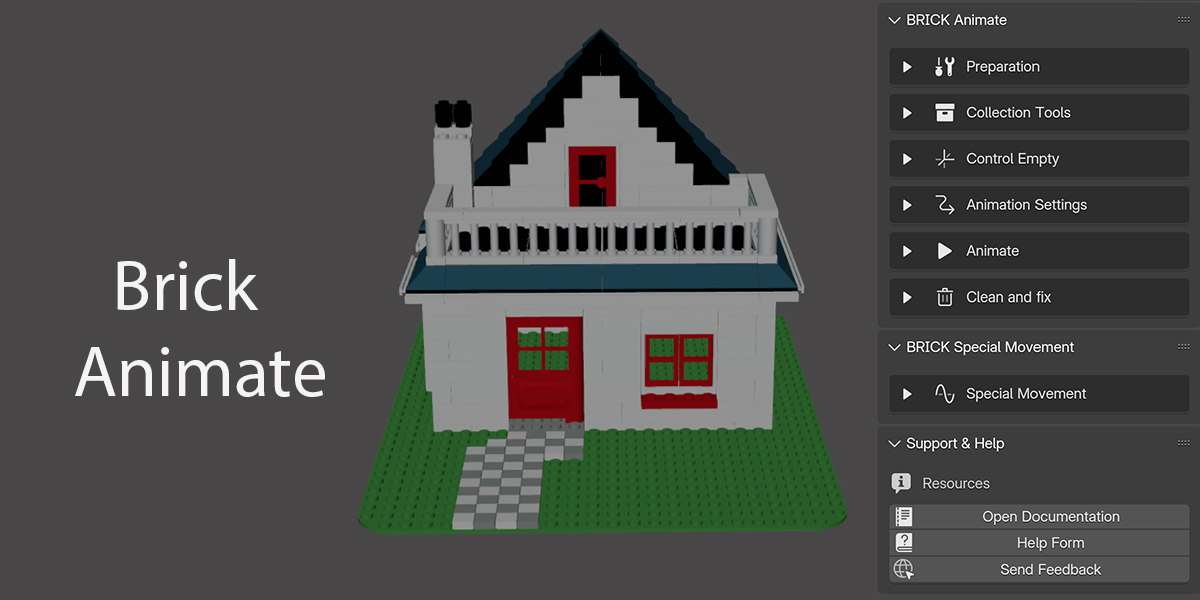
Brick Animate is a Blender add-on for animating scenes made from brick-style objects. It can create assembly sequences and exploded views, as well as effects such as object reveals, transformations, and stylized explosions. The add-on uses preset motion modes, so you can animate selected models without rigging each object.
Animation modes
- Flight moves objects into or out of position from a control empty.
- Drop sends objects down from above to their final positions.
- Snap Build assembles objects from a starting shape such as a cloud, ring, line, or cube.
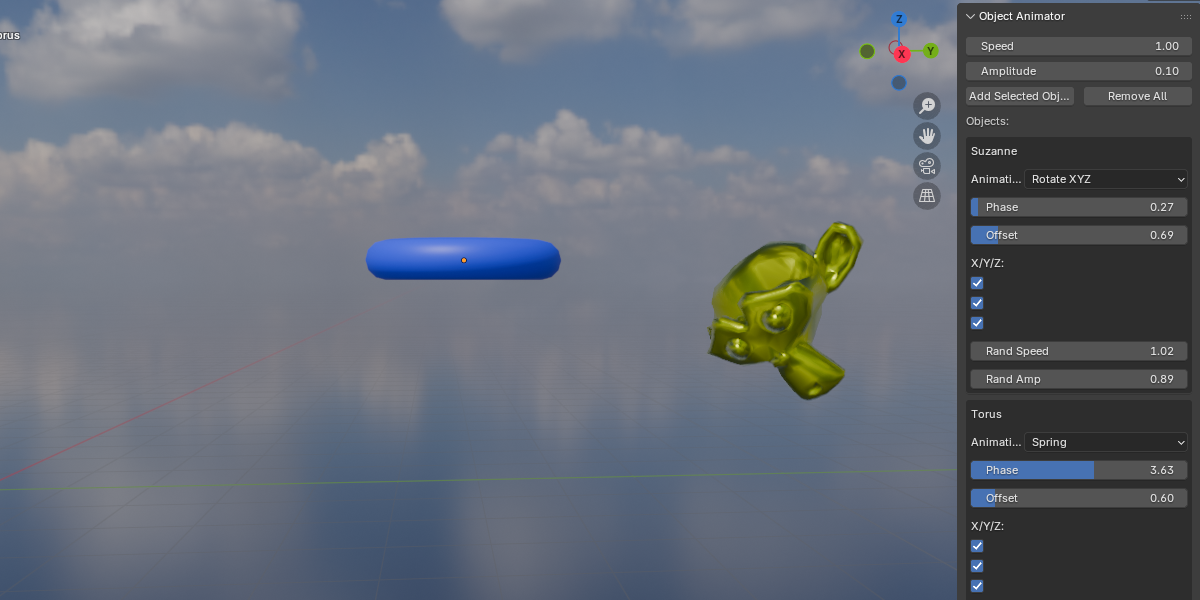
- Special Movement adds experimental circular or rotating motion.
The Superhive documentation distinguishes free and full versions. The free version includes limited Flight and Drop modes. The full version adds Snap Build, Special Movement, sorting and reverse options, Snap Mix shapes, live timeline updates, control-empty options, and backup and restore tools.
Collections, preview, and installation
You can use an existing collection or create one in the add-on to organize the objects you want to animate. The Preview tool gives immediate feedback while you animate. Live Update runs during timeline playback in the full version, and its speed depends on the number of bricks and your computer.
To install the add-on, download the Free or Full version ZIP file. In Blender, open Edit > Preferences > Add-ons > Install, select the ZIP, and enable Brick Animate. Open the add-on panel in the Sidebar by pressing N, under the Brick tab. Then use the Prepare Objects button to set the selected objects' origins and scale for optimal animation behavior.
Compatibility and license
Superhive lists Blender 4.0 through 4.3 in the product details, while its documentation overview says Blender 4.0+. The supplied sources do not confirm compatibility beyond 4.3, so check the current listing before installing on a newer release. The product details list the GPL license. See the product listing and documentation for details.