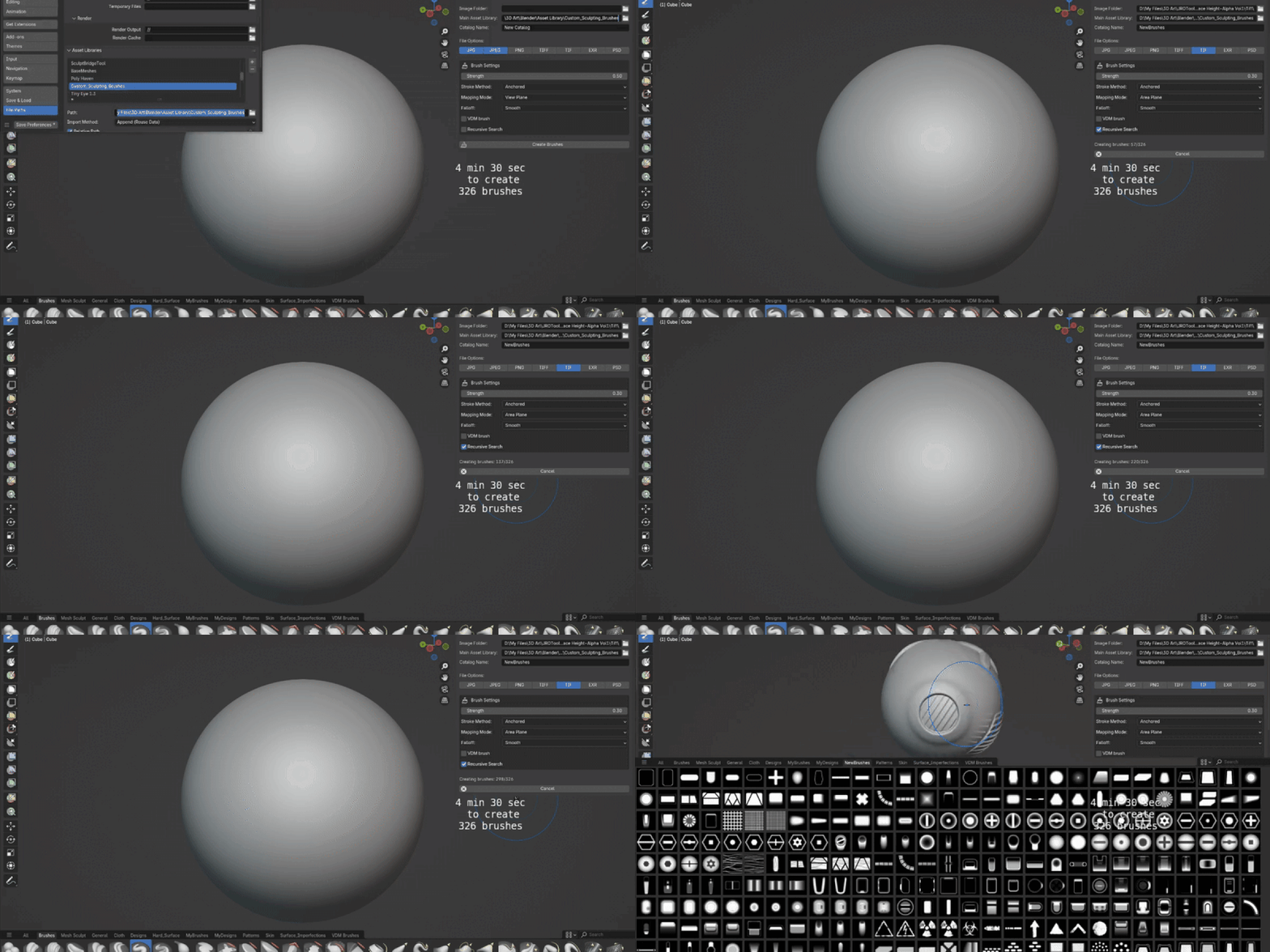
Brush Creator is a Blender add-on that turns folders of alpha images into sculpt brush assets in a batch. It suits sculptors importing brush packs and studios that want consistent brush settings and catalog organization across projects. For VDM brushes, it also accepts EXR sources.
Build a consistent brush set
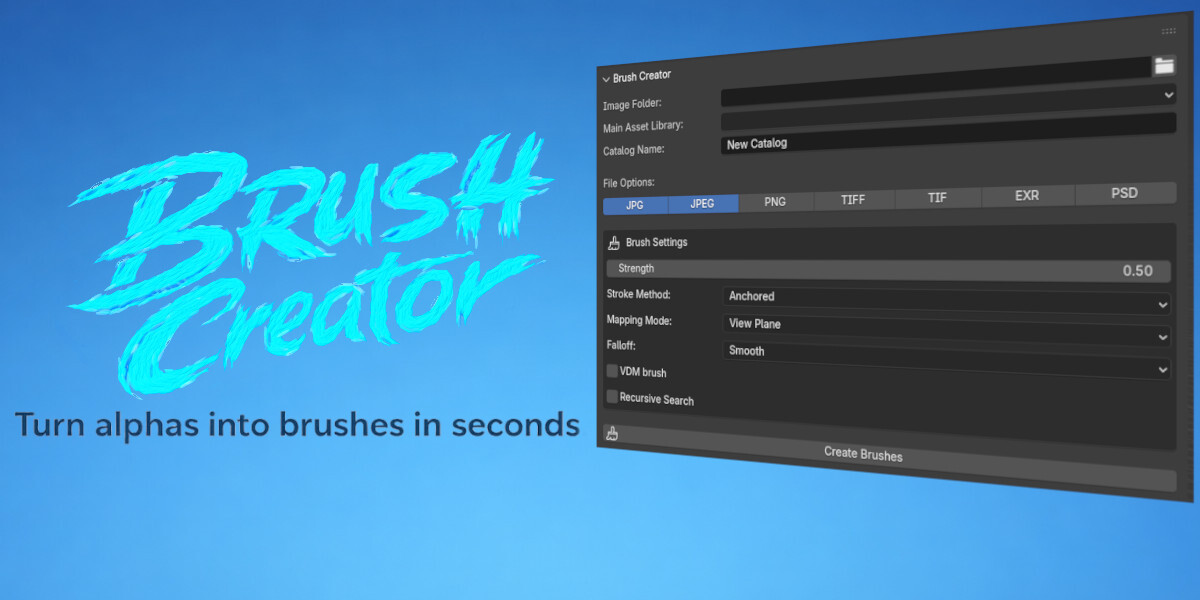
Choose a source folder, select a registered Asset Library, enter a catalog name, and set options such as strength, stroke method, texture mapping, and falloff. Brush Creator applies those settings across the batch. Each brush gets an icon and preview from its source image, and its name comes from the filename. Clean filenames help keep the Asset Browser organized.
Enable Recursive Search to include files in subfolders when a pack uses nested directories. Check the destination before creating brushes: an existing asset file with the same name is replaced.
Use alpha images or VDM EXRs
For VDM brushes, select EXR files and enable VDM mode; Brush Creator enforces Area Plane mapping.
Install and browse the results
Install the ZIP in Blender through Edit > Preferences > Add-ons > Install, enable Brush Creator, then open its panel from the N-panel menu. Choose the folder, select the main Asset Library defined under File Paths, choose file types, and configure the brush settings before clicking Create Brushes. Keep Blender open while the batch runs. When it finishes, refresh the brushes and find them in the Asset Browser under the catalog you chose. You can edit brush metadata or previews, or delete individual brushes, from the Asset Shelf. See the installation and usage documentation for the full steps.
Compatibility and a known limitation
Brush Creator 1.2 was updated for Blender 5.0; the listing reports compatibility with Blender 4.5 to 5.1. Creating brushes in the user library currently does not work; the issue is being looked into. Check the product listing for any change to that limitation before choosing the output library.