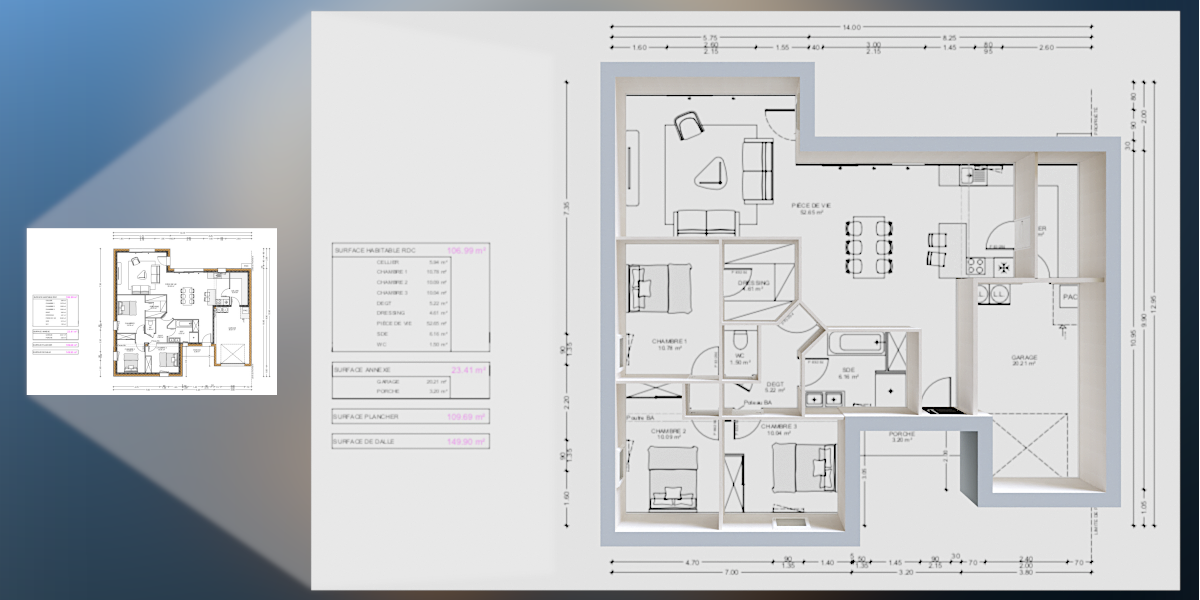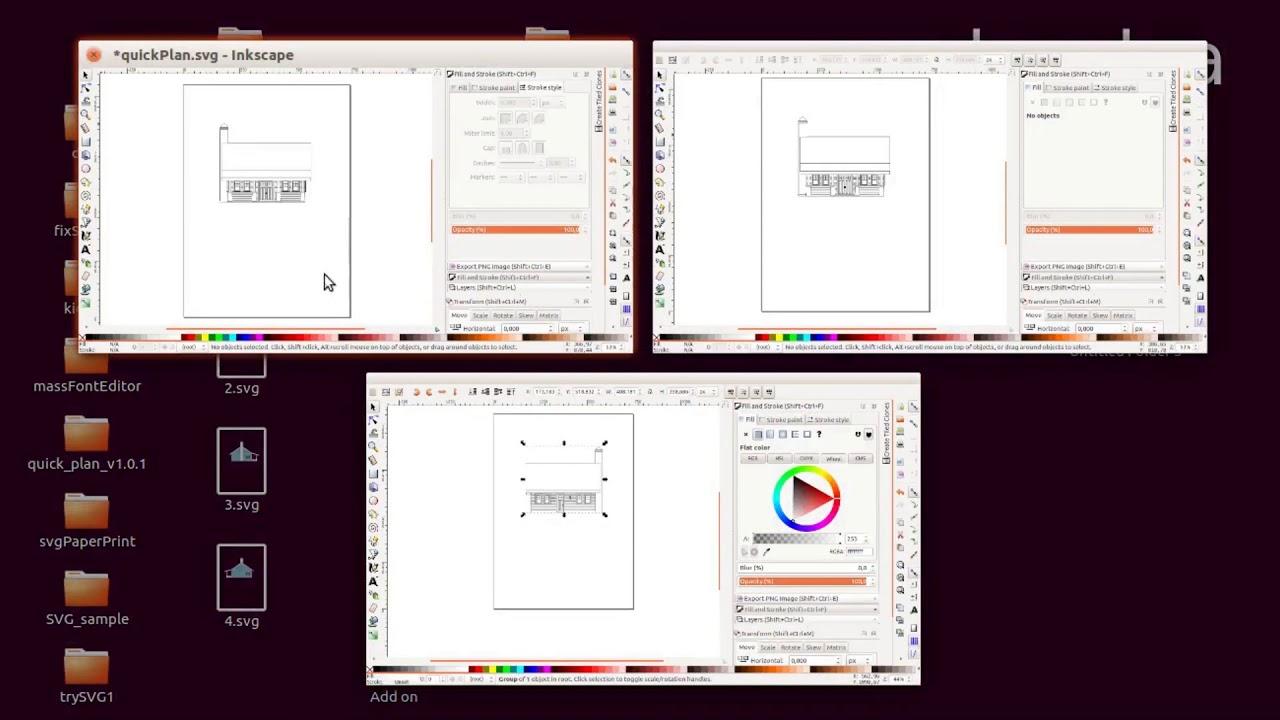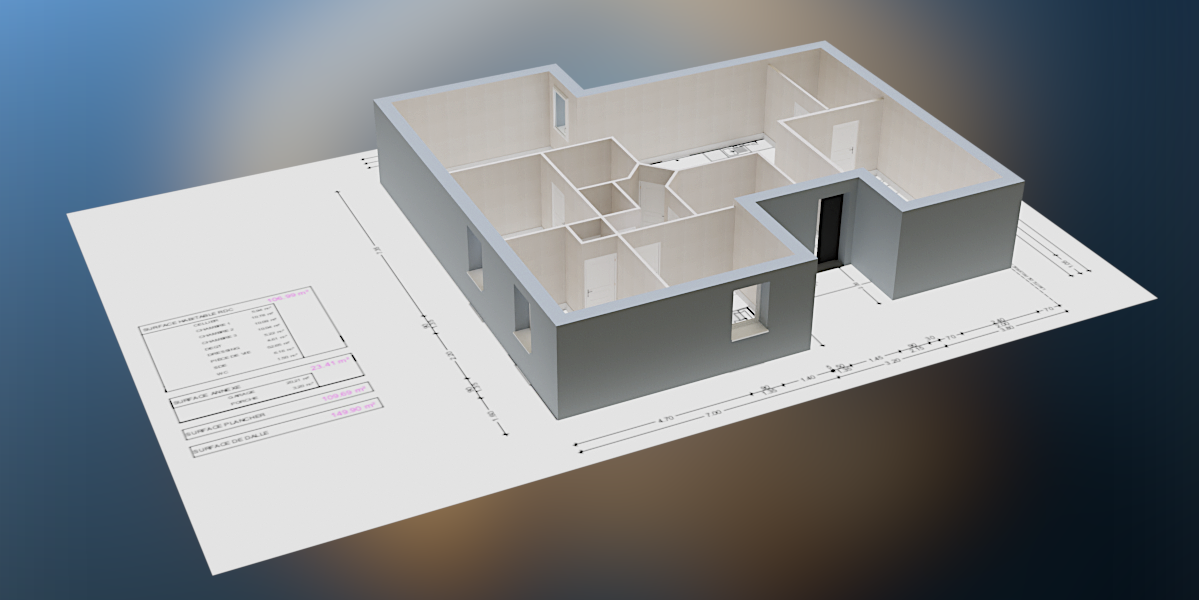
Bsat - Reference Plan Scaling is a Blender add-on for setting a reference image or plan to a known scale. It is aimed at architectural work. You select two points on the plan, enter the distance between them, and validate the scale.
Scale a plan in the 3D viewport
Before starting, identify two points whose real distance you know, such as a dimensioned segment on the plan.
- Select the reference image.
- In the 3D viewport, choose
BSAT > Scale Reference Image. - Click the first point, then the second point.
- Enter the known length and validate.
For architectural reference work
You choose the points and provide the length, so the result depends on selecting the intended points and entering the correct distance. The Superhive listing describes this add-on as the first public piece of the BSAT (Blender Smart Architectural Tools) system.
Listed compatibility and license
The Superhive product listing identifies it as an add-on, marks it Blender Extension Compatible, and lists Blender versions 3.0 through 4.3. The listing gives its license as GPL. Check the listing for compatibility details before installing it with a different Blender release.