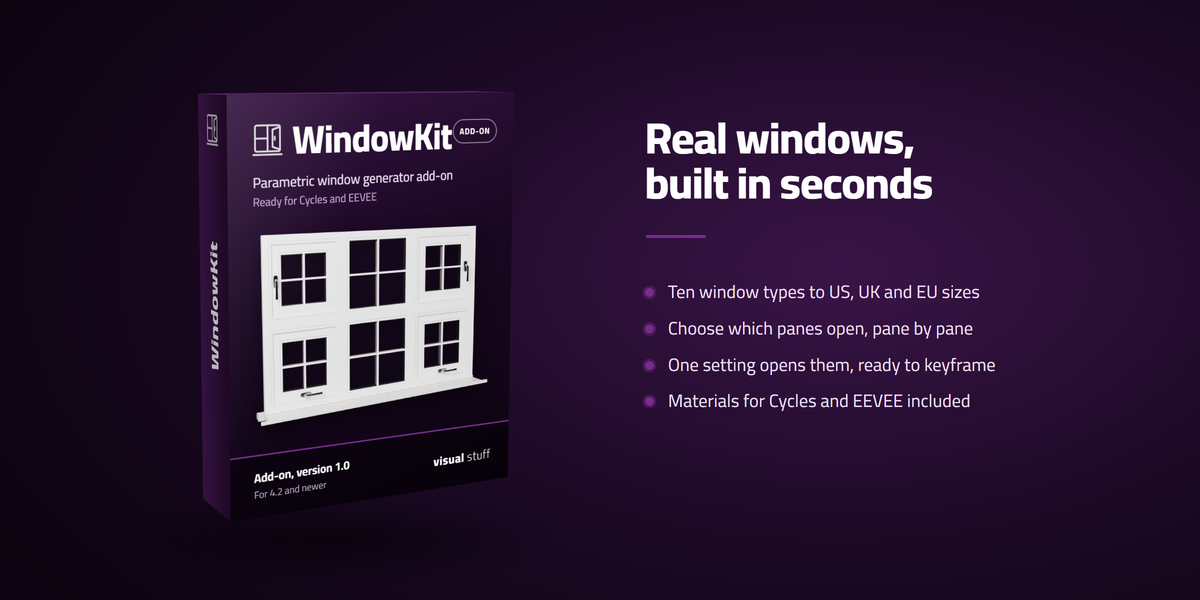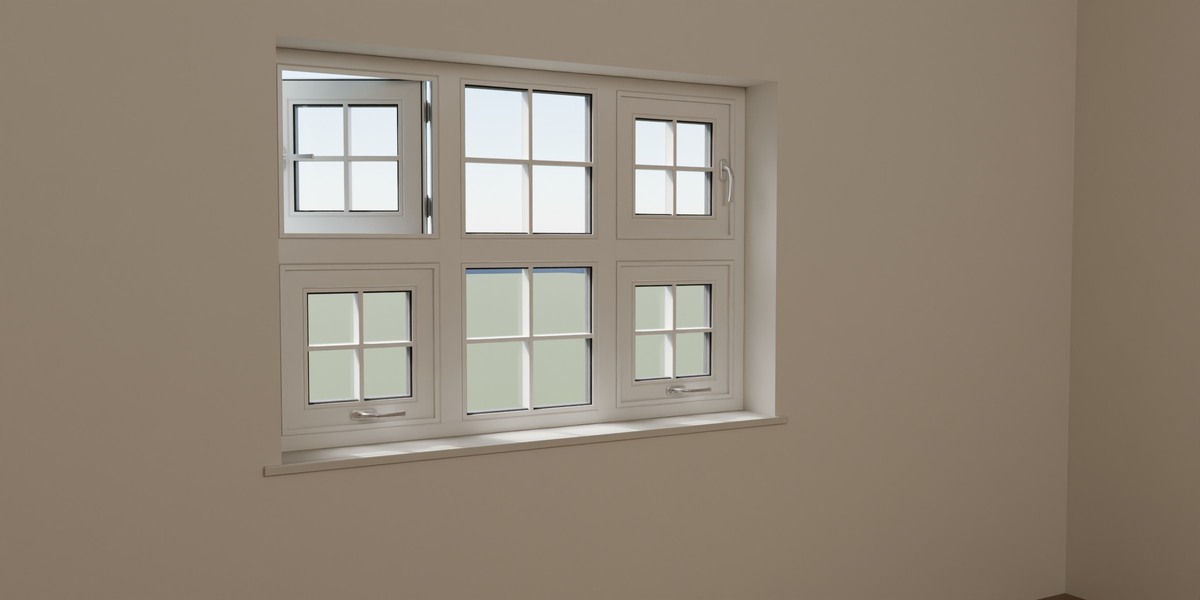
WindowKit is a Blender add-on for building configurable windows from real-world dimensions. Choose a window type, region and size, then adjust the design; WindowKit rebuilds the window when settings change. Its output includes frame, sashes, glass, seals, hinges, handles and sills.
Choose a type, size and profile
The ten types include fixed picture, casement, tilt and turn, awning, hopper, UK box sash, US double-hung, US single-hung, sliding window and sliding patio door. Start with a size preset for the US, Canada, the UK or Europe, or enter a custom width and height. Measurements can use centimetres, millimetres or inches.
Profile choices include uPVC, timber, aluminium, slim steel, US vinyl and Canadian PVC systems, with a custom profile option. The selected region also sets defaults for handles, opening direction and corner joints. A pane grid lets you choose the opening for each pane independently, including fixed, left-hinged, right-hinged, awning, hopper, or tilt and turn.
Set openings and animate them
Use the Open amount setting to move all operable sashes together. It can be keyframed for an opening animation. For tilt and turn windows, a separate mode selects whether the sash tilts or turns.
Adjust details and materials
WindowKit includes glazing bars, sash horns, mitred or butt-jointed corners, adjustable bevels, inside and outside sills, trims and seals. Each part has its own material slot. The included physically based materials cover PVC, metal, glass, seals and stone, and work in Cycles and EEVEE. You can edit them or link your own materials.
Install and start a window
Download the WindowKit ZIP from your Superhive account and leave it compressed. In Blender, open Edit > Preferences > Get Extensions, use the menu at the top right, and choose Install from Disk... and select the WindowKit ZIP. After installation, add a window through Add > WindowKit Window; it is placed at the 3D cursor. Change its settings in the Object properties or the WindowKit tab in the viewport sidebar, opened with N.
The marketplace lists Blender 4.2–5.2 compatibility. The product description names Blender 4.2, 4.5 and 5.2 as tested versions. WindowKit version 1.0 is an extension add-on; its code is released under GNU GPL v3 or later. A separate Cinema 4D version is available from Visual Stuff.
Documentation
See the WindowKit documentation for installation and control details, and the product FAQ for export, wall-opening and licensing answers.