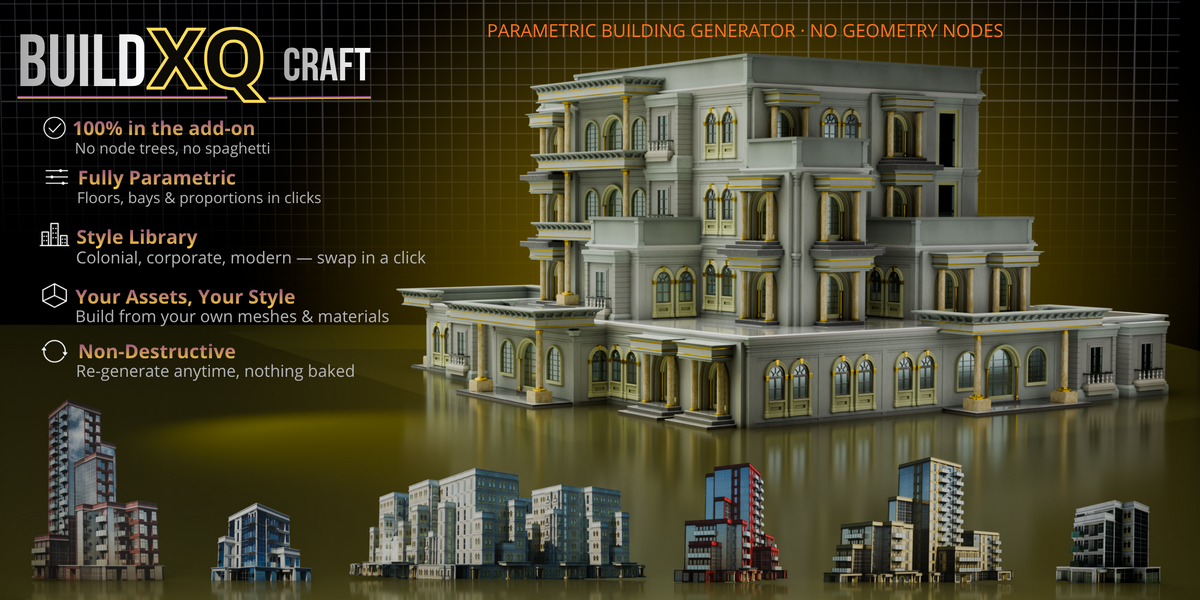
BuildXQ Craft is a parametric building generator for Blender that assembles buildings from your own models. In version 2.0, initialize one of five styles, set the building’s floors and facade widths, then swap wall models or push a facade outward as a bay or wing. The result is real, editable geometry that you can export.
Build with your own models
BuildXQ Craft arranges and aligns source pieces; it does not sculpt new geometry. To replace a wall piece, double-click it to activate the eyedropper, then click a second wall; the second wall’s model replaces the first wall’s model. You can also push a facade outward to create a bay or wing with its own depth and side models.
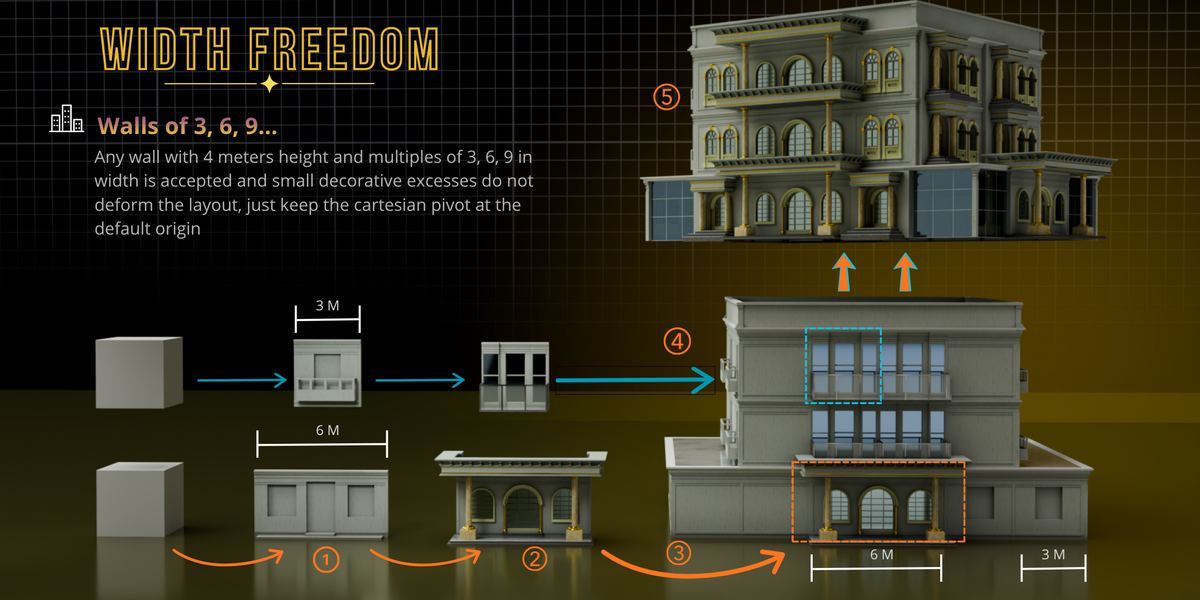
Source models follow a 3 m grid or multiples of it and need their standard names. Keep their scale and rotation unapplied because BuildXQ Craft uses the models’ transform data. The Studio can create pieces using the required convention.
What version 2.0 includes
- Five styles: Personal, Colonial, Corporate, ClassicFixed and ArtDecoFixed. In Fixed styles, each floor can have its own design.
- Studio is a 2D wall editor for drawing openings on a grid and adding frames, glazing, balconies, cornices and a baseboard. Its Finisher builds the piece and registers it in your style.
- The XQ Library has more than 200 pieces with thumbnails. Browse by style or type, append pieces to the cursor, sync your own pieces from the scene, or find them in Blender’s Asset Browser.
- Style packs export a whole style as one .blend file, including its pieces, showcase building and environment; you can also import packs from others.
- BuildXQ Sky has presets for the sun, atmosphere and clouds. Per-object color palettes include Colorize All, which varies colors across a street from one material.
Shape and finish a building
After initialization, adjust the floor count and widen each side to regenerate the building. Levels and facade elements can be configured by side, and multiple buildings can share a scene. The built-in material helper adds color and procedural weathering for rain, wear and grime; its materials remain editable in Blender’s Shader Editor.
Compatibility and performance
The version 2.0 description and system-requirements section specify Blender 5.2 or newer and list both Cycles and EEVEE. A separate details field on the product page lists Blender 5.1–5.2, so confirm support with the official manual or creator if you use Blender 5.1. The add-on was developed and tested on Windows. A dedicated GPU is recommended for a smoother viewport and faster renders. BuildXQ Craft also runs on the CPU, but more slowly. Because the output is real geometry rather than lightweight instances, performance depends on the number of buildings, floor count and polygon density of your models.