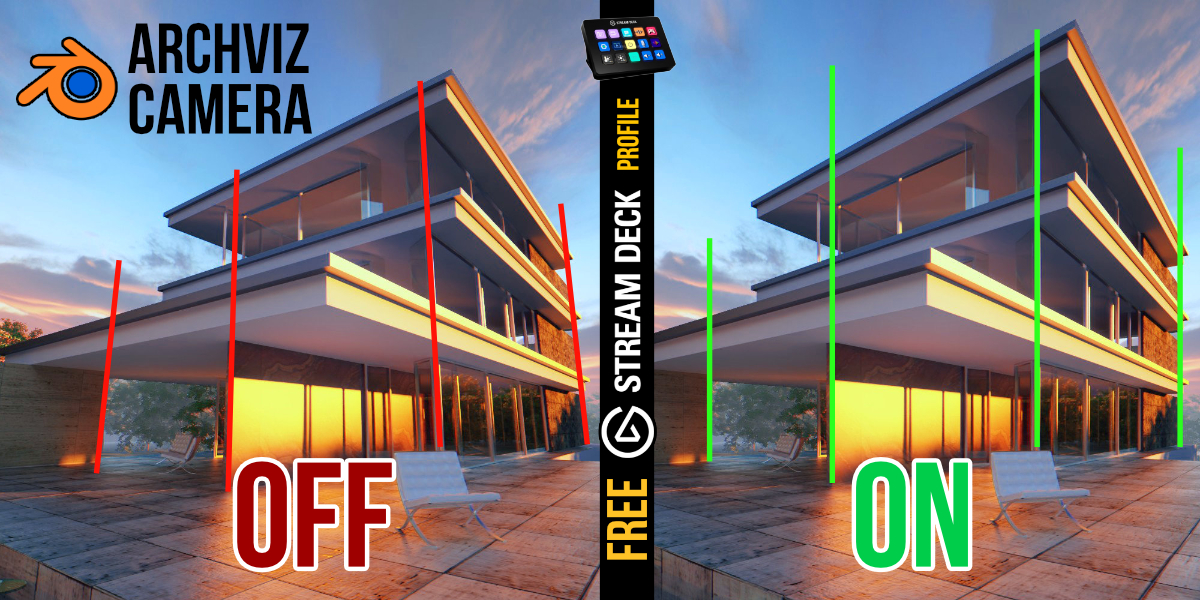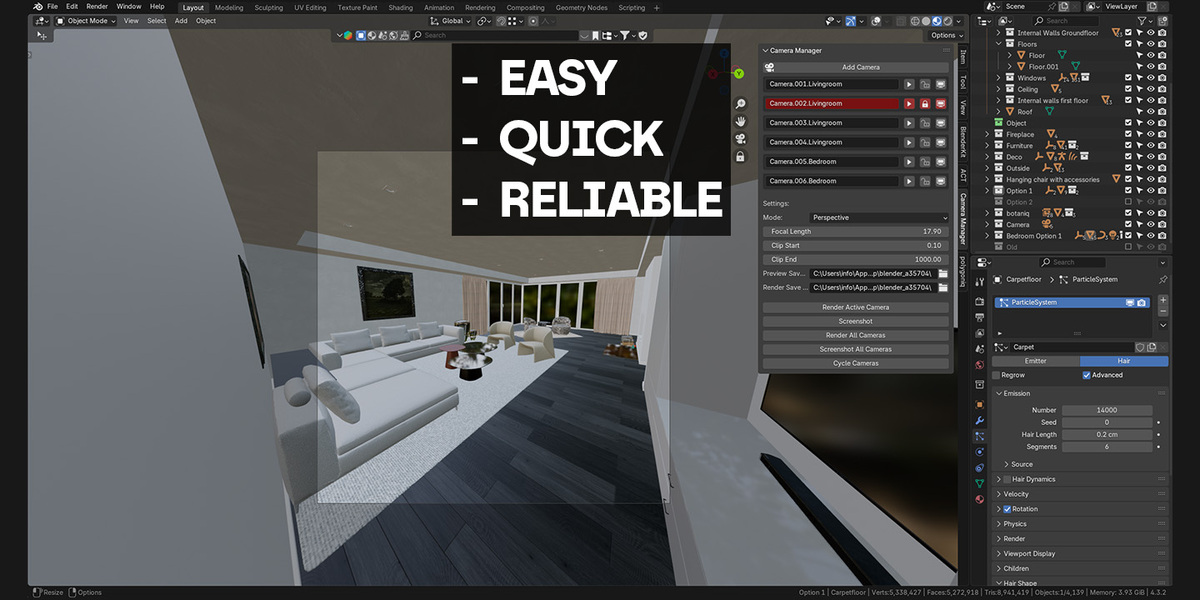
Archviz Camera Manager is a Blender add-on for managing several cameras in one scene. Its panel brings camera selection, view controls, settings, rendering and screenshots together, which can help when a project has multiple architectural viewpoints to inspect or deliver.
Organize and switch between cameras
Add a camera with one click, and it inherits the current viewport's position and orientation. If the scene has no collection named “Camera,” the add-on creates one for cameras added through the tool. A camera list shows the scene's cameras, with controls to rename or select one, lock or unlock its view, and switch to that view.
Adjust camera settings
The settings panel lets you choose perspective or orthographic mode. For perspective cameras, you can adjust focal length; for orthographic cameras, you can adjust scale. Clip start and end distances are available as well, so these settings can be changed from the camera controls.
Render or screenshot camera views
Archviz Camera Manager can render the active camera or render all cameras in sequence. Its screenshot tools save the active camera's view or capture the current views of all cameras. You can also cycle through the scene's cameras. Screenshots and renders are separate options in the listing, so choose the one that matches whether you need a view capture or a render.
Blender version and license
The Superhive product listing names Blender 4.3, Cycles as the render engine used, and an MIT license. The AnyPlugins catalog record lists the add-on as free. The available listing does not confirm compatibility with other Blender releases; check the developer's current details before installing on a different version.
When it may be useful
This add-on is suited to Blender scenes where you need to manage, inspect, capture or render several camera views. Its camera list, cycling controls and batch actions are most relevant when a project uses multiple viewpoints.