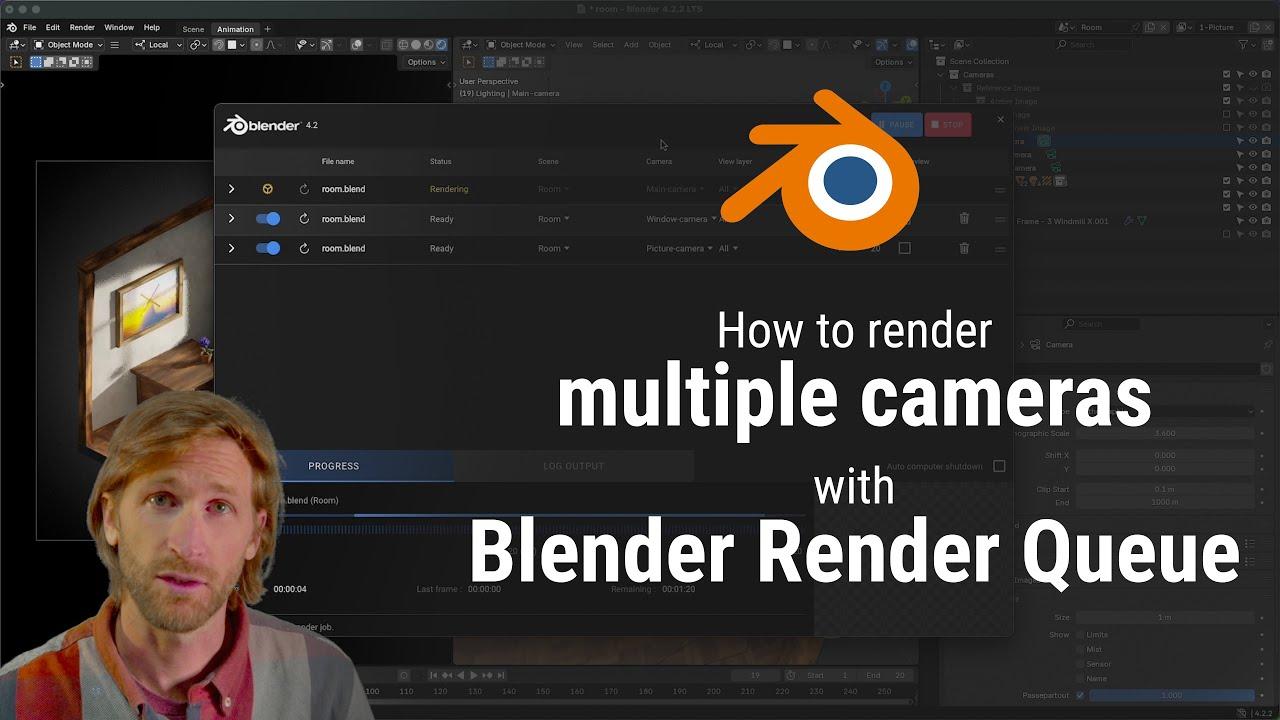
Render Vault is a Blender add-on for managing cameras and render settings in multi-camera projects. Its controls bring camera options, output settings and batch rendering together in one panel. The Superhive product listing identifies Christopher Groff as the creator and lists Blender 4.0–4.5, Cycles and Eevee.
Set different options for each camera
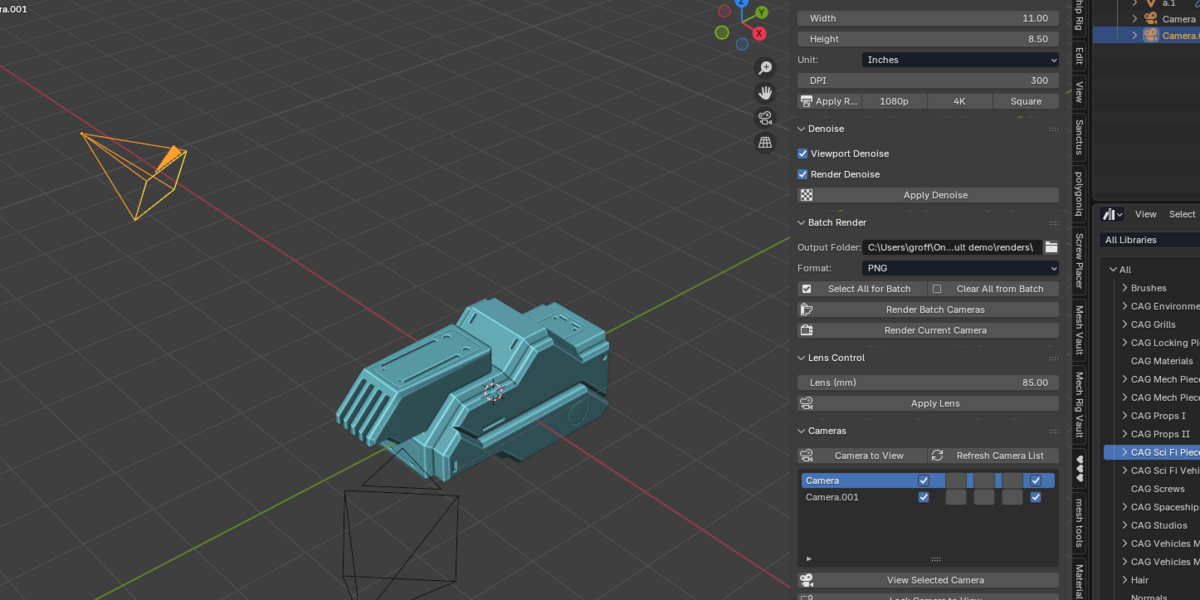
Per-camera overrides let you set the lens, resolution and denoise options for individual cameras. Separate toggles control viewport and render denoising. Camera tools include adding a camera from the current view, refreshing the camera list, selecting multiple cameras and switching the active view. Locking a camera to the view lets you align it while orbiting or zooming, then unlock it when you are done.
Prepare render output
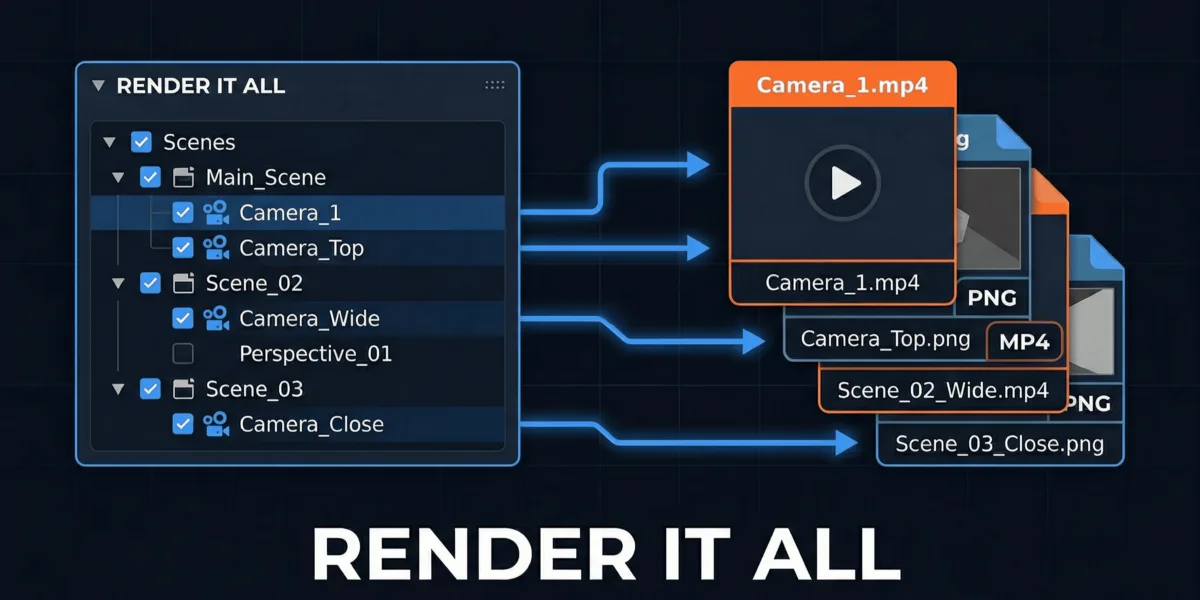
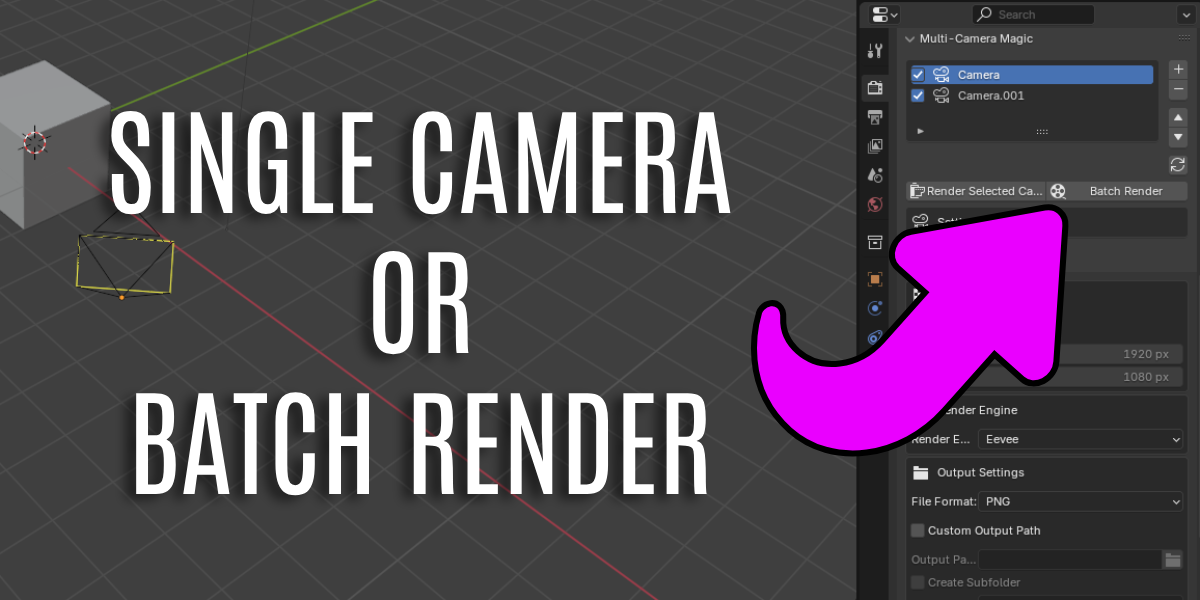
Render Vault includes one-click resolution presets for 1080p, 4K and Square formats. You can choose PNG, JPEG or EXR output for a render. Timestamped filenames help distinguish output files, and batch rendering sends multiple cameras to a folder you choose with one click.
For example, a product scene can use different lens or resolution settings across cameras while sending the resulting images to one chosen folder.
Compatibility and license
The product documentation lists Blender versions 4.0 through 4.5, the Cycles and Eevee render engines, and a GPL license. If your Blender version is outside that range, check the current product listing for compatibility information before installing.