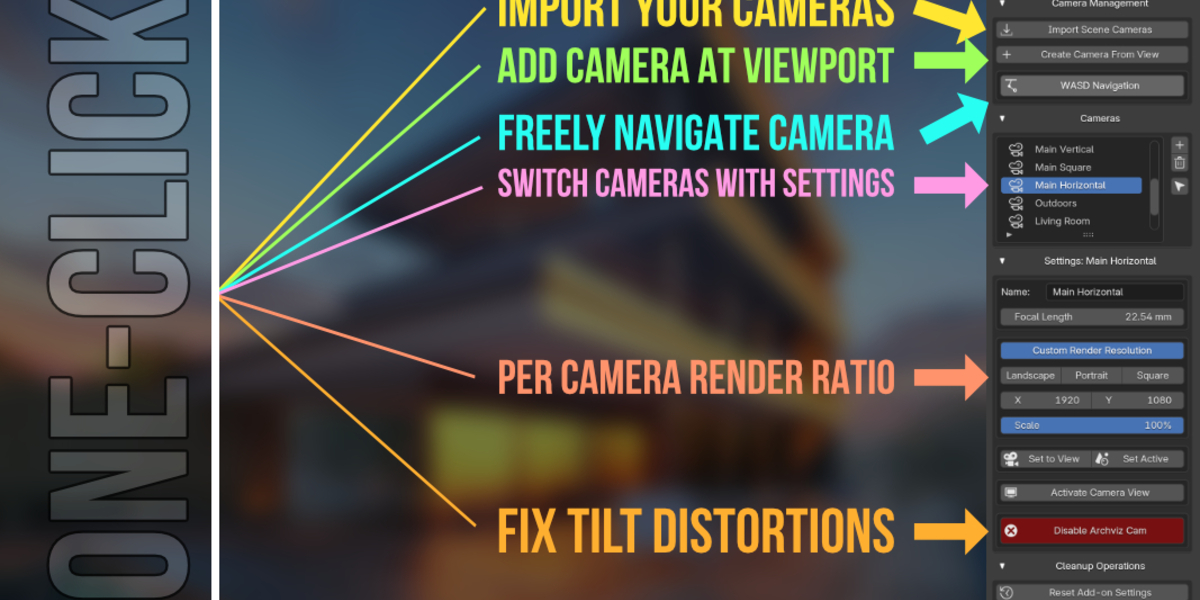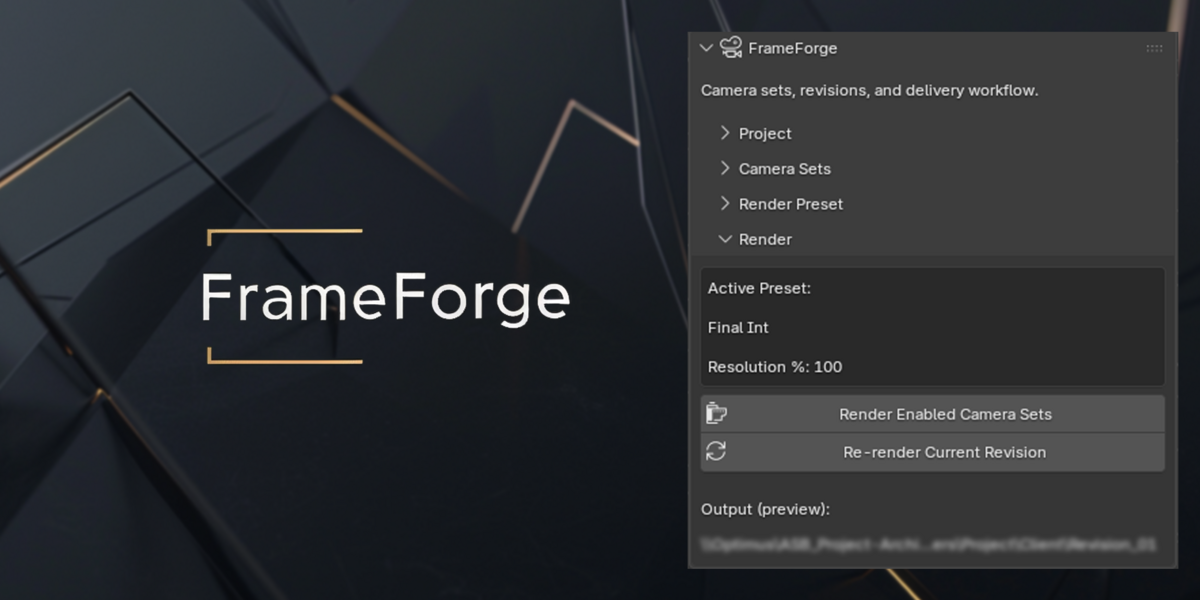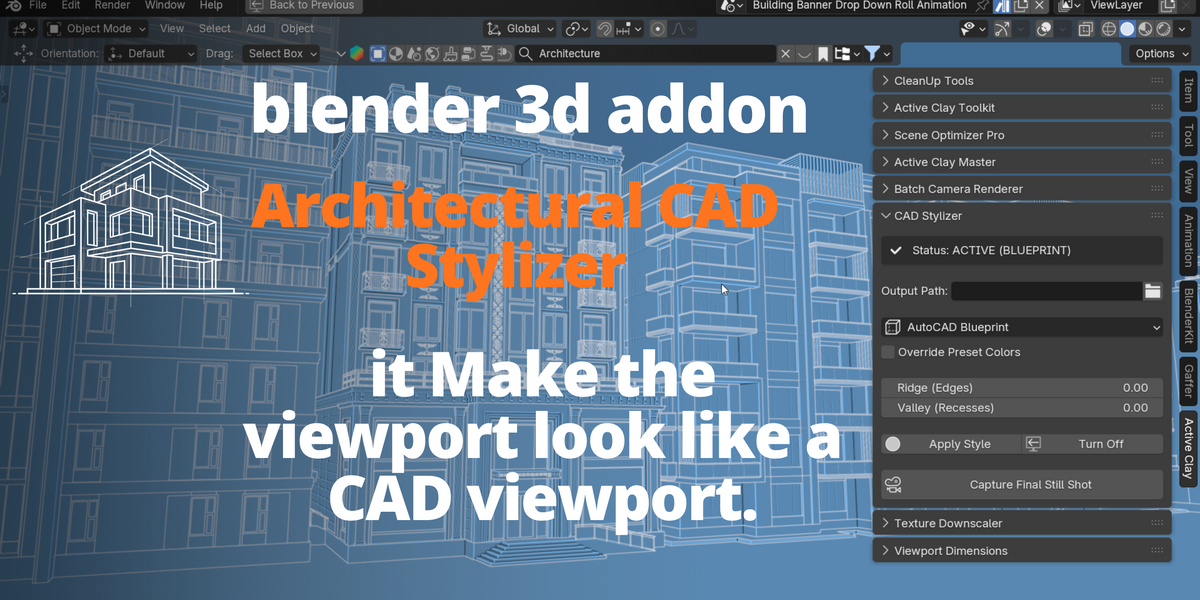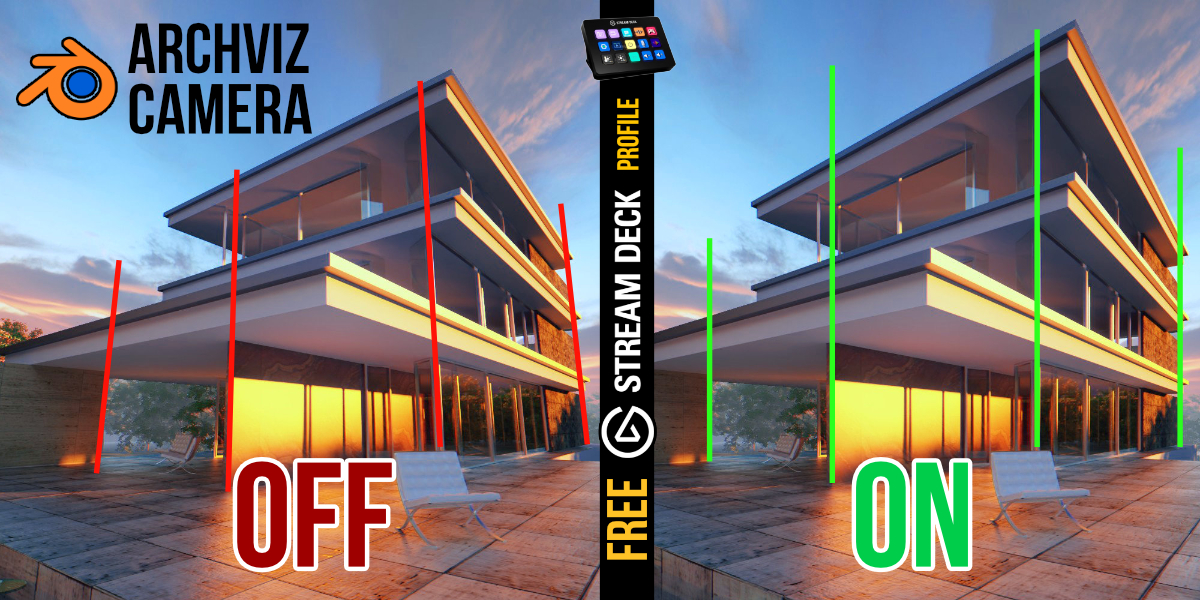
Archviz Camera is a Blender add-on for architectural and interior visualizers who work with multiple shots. Its one-click vertical correction adjusts camera rotation and shift to straighten lines in interiors and building facades. The Superhive product listing also describes tools for building a camera list, setting output formats per shot and navigating a scene.
Correct verticals and keep existing cameras
Use the vertical correction when a camera angle makes building edges or interior lines appear tilted. To capture a new composition, Create Camera From View makes a camera that inherits the current 3D Viewport perspective. If the scene already has cameras, Import Scene Cameras brings them into the add-on so you can apply the correction without recreating your shots.
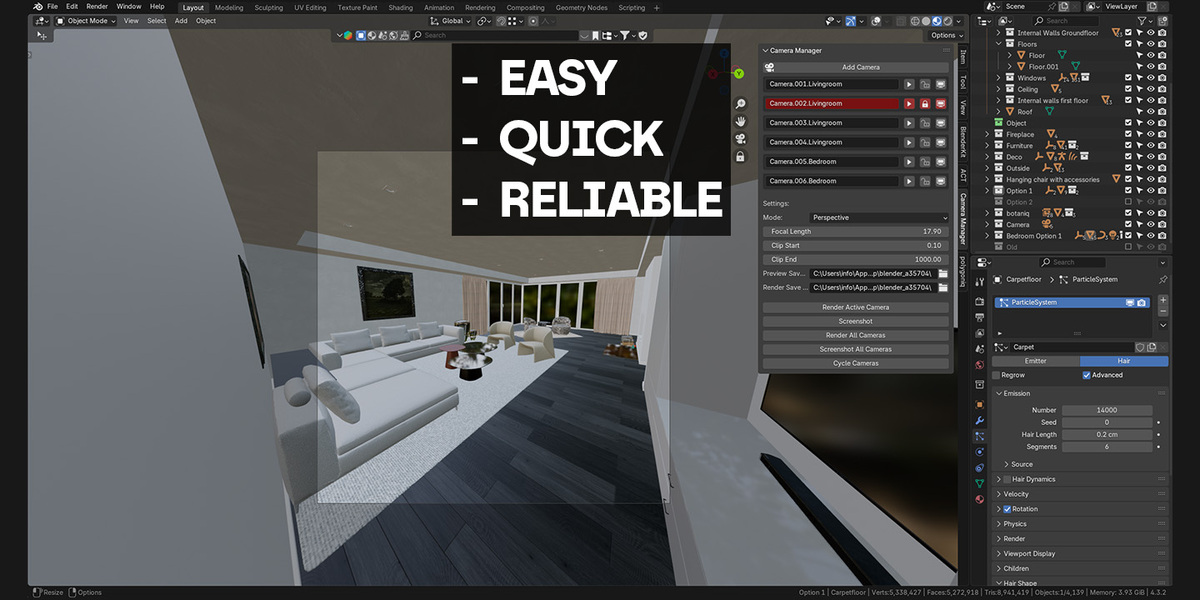
The camera list collects scene cameras in one place. From the 3D Viewport, you can activate a camera, rename it and manage the shot list.
Set output for each shot
Archviz Camera lets you assign a resolution and aspect ratio to each camera. Switching cameras updates the render settings automatically. This can help when a project includes landscape views, portrait details and square images, since you can keep each shot's output format with its camera instead of changing Output Properties between views.
Navigate with WASD or a Stream Deck
WASD controls let you walk or fly a camera through the scene while finding a composition. The add-on also includes a pre-configured Elgato Stream Deck profile. Once loaded, its controls include camera cycling, a vertical-correction toggle, HD, FHD and 4K presets, landscape, portrait and square ratios, and render scaling for lower-resolution previews. The listing also describes controls for adding or duplicating a camera and moving the camera with arrow keys.
Compatibility and listing details
Superhive's listing marks Blender Extension Compatible as Yes, lists Blender versions 3.0 to 5.0, names Cycles and Eevee as render engines, and gives the license as GPL. The listing does not provide a separate Archviz Camera release number. Check the current Superhive listing for download details and compatibility before installing.