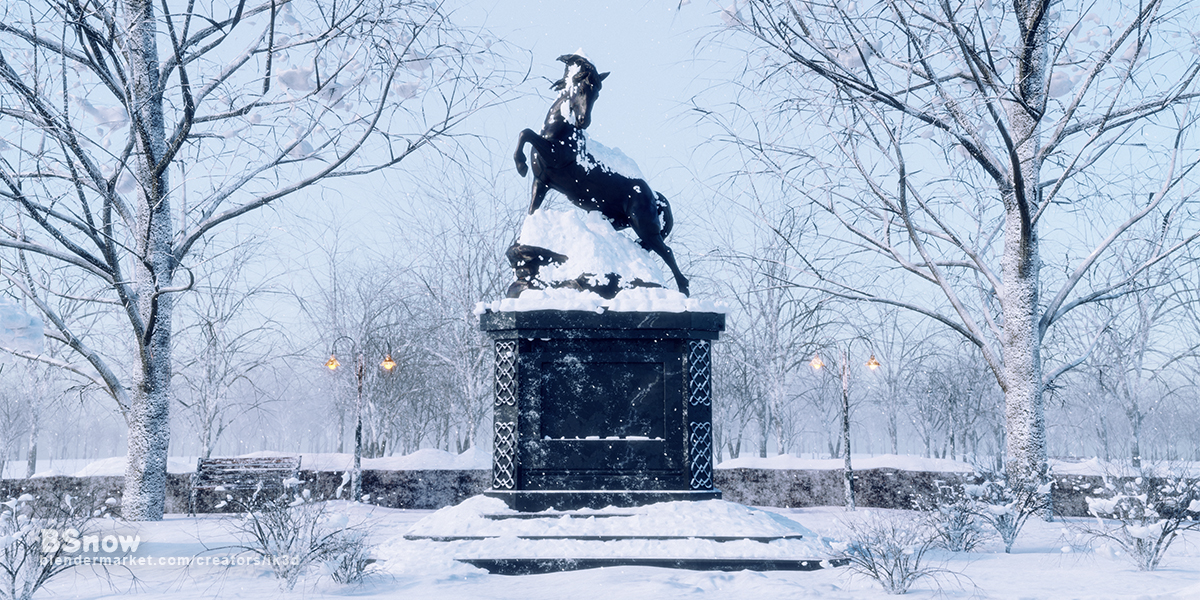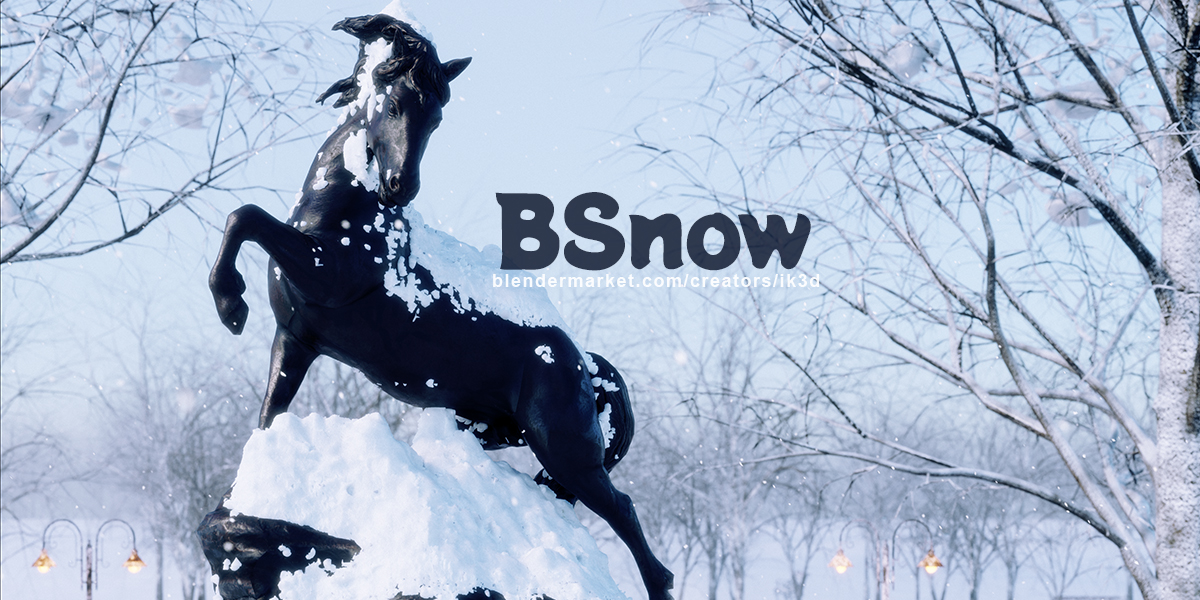
BSnow is a Blender add-on from IK3D for adding simulated snow to existing models, including landscapes, rocks, statues, and foliage. Its controls cover domain setup, particle behavior, physics, and wind. The Superhive product listing describes a workflow for building and adjusting snow simulations, then saving the cache or exporting particles for further work.
Set up and check a snow domain
BSnow can create a domain for the selected object, and multiple domain objects can be batched for a simulation. You can change the domain resolution and set an upsampling resolution with either linear or cubic interpolation.
Before a simulation runs, the collision mesh tool generates a mesh for testing particle collisions and can reveal bad geometry or non-manifold edges.
Adjust particle behavior
Particle settings include particle size and the amount emitted per frame. Scope, Temperature, and Smoothness shape the result: lower Scope values process faster but produce a more truncated particle shape, while higher values produce a less truncated shape. Lower Temperature values create more compact, less extensive snow. Smoothness controls the curve of snow buildup.
BSnow also includes physics and wind settings. Together with the domain and particle controls, these give you several parameters to adjust when building a winter scene from existing geometry.
Save the cache or export particles
The add-on can save a cached simulation as an .abc file and export particles for further experimentation. The listing gives Metaballs as one example of a way to work with exported particles.
Listed compatibility and license
The product page lists Blender 2.93, 3.0 through 3.5, and 4.0 through 4.2, and marks BSnow as Blender Extension Compatible. It lists Windows and Linux x86_64, plus macOS x86_64 and M1, as available platforms. The listed license is GPL. Check the product page for current release details before installing.