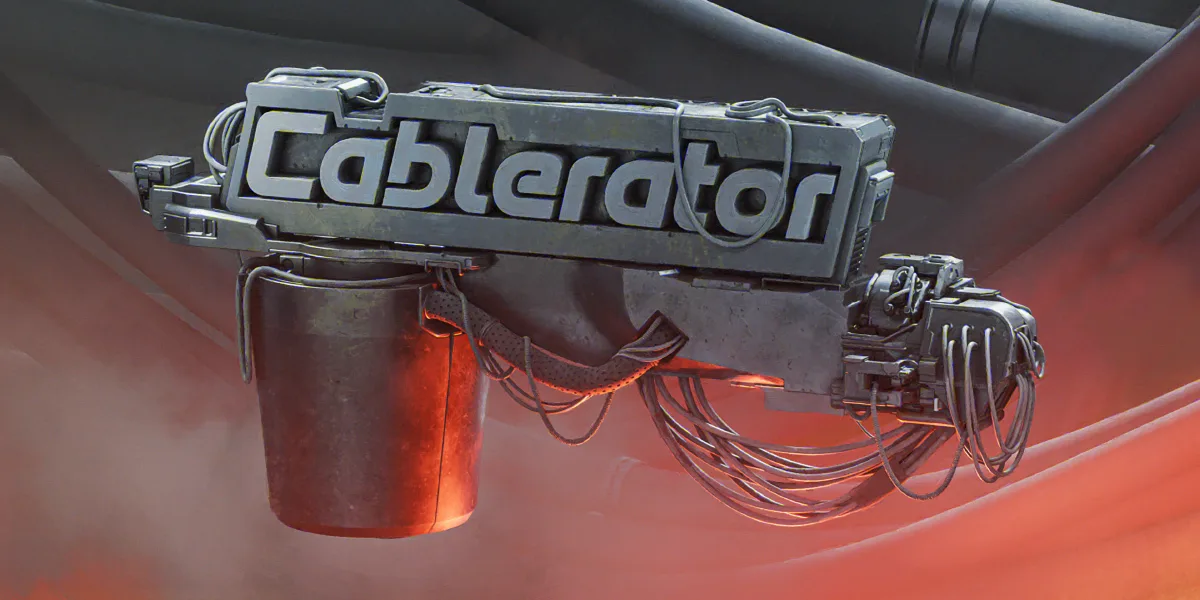
Cablerator is a Blender add-on for creating and editing hanging cables, with a mass-cable tool that generates many runs from selected faces.
Build cables from scene geometry
Choose a creation method that fits the scene:
- Click on geometry, draw on surfaces or planes, or create cables between curve points.
- Build cables from mesh edges, selected objects, or meshes.
- Generate a cable mass from selected faces when you need many runs.
For a basic cable, the manual's Quick Start uses the Create Cable tool to set endpoints on object faces. You can adjust width and tension during creation, then reshape the curve in Edit Mode.
Edit and simulate cable runs
Cablerator can change the width of multiple cables, assign profiles, split cables with multi-curve profiles, add geometry as segments or endpoints, and add or remove hooks on cable points. Cablerator's 9 January 2026 release log for version 1.6.0 lists Refit Mesh or Cable, which converts a dense poly curve, a Bézier curve or a mesh line to a Bézier curve with fewer points. The manual also documents Geometry Nodes helpers and presets for rope, phone cables, chains and hanging cables.
Cablerator's Simulate function uses Blender physics to simulate one curve object at a time, though that object may contain several splines. Mesh objects selected before running the function act as colliders. Because Blender does not support physics for curves, results can be irregular, especially in difficult scenes with many intersections or colliders; the manual recommends treating the result as a starting point for further adjustment.
Add insulation and beta rope forms
The Insulate tool adds an insulation layer to selected curves or meshes. The Rope tool creates a simple rope-like structure around selected curves or objects; the manual labels this feature beta. Both can extend a cable setup with geometry built from objects already in the scene.
Compatibility and documentation
The Superhive listing names Sergey Kritskiy as the developer, lists the license as GPL, marks Cablerator as Blender Extension compatible, and gives a Blender version range of 2.8 to 5.1. The Cablerator manual has a quick start, feature instructions, simulation notes, and separate installation directions for Blender 4.2 and newer and earlier releases. Check the listing and manual for the details that match your Blender version.