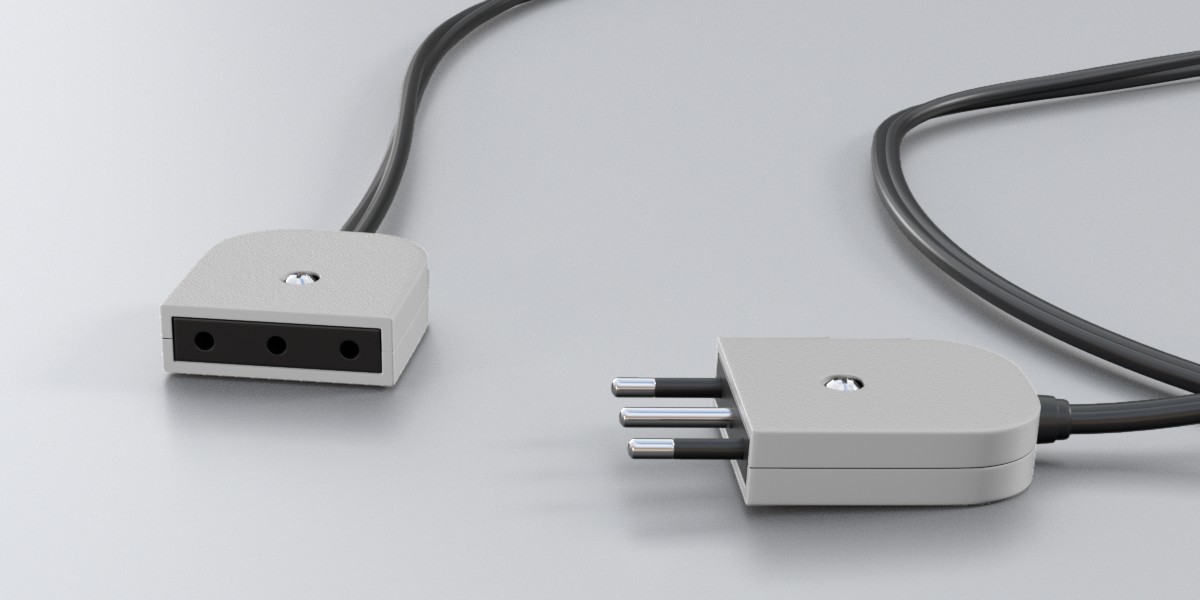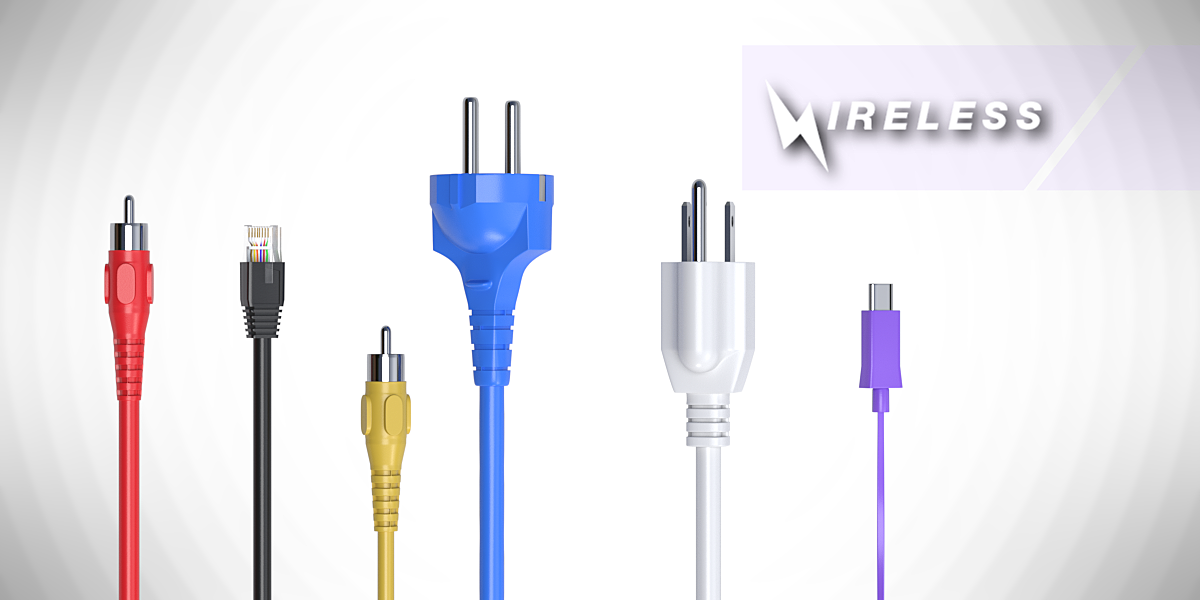
Wireless Addon - Cables Made Easy is a Blender add-on by Alex Saplacan that turns a curve into a cable. Its library includes twelve types covering electrical, audiovisual, and computer cables. You can also add custom cable and plug parts for reuse. The product listing describes workflows in product visualization, architectural visualization, engineering, and animation.
Build a cable from a curve
Select a curve in Blender's 3D View, open the Wireless tab in the Tools Shelf, and click Create some wires. Choose a cable type, then add a head or tail end cap if needed. A thickness slider lets you adjust the result when the default 1:1 scale does not fit the scene.
The cable follows its curve. Edit the curve's control points to change its route, using moves, rotations, subdivisions, or extrusions as needed. You can also swap the end caps or choose different parts from the collection.
Add custom cables and plugs
Wireless supports custom parts for both cables and plugs. Select a mesh, give the part a name, choose whether it is a cable or a head or tail part, select a category, and save it to the library. The documentation recommends applying scale once the part is sized. Cable geometry should point along positive X; head and tail geometry should point along negative X.
Custom collections can be exported to a folder and imported by selecting a folder that contains a collection. Thumbnail preparation is available for custom parts, though the documentation says it works only with Cycles materials.
Keep materials in mind
The documentation describes seven material slots on newly created cables. Changing the cable or end type can remove materials used by those parts. To keep a material available, assign it a Fake User or assign it to another object before changing types.
Check the listed Blender versions
The product listing names Blender 2.7x, 2.8, 2.81, 2.82, 2.83, 2.9, 2.91, and 2.92. It describes the Blender 2.8 release as a beta version with the same functionality. These are the versions named in the listing; it does not confirm compatibility with newer releases. See the Wireless documentation for installation and workflow details.