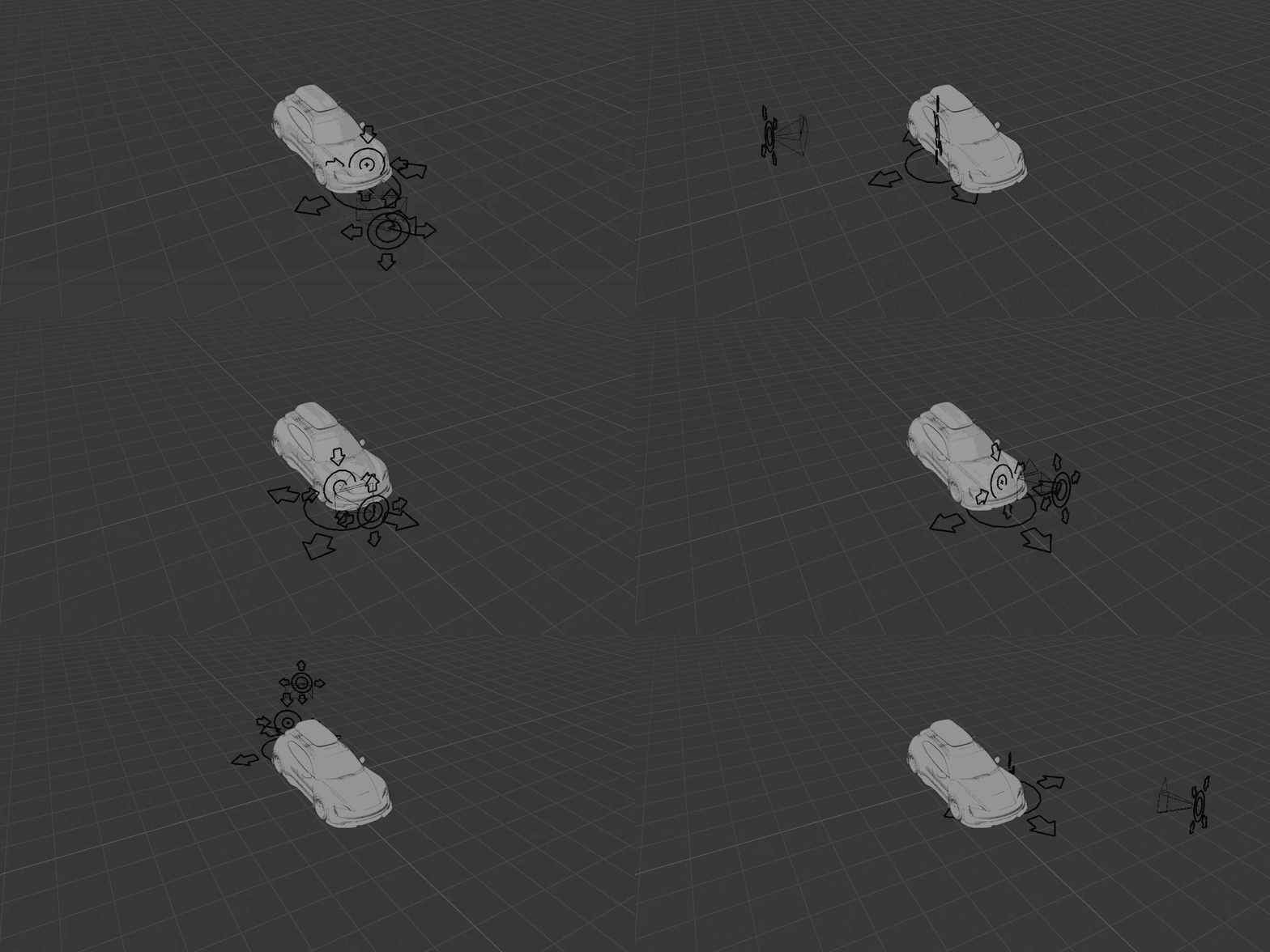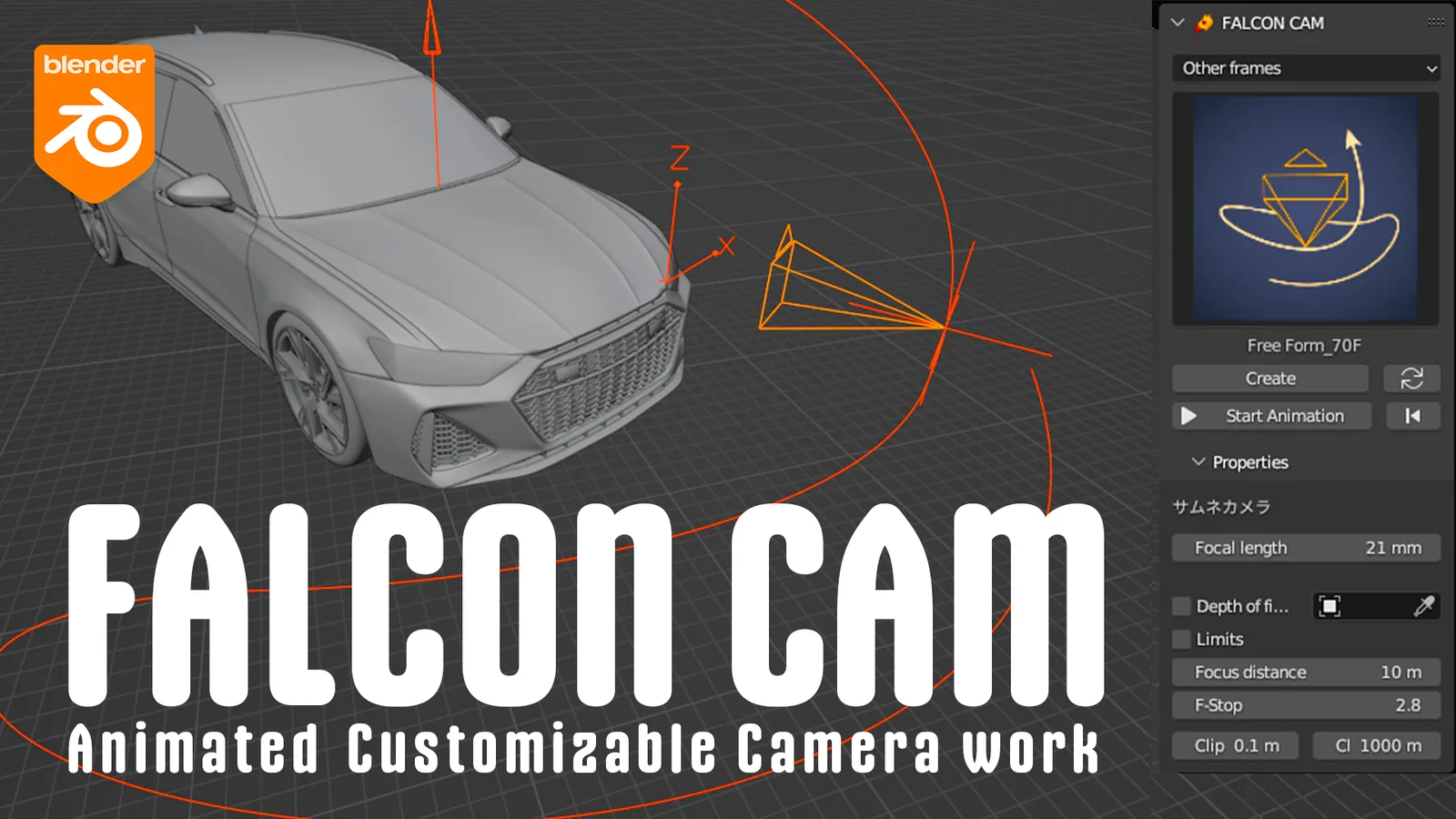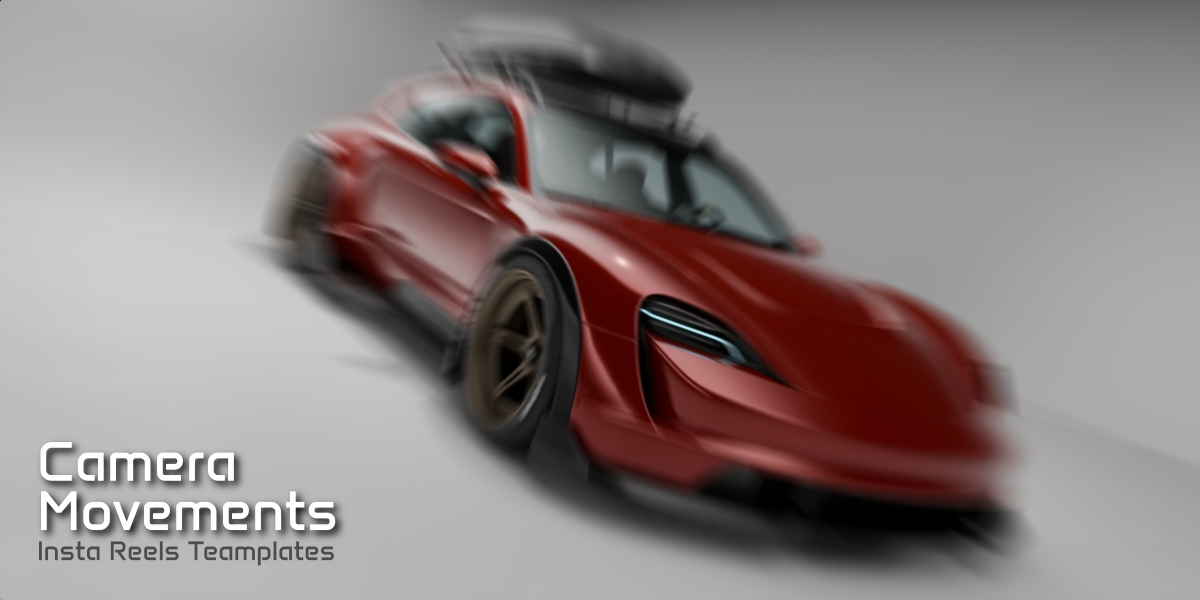
Cam Anim 3D - Insta Reel Camera Movements is a Blender preset library for adding camera motion to a static 3D model. The product listing describes more than 150 camera animations for vertical and horizontal formats, with moves described as synced to trending audio. The presets are intended to reduce the need to keyframe each camera move by hand.
Cam Anim 3D provides camera movement presets for a Blender scene. The product listing names Blender's Dolly Camera Rig as part of the workflow and lists Blender-Internal, Cycles, and Eevee as supported render engines.
How to use the camera presets
- Install the free Add Camera Rigs extension, then add Blender's Dolly Camera Rig to your scene.
- Import the Cam Anim presets.
- Browse and preview the available camera animations.
- Render the selected move in vertical or horizontal format.
The product page describes the animations as synced to trending audio, but does not explain whether audio is included or how synchronization is set up. Check the current product details if matching a specific track matters to your workflow.
Blender compatibility and setup notes
The product details list Blender versions 3.0 to 5.1. Its separate FAQ says Blender 5.1+ and names the free Add Camera Rigs extension as a requirement. Since these pages give different compatibility ranges, confirm support for your Blender release on the product FAQ before installing.
For Blender 5.0 and 5.1, the product documentation gives a fix if the camera rig does not move after appending actions: choose the Legacy slot in Blender's Action Editor before selecting an animation. The product listing identifies the license as GPL.