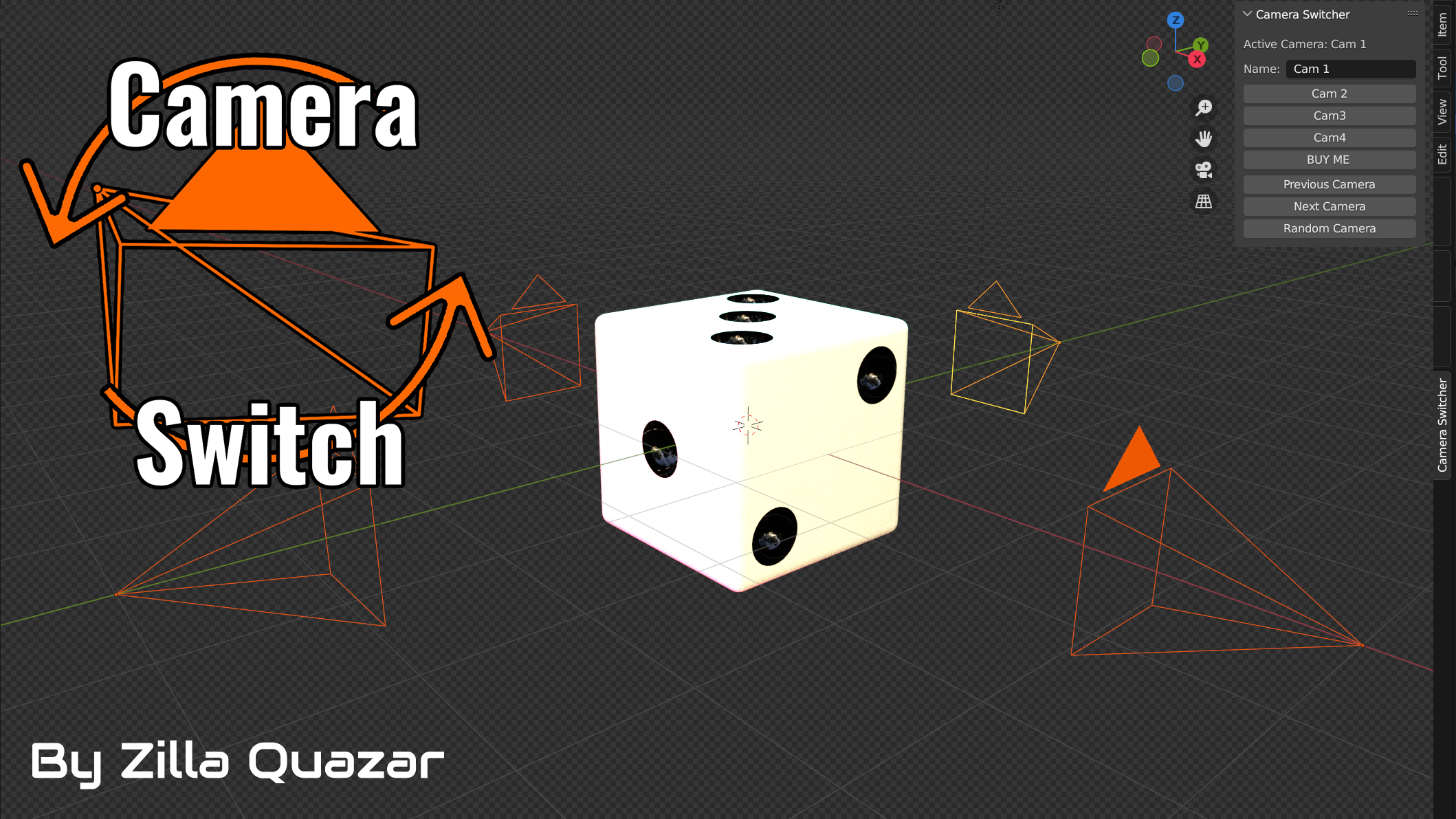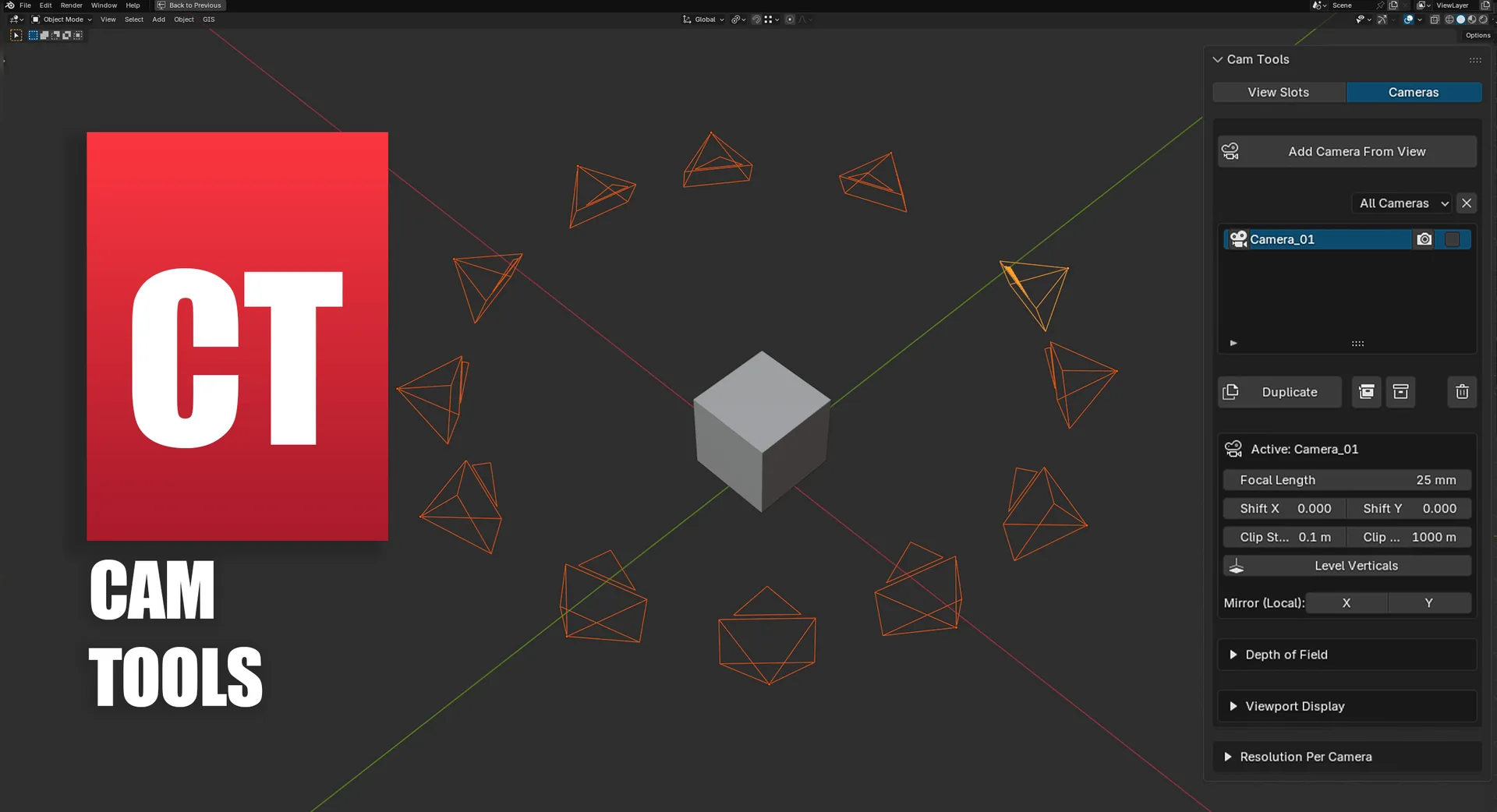
Cam Tools is a camera workflow add-on for Blender that puts camera controls in the 3D Viewport’s N-Panel. Create a camera from the current viewport framing, manage multiple cameras from a list, and set a render resolution for each camera. The developer’s repository lists Blender 4.2 and later as supported.
Frame and manage cameras
The add-from-view control creates a camera with framing that matches the viewport. From the camera list, you can activate, duplicate, delete, or batch-select cameras. Auto-level verticals and local X/Y mirror controls help adjust a shot’s composition. Cam Tools also includes composition guides, passepartout, and a depth-of-field panel.
Set resolution for each camera
Cam-Res applies resolution overrides to individual cameras, with presets and a custom scale. The developer’s repository describes these settings as separate from Blender’s global render settings. That lets cameras in one scene use different output dimensions without changing the scene-wide resolution.
Save viewport views with View Slots
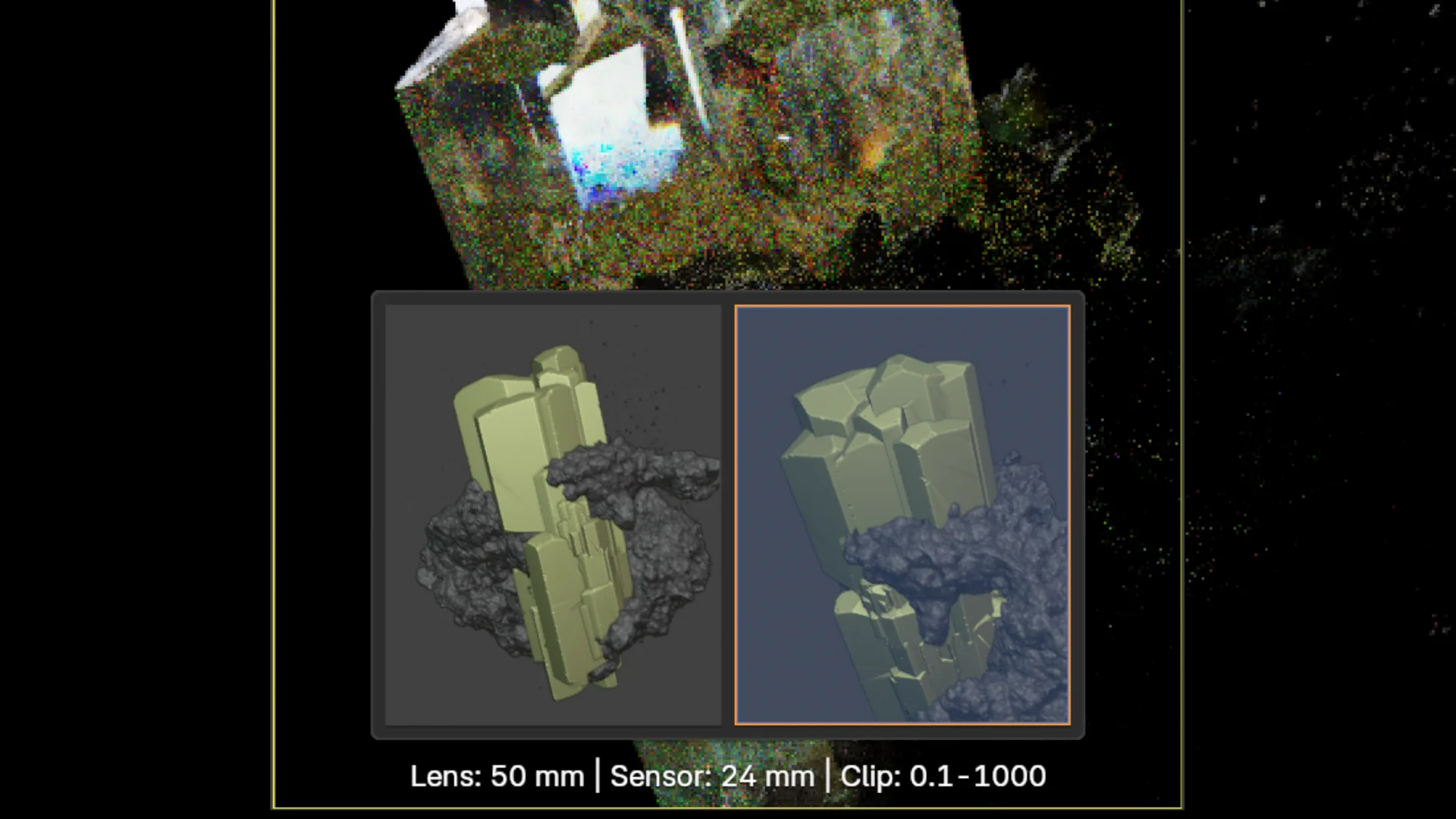
View Slots save and recall viewport views, including the view angle, zoom, and camera. They work like named bookmarks for returning to a saved view. A switcher lets you move between the Cameras and View Slots lists.
Install Cam Tools in Blender
Download a release ZIP from the developer’s repository. In Blender, open Edit > Preferences > Extensions > Install from Disk, choose the ZIP, and enable Cam Tools. Its controls appear in View3D > N-Panel > Cam-Tools. The repository describes the add-on as GPU and operating-system independent, with no external dependencies, and lists its license as GPL-3.0-or-later. See the Blender Extensions listing for the extension page.
What changed in version 1.2.0
Version 1.2.0 added View Slots and a switcher between the camera and view lists. Its changelog also records fixes for panel freezing in scenes with many cameras, background stuttering from an unnecessary timer write, and conflicts caused by leftover settings from older versions. The developer’s repository has the release details and issue tracker.