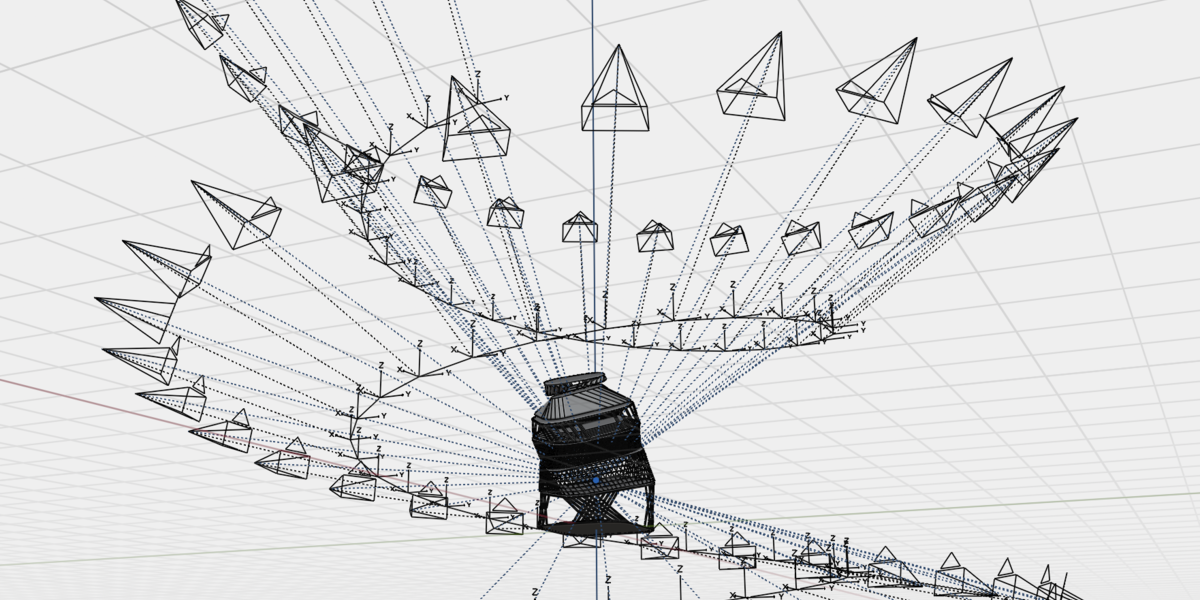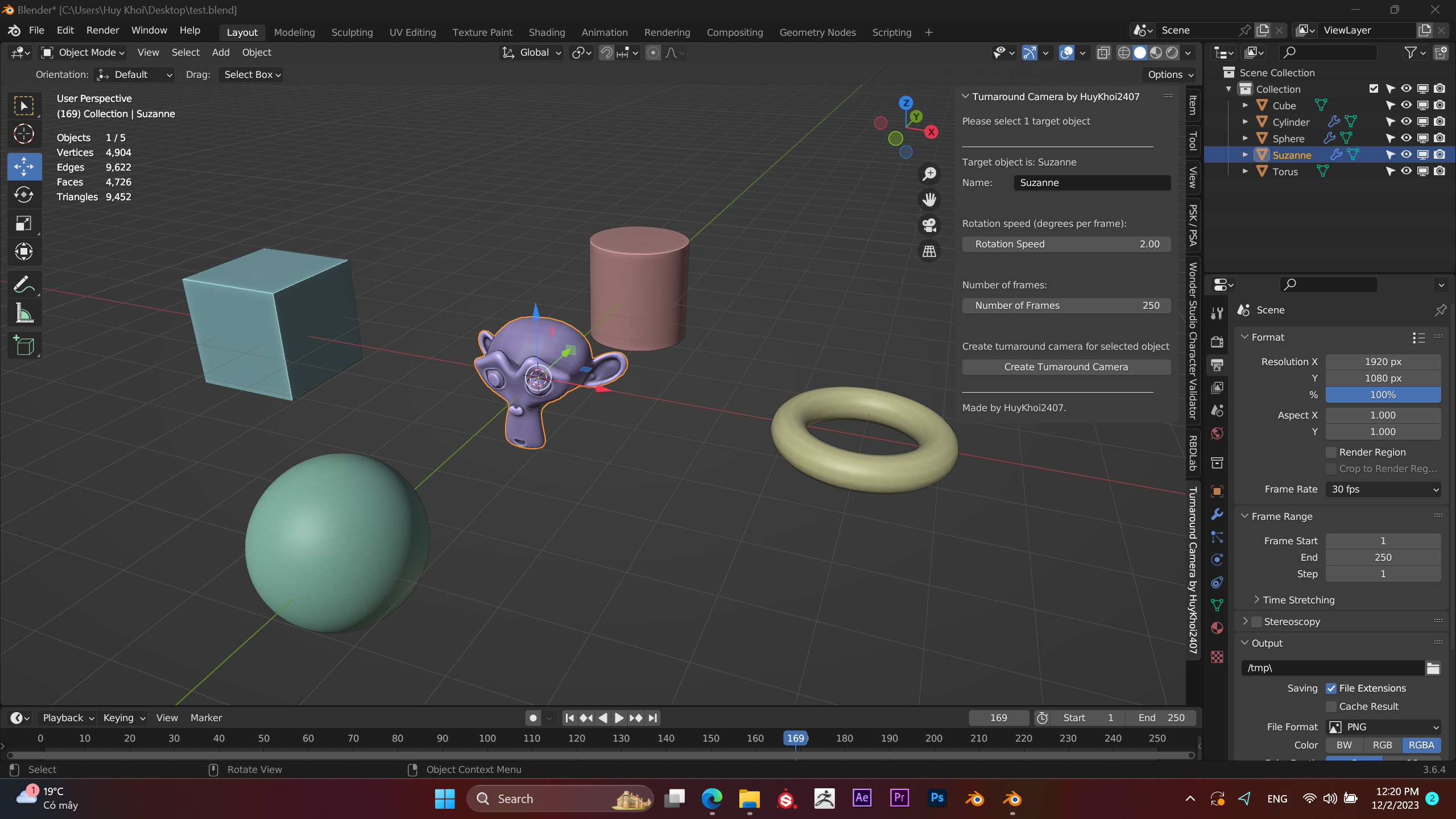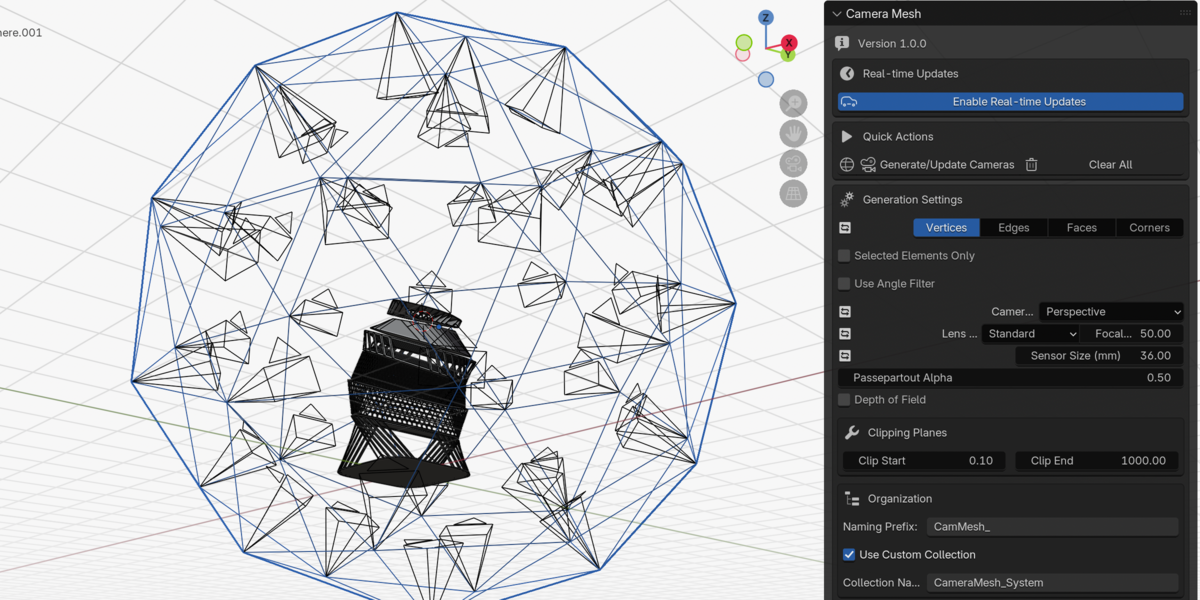
Camera-Mesh-Add-On generates Blender cameras from mesh vertices, edge centers, face centers, or face corners. It suits artists who want to lay out viewpoints across a model, then adjust and animate the resulting cameras.
Generate cameras from mesh elements
Choose a generation mode to place cameras at the mesh locations you need. An angle filter selects elements by normal orientation, and selection-only mode limits generation to selected elements. The product listing also describes rotating the geometry and updating the result.
Adjust each camera and its orientation
Set focal length and sensor size, or choose a wide, standard, or telephoto lens preset. Depth-of-field controls include aperture and focus distance. Cameras can align to mesh normals or point toward a target; offset and randomization change their position and rotation.
Control and animate the camera system
Adjust cameras individually with separate controllers or manage them together with a master controller. An optional automatic armature rig provides another way to control the system. The add-on can bake camera movement into keyframes and includes preview buttons for moving between cameras.
A main panel groups the options, while a footer menu in the 3D view is available through Shift + C by default. A camera list provides visibility, selection, and render controls. The listing also describes real-time parameter updates and a batch mode for processing large numbers of cameras.
Compatibility and product details
The Superhive listing gives the add-on version as 1.0.0 and identifies the license as MIT. It describes compatibility as Blender 3.0 or higher; its Blender Version field lists 3.0 to 4.5. Check the Superhive product listing for details that apply to your Blender build and for current download and license information.