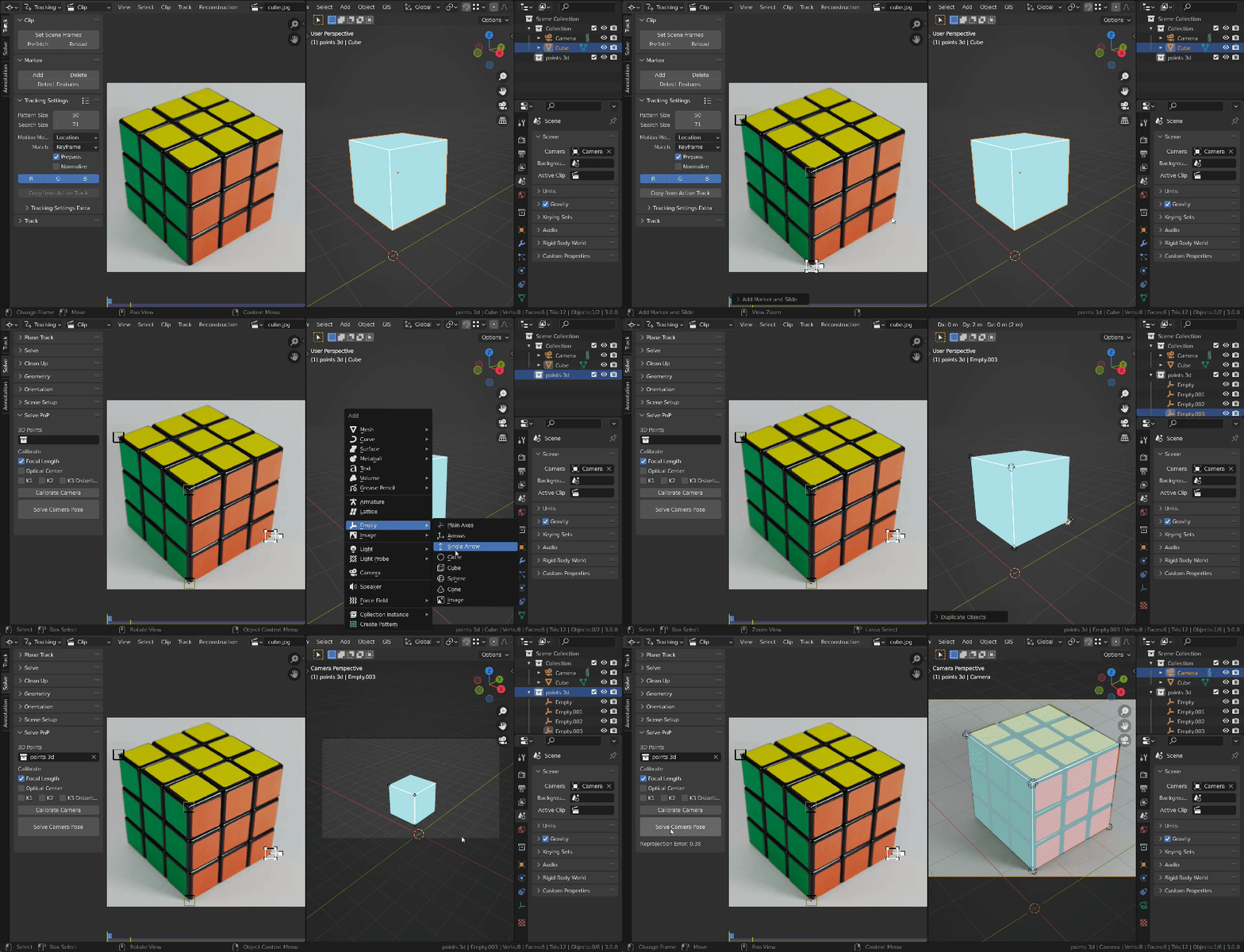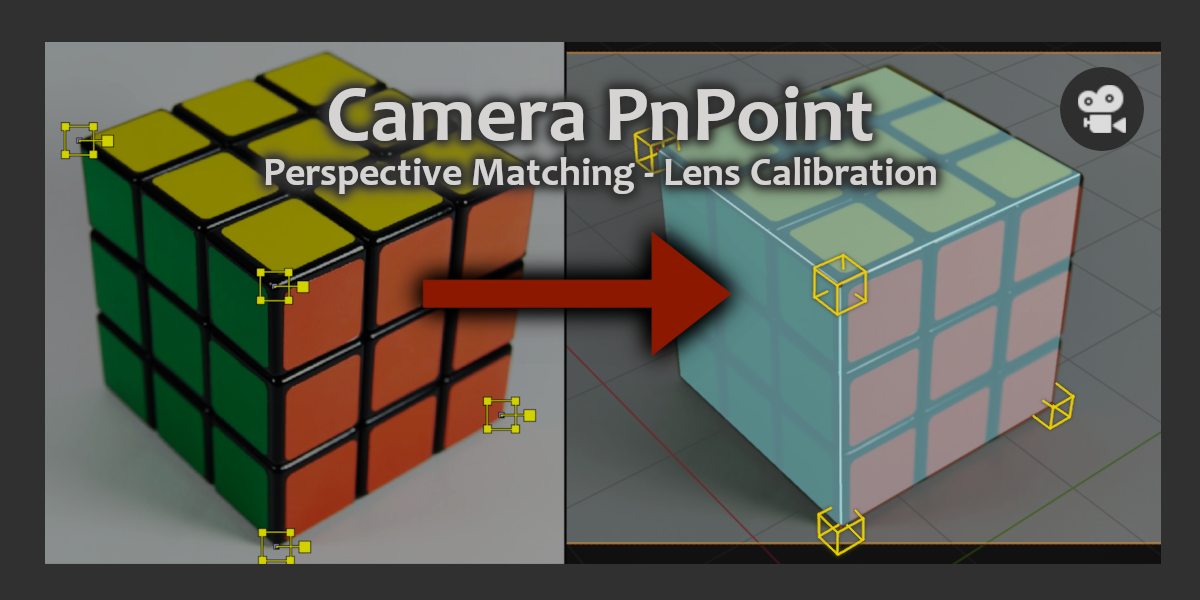
Camera PnPoint adds a Perspective-n-Point (PnP) solver to Blender’s camera tracking workbench. It estimates a camera pose from known 3D locations and their corresponding 2D projections in a still image, so the solve can use one picture without relying on multiple vanishing points or parallel lines.
Match a camera from 3D and image points
The pose solver uses ground-truth 3D locations paired with points marked in the image. After the solve, it sets up a Blender camera with the resulting camera parameters and the image as its background. The add-on also displays the reprojection error from the last solve for inspection.
Adjust lens calibration
A separate calibration solver uses the 3D and 2D projection data to adjust focal length, principal point, and radial distortion. This is useful when a scene match also needs lens parameters refined, alongside the camera pose.
OpenCV and compatibility
Camera PnPoint uses OpenCV, which can be installed from the add-on’s preferences. Blender may need to start with elevated privileges for installation. Blender versions listed are 2.93, 3.0 through 3.6, and 4.0; check the product listing for compatibility details. Its license is GPL.
Camera PnPoint is a fit for Blender users who have known 3D points and want to align a camera to a still reference, inspect the last solve’s reprojection error, and refine lens calibration.