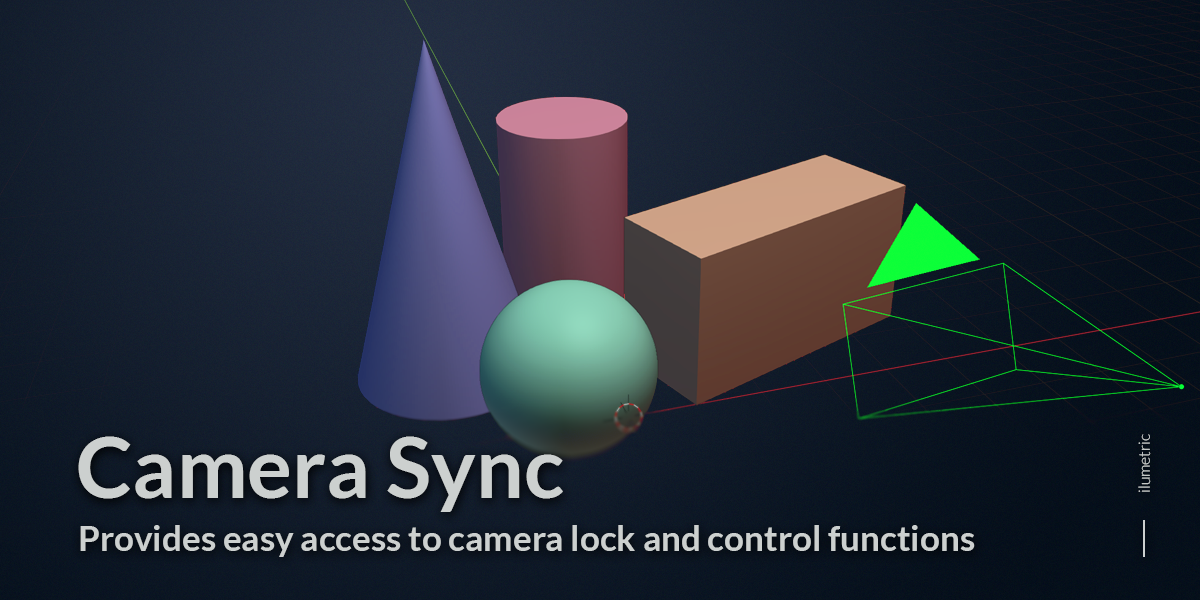
CamFree is a Blender add-on by JR3DFUL for using Fly and Walk navigation with an active scene camera that has Object Constraints, such as Track To. Those constraints can prevent the camera from moving or rotating freely during navigation.
How CamFree handles constrained cameras
When you navigate in Camera View with a constrained camera, CamFree makes a temporary copy, removes the constraints from that copy, sets it as the active scene camera, and starts Blender’s standard navigation. The add-on uses your existing Fly and Walk shortcuts.
Accept a move with Left-Click or Enter/Return to transfer the new transformation to the original camera. Cancel with Right-Click to restore the original camera state.
Automatic and manual navigation
CamFree activates this behavior when you are in Camera View and the active camera has constraints. Outside Camera View, or when the camera has no constraints, your normal navigation is used. For manual access, choose Fly Navigation with Constraints or Walk Navigation with Constraints from View > Navigation.
Compatibility and release
The Blender Extensions listing for CamFree identifies JR3DFUL as the developer and lists version 1.0.5 for Blender 4.2 LTS and newer. The extension archive is listed at 2.4 KB, requires no special permissions, and uses the GNU General Public License v3.0 or later. Check the listing for the current release and download details. For installation steps, see Blender’s Install from Disk documentation. Issues can be reported through the CamFree issue tracker.