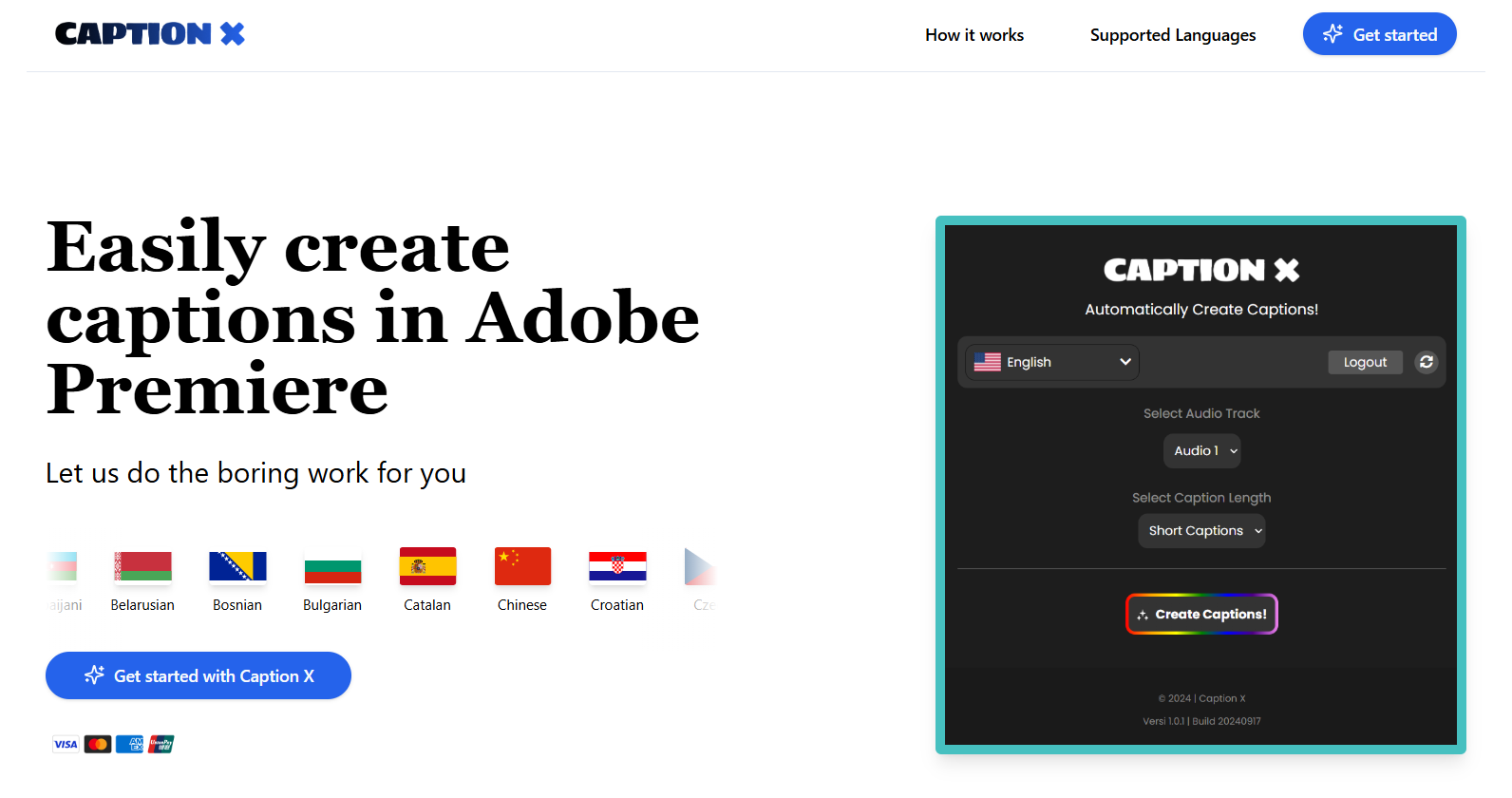
Caption X - Windows is a CEP extension for Adobe Premiere Pro from Tether Technologies Pty Ltd. It transcribes audio from a clip or sequence and creates timed, styled captions in the editing timeline. Editors can adjust the caption font, colour, and position, then export an SRT file or burn the captions into the video render.
Captioning in Premiere Pro
The listing specifies compatibility with Premiere Pro 9.0 or later and says Caption X requires an active subscription, with a free plan available. After installing the extension, sign in inside its panel, choose a clip and language in Premiere Pro, and generate captions from its audio. The listing describes three line-length choices: short, medium, and long. Caption styling and export are handled within the editing workflow, so there is no need to copy a transcript into a separate tool.
- Generate captions from audio in a Premiere Pro sequence.
- Choose a short, medium, or long caption line length.
- Adjust font, colour, and position.
- Export a clean SRT sidecar file or burn captions into the render.
Windows edition and installation
This catalog entry is for the Windows edition. The developer also lists a separate Mac download. Check the current system and language requirements before starting a project, especially if it depends on a particular language. The developer's Premiere Pro page describes the workflow and available downloads; the Adobe Exchange listing is another installation route.